
Every creator knows the moment.
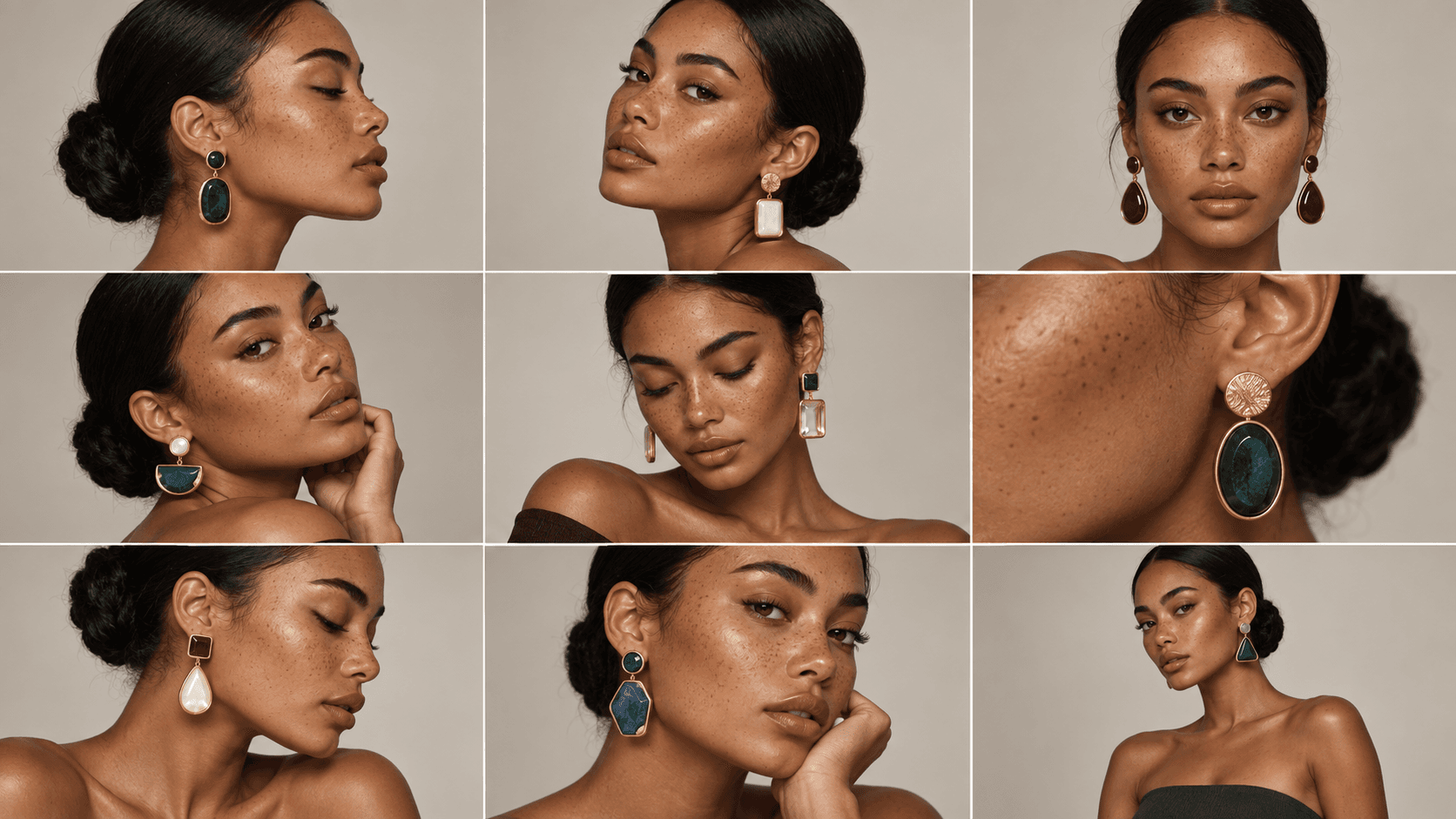
After a run of average results, one generation lands. The light is right, the product looks real, the style is exactly what the brief asked for. So you download it, deliver it, and move on.
A week later you need another one, and you are staring at an empty prompt box again.
This post is about the difference between saving results and saving the process that made them.
A Result Is More Than an Image
The image you delivered is only the visible part of the work. Behind it sits everything that actually produced it:
- The model you chose, and why
- The reference images that set the look
- The exact prompt wording that finally worked
- The ratio, resolution, and quality settings
- The finishing steps after generation: upscaling, background work, color
When you save only the image, you keep the output and throw away the recipe.
The Problem With Starting Over
Recreating a result from memory almost works, and almost is the problem.
The wording is slightly different. A setting is one step off. The reference you used is somewhere in your downloads folder. The new result is close to the approved one, but not the same, and on client work that drift shows.
There is also the cost nobody bills for. Every time you rebuild a setup, you pay the same setup time again, on work you have already figured out once.
The most expensive part of AI content is rarely the credits. It is rebuilding the setup.
What Saving the Process Means
In AgentDocks, the process is the thing you build. On the Node Editor canvas, your inputs, references, prompt, model choice, and finishing steps are connected nodes in one workflow.
Closing the project does not dissolve any of that. The workflow stays exactly as you left it: still wired, still configured, still runnable. There is nothing to write down, because the canvas itself is the documentation. Anyone who opens it can see how the result is made, step by step.
Save the image and you keep one output.
Save the process and you keep every output after it.
Run It Again, Change One Thing
The next job rarely needs a new process. It needs the same process with one thing changed.
So you swap the input image, or edit a variable in the prompt, and press run. Everything else stays where it was: the references, the settings, the finishing chain, the standard.
The same logic covers the bigger changes too. Trying a different model is a setting inside the node, not a rebuild, which is why we built one node for every image model. And when one item becomes a whole catalog, Batch Run carries the same workflow across every product.
Start in the Studio, Keep the System
Not every good result starts on a canvas, and it does not have to.
In Create Studio, every generation keeps its full recipe: the prompt, the model, the references, and every setting that produced it. When one of those results deserves to become a process, you can convert it into a node project. The references become input nodes, the settings carry over, and the workflow is ready to run again.
A lucky prompt becomes a system the moment it proves it deserves to.
The Work Compounds
This is where the shift from prompt to production actually pays off.
Each saved workflow is an asset you own. Duplicate it as the starting point for the next client. Export it and import it somewhere else. Let the recurring deliverable run through the same system every month instead of being rebuilt every month.
For freelancers and agencies, that changes what you are selling. The deliverable is still the image or the video, but behind it you are building a library of working processes that make every following job faster than the last.
Keep the Process
The next time a generation lands exactly right, deliver it, and then look at what produced it. That setup is worth more than the image.
AgentDocks is built so you can keep it: as a workflow you can rerun, adjust, and hand over, long after the original prompt is forgotten.