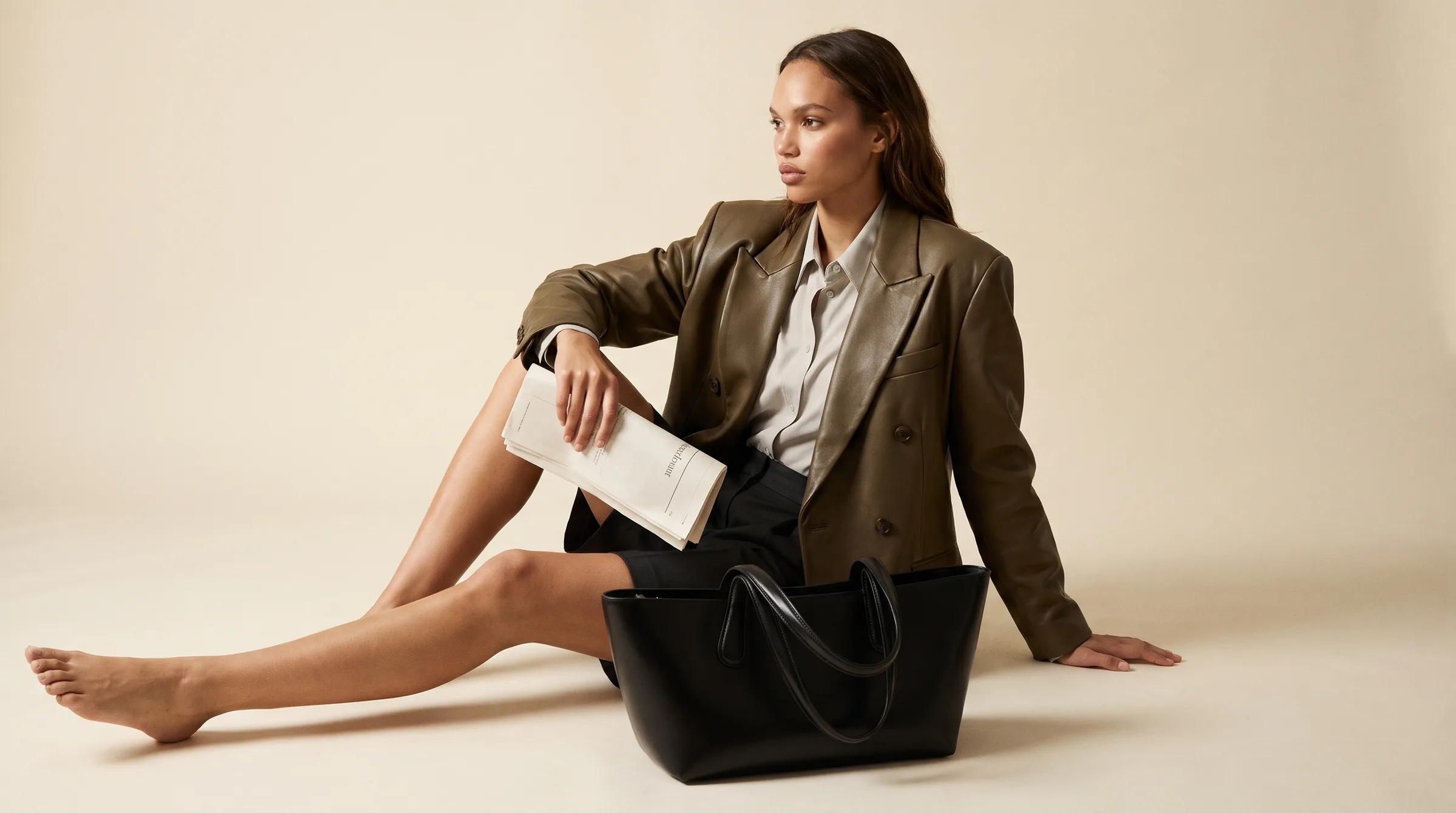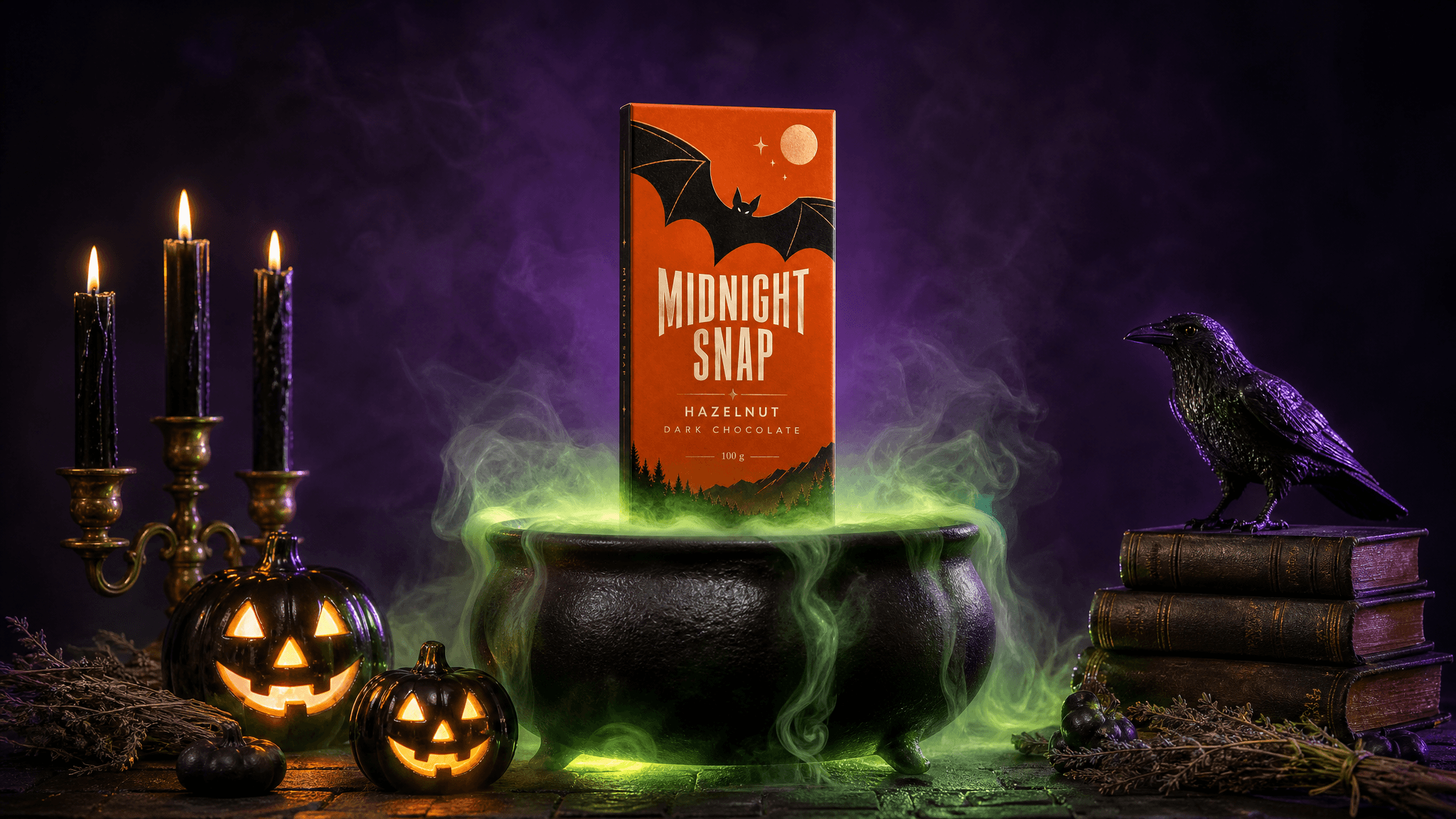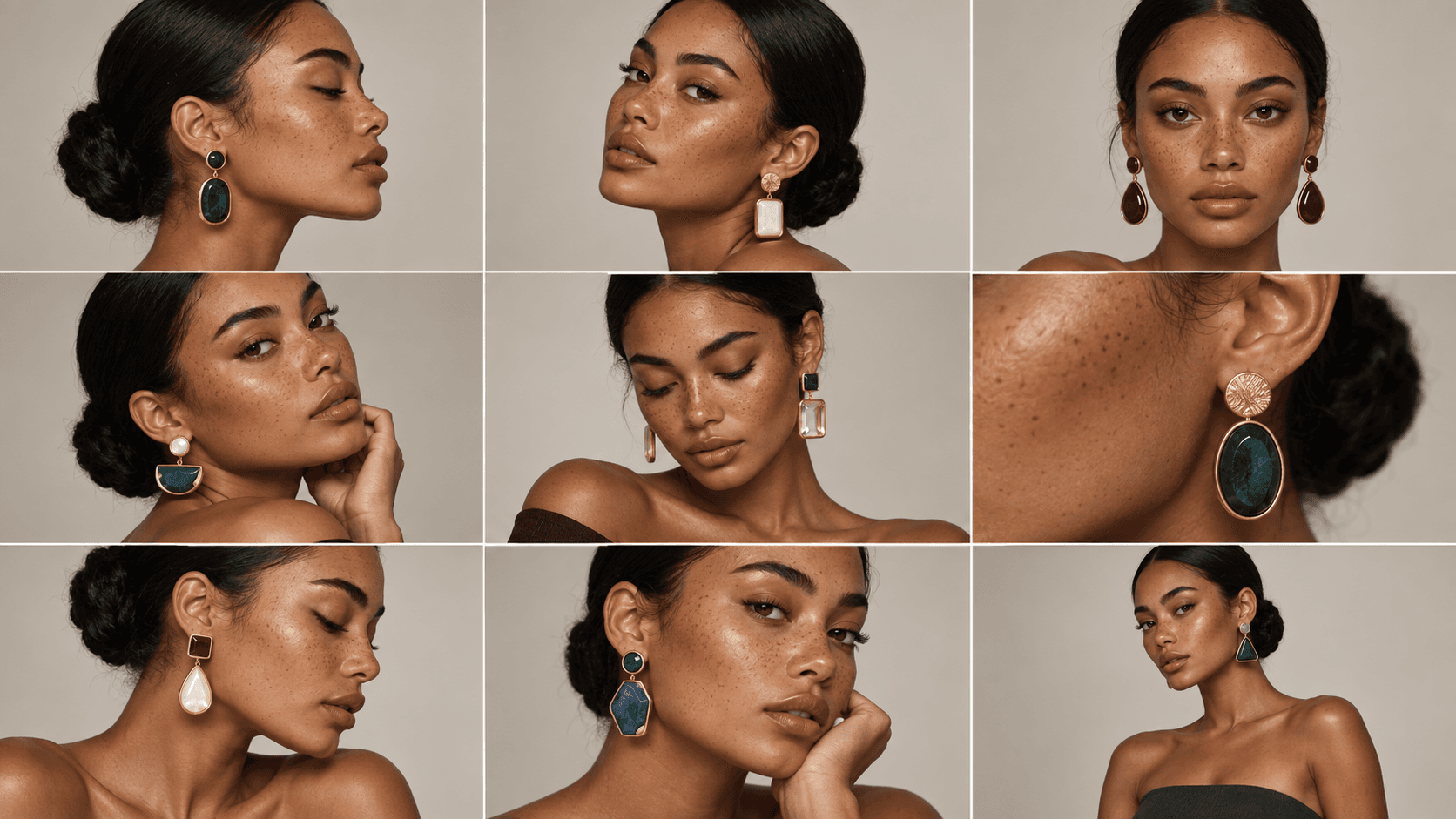
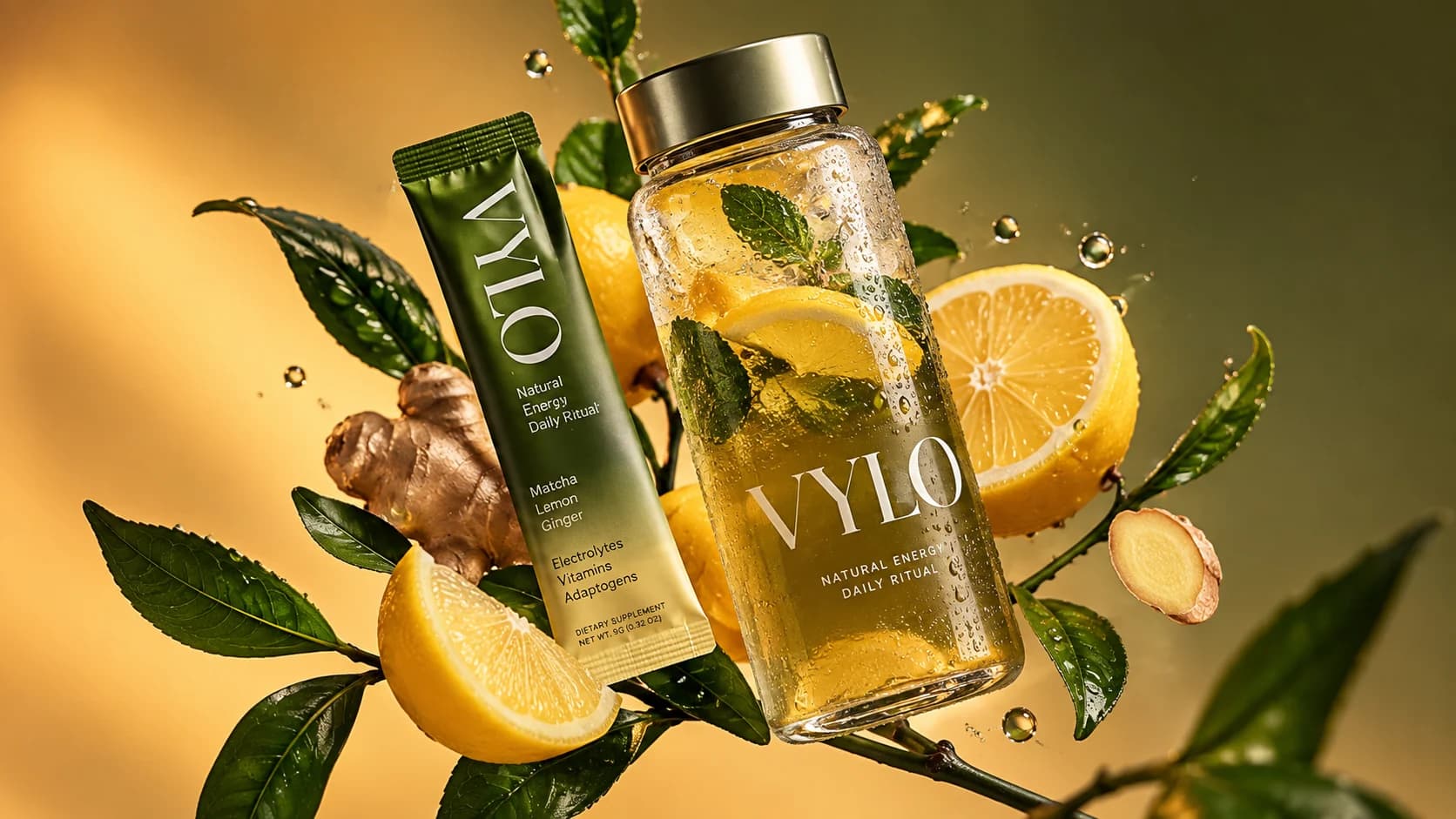
A strong campaign image no longer has to end as a still.
With modern image-to-video models, a single AI-generated key visual can become a cinematic product shot, a moving fashion editorial, a social ad, a campaign teaser, a looping website visual, or the starting point for an entire sequence of motion content.
That changes the role of image generation.
Instead of thinking in separate categories, first images and then video, creative teams can build image-to-video workflows where still generation becomes the visual foundation for motion production.
The still establishes the art direction. The video model adds movement.
And when those stages are connected inside a reusable workflow, one approved campaign direction can produce far more content without forcing a team to rebuild the creative process for every asset.
This is especially valuable for brands, agencies, ecommerce teams, social media teams, filmmakers, and AI creators who need to turn a visual concept into multiple campaign deliverables.
In this guide, we will look at how image-to-video workflows work, how models such as Kling, Runway, and Wan fit into the process, how to write better motion prompts, and how AgentDocks can bring image and video generation together inside one production system.
What Is an Image-to-Video Workflow?
An image-to-video workflow is a production process in which a still image becomes the visual starting point for an AI-generated video.
At its simplest, the workflow looks like this:
Creative Direction → Generate Still → Select Key Visual → Image-to-Video Model → Motion Output
But professional campaign production can go much further:
Product / Character / Reference → AI Still Generation → Image Refinement → Approved Campaign Still → Kling / Runway / Wan → Video Variations → Final Campaign Assets
The important idea is that the still and the video are not isolated generations.
They are connected stages.
The image defines the visual world. It can establish the subject, product placement, wardrobe, environment, composition, camera position, lighting, color palette, and overall campaign aesthetic.
The image-to-video stage then answers a different question:
What should happen inside this image over time?
That separation gives creators much more control than asking a video model to invent the entire visual direction and motion simultaneously.
Why Start With a Still Image?
Text-to-video can be extremely useful, but campaign work often requires more visual control than a text prompt alone can provide.
A brand may already know exactly how the product should look.
An agency may have an approved campaign key visual.
A fashion team may need the same model, styling, set design, and color treatment across multiple deliverables.
An ecommerce brand may need motion content built from existing product compositions.
In those situations, beginning with a still gives the workflow a visual anchor.
A strong input image can already contain:
- the correct product
- the desired character or model
- approved branding
- exact styling
- campaign colors
- lighting direction
- environment
- composition
- camera angle
- visual hierarchy
The video model does not need to reinvent those decisions. Its primary job becomes motion.
This is one reason image-to-video is so useful for commercial AI production: it allows teams to separate art direction from motion direction.
The Still Is Your First Frame
One of the most important concepts in image-to-video generation is simple:
Treat the uploaded image like the first frame of a shot.
If the first frame is weak, the video model begins with weak information.
A blurry face may become more unstable in motion. A distorted product may deform further. Poorly rendered hands can become more noticeable once they move. Unclear branding can become even harder to preserve.
Before animation, inspect the still for:
- subject accuracy
- product geometry
- readable branding
- clean hands and faces
- realistic object placement
- coherent shadows
- perspective
- background artifacts
- edge quality
- composition
- enough visual space for the intended movement
For production work, it is often worth refining the image before sending it into a video model.
A few minutes spent fixing the first frame can save multiple failed video generations later.
Image Prompting and Video Prompting Are Different
A common mistake is using the video prompt to redescribe everything already visible in the image.
That is usually unnecessary.
The image already tells the model what the scene looks like.
For image-to-video, the prompt should focus much more heavily on what changes over time.
Think in four motion layers:
| Motion Layer | What It Controls | Example |
|---|---|---|
| Subject motion | What the person or product does | The model slowly turns her head toward camera |
| Camera motion | How the camera moves | Slow dolly-in with a subtle left-to-right arc |
| Environmental motion | What moves around the subject | Fabric drifts softly while leaves move in the background |
| Temporal behavior | Speed, sequence, and timing | Slow motion at first, followed by a faster final push-in |
A useful structure is:
Camera movement + subject action + environmental movement + motion style
For example:
The camera slowly pushes toward the product while making a subtle clockwise arc. Condensation slides naturally down the bottle as the surrounding leaves move gently in a light breeze. Reflections shift realistically across the glass. Smooth cinematic motion, premium commercial pacing.
The prompt is not rebuilding the image.
It is directing the shot.
Choosing an Image-to-Video Model
There is no single video model that is ideal for every shot.
Different models can behave differently with people, products, camera movement, stylized scenes, transformations, physics, or subtle motion.
That is why model choice should be treated as part of the creative workflow rather than as a permanent decision.
For an AgentDocks workflow, a creator might route an approved still into Kling, Runway, Wan, or another available video model depending on the shot they want to produce.
A Practical Model-Selection Framework
| Model / Model Family | Consider It When You Need | Useful Campaign Scenarios |
|---|---|---|
| Kling | Cinematic image-to-video work, expressive movement, product or character animation, and shots where motion direction is central | Fashion films, product ads, lifestyle shots, cinematic social content |
| Runway | Controlled generative video, detailed motion prompting, camera choreography, iteration, and production-oriented creative workflows | Brand films, campaign shots, editorial motion, social advertising |
| Wan | Another strong image-to-video route for experimentation, motion generation, and workflow diversity | Concept testing, stylized sequences, campaign variations, alternative motion passes |
The best model is not necessarily the same for every node or every campaign.
A creative team might prefer one model for a slow beauty shot and another for a dynamic action sequence.
The more useful question is:
Which model is best suited to this particular shot?
That model-agnostic mindset becomes especially powerful inside AgentDocks because the workflow can be designed around the creative process rather than around one isolated AI tool.
A Note on Runway's Current Image-to-Video Models
Runway's current generative video ecosystem illustrates how quickly model capabilities are evolving.
Its newer Gen-4.5 model supports both text-to-video and image-to-video and is designed for stronger motion quality, prompt adherence, visual fidelity, and more complex instructions. Runway's documentation also emphasizes that, in image-to-video mode, the uploaded image provides the visual starting point while the text prompt should concentrate on the desired motion.
Older Gen-4 and Gen-4 Turbo options remain useful in workflows where faster iteration or different cost-performance tradeoffs matter.
This highlights an important production principle:
Do not build your creative system around the assumption that one model will always be the best model. Build the workflow so models can evolve.
From One Campaign Still to Multiple Motion Assets
The real power of image-to-video becomes clear when one approved still is used to create multiple motion directions.
Imagine a skincare campaign with one polished hero image.
From that single image, the team could create:
Version 1: Premium Hero Shot
A slow camera push-in.
Soft movement in the environment.
Subtle highlights travel across the bottle.
The product remains almost perfectly stable.
Version 2: Social Ad
A faster camera arc.
More energetic background motion.
A stronger final push toward the branding.
Version 3: Website Loop
Minimal movement.
Slow shifting light.
Gentle atmospheric motion.
A composition designed to loop without distracting from website content.
Version 4: Cinematic Campaign Teaser
The camera pulls backward.
Environmental elements reveal more of the scene.
Particles, fabric, liquid, smoke, or lighting begin moving.
The shot ends with a dramatic campaign composition.
The original art direction remains recognizable across every version.
Only the motion strategy changes.
That is far more scalable than recreating the campaign from zero for each channel.
Build the Still for the Motion You Want
Not every beautiful image is automatically a good first frame for video.
If you already know that an image will be animated, design it with motion in mind.
For example, if you want a camera push-in, make sure the composition can tolerate a tighter crop.
If you want a lateral camera move, give the scene enough spatial depth.
If fabric should move, make sure the fabric is clearly visible and physically plausible.
If a person will turn their head, avoid starting from a pose where the face is already distorted or partially hidden.
If the product must remain the hero, leave enough visual separation between the product and moving environmental elements.
This leads to an important shift:
Do not only generate a beautiful still. Generate a useful first frame.
Motion Should Support the Campaign Idea
More movement does not automatically create a better video.
One of the easiest ways to make AI-generated video feel cheap is to animate everything.
The camera moves.
The subject moves.
The background moves.
The lighting changes.
Objects float.
Particles appear.
The product rotates.
Everything happens simultaneously.
The result may technically look dynamic, but it often loses visual hierarchy.
Commercial motion should have a reason.
For a luxury product, a restrained camera push and subtle reflection movement may feel more premium than a dramatic orbit.
For sportswear, aggressive tracking motion may be appropriate.
For a beauty campaign, hair, fabric, expression, and camera motion might need to remain slow and controlled.
For a surreal campaign, impossible environmental transformations may be the entire concept.
Motion is part of art direction.
Treat it that way.
Camera Motion: The Difference Between an Animated Image and a Shot
Camera direction is one of the most important parts of image-to-video prompting.
Useful camera concepts include:
- slow push-in
- dolly-out
- tracking shot
- lateral slide
- orbit
- arc shot
- crane movement
- tilt
- pan
- handheld movement
- locked camera
- rack focus
- crash zoom
- low-angle push
- overhead descent
But camera terminology should not be added randomly.
Ask what the camera is doing for the composition.
A slow dolly-in can create focus and intimacy.
An orbit can reveal product depth.
A tracking shot can make a character feel active.
A locked camera can make subtle subject movement feel more editorial.
A rapid push can create an energetic social-ad ending.
The goal is not to use the most cinematic vocabulary.
The goal is to make the motion serve the shot.
Subject Motion Needs Specificity
"The woman moves naturally" is vague.
"The woman slowly shifts her weight, turns her face slightly toward camera, and blinks naturally" gives the model a clearer sequence.
"The bottle moves" is vague.
"The suspended bottle rotates slowly clockwise while remaining centered and upright" is much more useful.
The same principle applies to:
- hands
- hair
- clothing
- facial expression
- liquid
- food
- vehicles
- packaging
- jewelry
- environmental objects
Describe the motion that matters.
Avoid turning the prompt into a novel.
Environmental Motion Makes Stills Feel Alive
Some of the strongest image-to-video results are not driven by large subject movements.
They are driven by small secondary motion.
Consider:
- condensation moving down a cold drink
- steam rising from food
- fabric reacting to wind
- leaves shifting gently
- reflections moving across metal
- water rippling around a product
- dust moving through sunlight
- neon reflections changing across a wet street
- clouds drifting behind a model
- hair moving subtly
- shadows changing as the camera moves
These details create the perception that the scene exists beyond the still frame.
They can make a simple product shot feel significantly more cinematic without destabilizing the hero object.
Think in Shots, Not Long AI Videos
For campaign production, it is often better to create several intentional short shots than to ask one generation to do everything.
For example:
Shot 1, 3 seconds
Macro product detail. Slow push-in. Light travels across the packaging.
Shot 2, 4 seconds
Wider hero composition. Camera arcs around the product while environmental elements move.
Shot 3, 3 seconds
Close branding shot. Faster push toward the logo for the final beat.
These clips can then become a short commercial sequence.
This approach gives the creative team more control over pacing, shot selection, and editing.
It also makes failed generations less expensive creatively: if one shot needs to be regenerated, the entire sequence does not need to be rebuilt.
Build Multiple Stills Before Animating
Another useful workflow is to create a shot list in image form first.
Instead of generating one image and immediately animating it, create the campaign's key frames:
- Establishing shot
- Medium hero shot
- Product close-up
- Detail shot
- Alternative angle
- Final campaign frame
Review them as stills.
Make sure the product, character, environment, colors, and art direction feel like the same campaign.
Then send each approved frame into image-to-video generation.
This creates a much more deliberate pipeline:
Creative Brief → Shot List → AI Stills → Art Direction Review → Motion Generation → Edit
For agencies, this can also make approval easier because clients can approve the visual direction before video generation begins.
Consistency Matters More Once Motion Is Added
Consistency is already important in AI image generation.
In video, inconsistency becomes even easier to notice.
A product logo that changes for one second can break the shot.
A character whose face shifts between frames immediately feels artificial.
A piece of jewelry that changes shape becomes distracting.
Packaging proportions, wardrobe, product color, background architecture, and lighting logic all matter.
This is why the still-generation stage and the motion-generation stage should be designed together.
The more reliable the first frame, the stronger the foundation for motion.
A Complete Image-to-Video Campaign Workflow
A production-ready workflow might look like this:
| Stage | Action | Goal |
|---|---|---|
| 1 | Upload product / character / reference | Establish the campaign subject |
| 2 | Generate campaign stills | Explore visual directions |
| 3 | Refine selected images | Fix details before animation |
| 4 | Approve key frames | Lock the visual direction |
| 5 | Route stills into video models | Begin motion generation |
| 6 | Apply shot-specific motion prompts | Control camera, subject, and environment |
| 7 | Generate motion variations | Explore multiple executions |
| 8 | Select strongest clips | Build the campaign sequence |
| 9 | Upscale / prepare outputs | Produce delivery-ready assets |
| 10 | Adapt for channels | Create social, web, ad, and campaign versions |
The workflow becomes even more valuable when it is reusable.
The next campaign may use a different product or character, but the production logic can remain similar.
How AgentDocks Connects Image and Video Generation
The problem with AI campaign production is often not access to models.
It is fragmentation.
A creator generates an image in one place, downloads it, opens another platform, uploads it again, copies a prompt, changes settings, waits for a video, downloads that result, returns to another tool, and repeats the process for every variation.
At small scale, this is manageable.
At campaign scale, it becomes a production problem.
AgentDocks is built around connected creative workflows.
Instead of treating image generation and video generation as unrelated tasks, creators can design a workflow where the output of one stage becomes the input of the next.
A conceptual AgentDocks image-to-video workflow could look like:
Upload Product → Generate Campaign Still → Refine Image → Send to Kling / Runway / Wan → Generate Motion → Produce Variations → Final Output
That changes the experience from:
Generate. Download. Switch tool. Upload. Prompt. Generate. Repeat.
to:
Build the production logic once, then run the workflow.
One Still, Multiple Video Models
A particularly useful workflow pattern is branching.
An approved image does not have to go into only one video model.
It can branch into several.
For example:
Approved Hero Still
↳ Kling → cinematic product motion
↳ Runway → controlled camera variation
↳ Wan → alternative motion interpretation
The team can compare results and select the strongest output for the campaign.
This is useful because generative video remains probabilistic.
Sometimes the same still and similar motion direction can produce dramatically different interpretations across models.
Instead of forcing every campaign into one model, the workflow can make model comparison part of production.
Scale the Workflow With Batch Production
Now imagine that the campaign does not contain one still.
It contains 30.
Or an ecommerce brand has 100 products.
Or an agency needs five motion variations for each of 20 client assets.
Manual image-to-video production becomes repetitive very quickly.
This is where workflow automation becomes important.
A batch-oriented process can apply the same production structure across multiple approved images while allowing inputs or prompts to change.
For example:
25 campaign stills → image-to-video workflow → 25 motion assets
Or:
10 products × 3 motion directions → 30 video variations
The value is not simply generating more content.
It is maintaining a repeatable process while generating more content.
Create Motion Variables Instead of Rewriting Prompts
A reusable workflow can also treat motion direction as a variable.
Imagine a workflow with a field called:
Motion Style
Possible values might include:
- slow luxury push-in
- energetic handheld tracking
- smooth orbit
- locked editorial shot
- dramatic dolly-out
- macro commercial movement
The still remains the input.
The production structure remains the same.
Only the motion direction changes.
This turns a creative workflow into a reusable system rather than a one-time prompt.
Different Channels Need Different Motion
A 16 campaign film and a 9 social ad should not always use identical movement.
Vertical content may benefit from motion that keeps the hero centered and readable.
Website loops often need restrained movement so they do not compete with interface elements or text.
Paid social may need faster visual development in the opening seconds.
Campaign films can allow more atmospheric pacing.
When building image-to-video workflows, consider the destination before generating the motion.
| Channel | Useful Motion Approach |
|---|---|
| Website hero | Slow, clean, loop-friendly movement |
| Instagram / TikTok / Reels | Strong early motion, clear subject focus, vertical composition |
| Paid social ad | Fast visual hook, product readability, decisive final frame |
| Campaign film | Cinematic pacing, shot variety, stronger visual storytelling |
| Ecommerce | Controlled product movement, minimal distortion, clear product visibility |
| Digital display | Simple readable motion that works without narrative context |
One creative direction can still serve all of these formats.
But the motion should be adapted to the medium.
Common Image-to-Video Mistakes
1. Animating a flawed image
If the still already contains distortions, motion can amplify them.
Better approach: refine the first frame before video generation.
2. Describing the image instead of the movement
The model can already see the image.
Better approach: spend prompt detail on camera behavior, subject action, environmental movement, and timing.
3. Asking for too many actions at once
Complexity can create unstable motion.
Better approach: build focused shots and edit them together.
4. Moving everything
Too much movement can destroy hierarchy.
Better approach: decide what should move, what should stay stable, and what the viewer should notice first.
5. Ignoring the final format
A beautiful horizontal camera move may fail when cropped vertically.
Better approach: design the still and movement around the final channel.
6. Using one model for every shot by default
Different models can interpret the same image differently.
Better approach: test strategically and use the model that best fits the shot.
7. Treating every generation as a one-off
This creates repetitive work.
Better approach: turn successful image-to-video setups into reusable workflows.
Image-to-Video Prompt Checklist
Before running a shot, ask:
Input image
- Is the image clean?
- Is the product or character accurate?
- Is the composition suitable for the intended camera movement?
- Are important brand details visible?
Camera
- Is the camera locked or moving?
- In what direction?
- How fast?
- Does the movement support the campaign?
Subject
- What exactly moves?
- What stays stable?
- Is the action physically plausible?
Environment
- Should fabric, water, smoke, light, particles, hair, reflections, or background elements move?
Timing
- Is the shot slow, normal, or fast?
- Does anything happen in sequence?
- What should the final frame feel like?
Output
- Where will the video be used?
- What aspect ratio does it need?
- Does it need to loop?
- Does the branding remain readable?
This checklist alone can dramatically improve the clarity of image-to-video direction.
From AI Images to an AI Content System
Image-to-video is not simply another generative feature.
It changes what an AI-generated still can become.
A single campaign visual can become:
- a social video
- a paid ad
- a website hero loop
- a product animation
- a campaign teaser
- an editorial clip
- a short-form video
- a cinematic transition
- a sequence inside a larger brand film
And when the still-generation and video-generation stages are connected, the creative process becomes much more scalable.
That is the larger opportunity.
The goal is not just to generate an image and then animate it.
The goal is to build a content system where one creative direction can move through multiple models, formats, motion styles, and channels without losing the logic of the original campaign.
The Future Is Multi-Model Creative Production
AI creative production is moving beyond individual generators.
The image model matters.
The video model matters.
But increasingly, the workflow connecting them matters just as much.
A creator may use one model to establish a campaign world, another to refine a product shot, Kling for one motion direction, Runway for another, Wan for an alternative pass, and additional tools for final production.
The competitive advantage is not simply having access to all of those models.
It is being able to make them work together.
That is where workflow-based platforms such as AgentDocks become especially valuable.
Instead of rebuilding the production process around every new model, creators can build a creative system and plug the right models into the stages where they perform best.
Models will continue to change.
The workflow can remain.
Turn the Still Into the Beginning, Not the Final Asset
AI image generation gave creative teams a faster way to produce campaign visuals.
Image-to-video expands what those visuals can do.
The still becomes a key frame.
The key frame becomes a shot.
The shot becomes a sequence.
The sequence becomes a campaign.
With a structured image-to-video workflow, creators can move from static concepts to motion content while preserving more of the original art direction and reducing repetitive production work.
And with AgentDocks, those steps can become part of the same connected creative environment, from generating the campaign still to routing it through models such as Kling, Runway, and Wan and producing motion variations at scale.
The future of AI content creation is not just image generation or video generation.
It is the workflow between them.