Solutions / Food & Restaurants
AI Food Photography for Every Dish, Product, and Campaign.
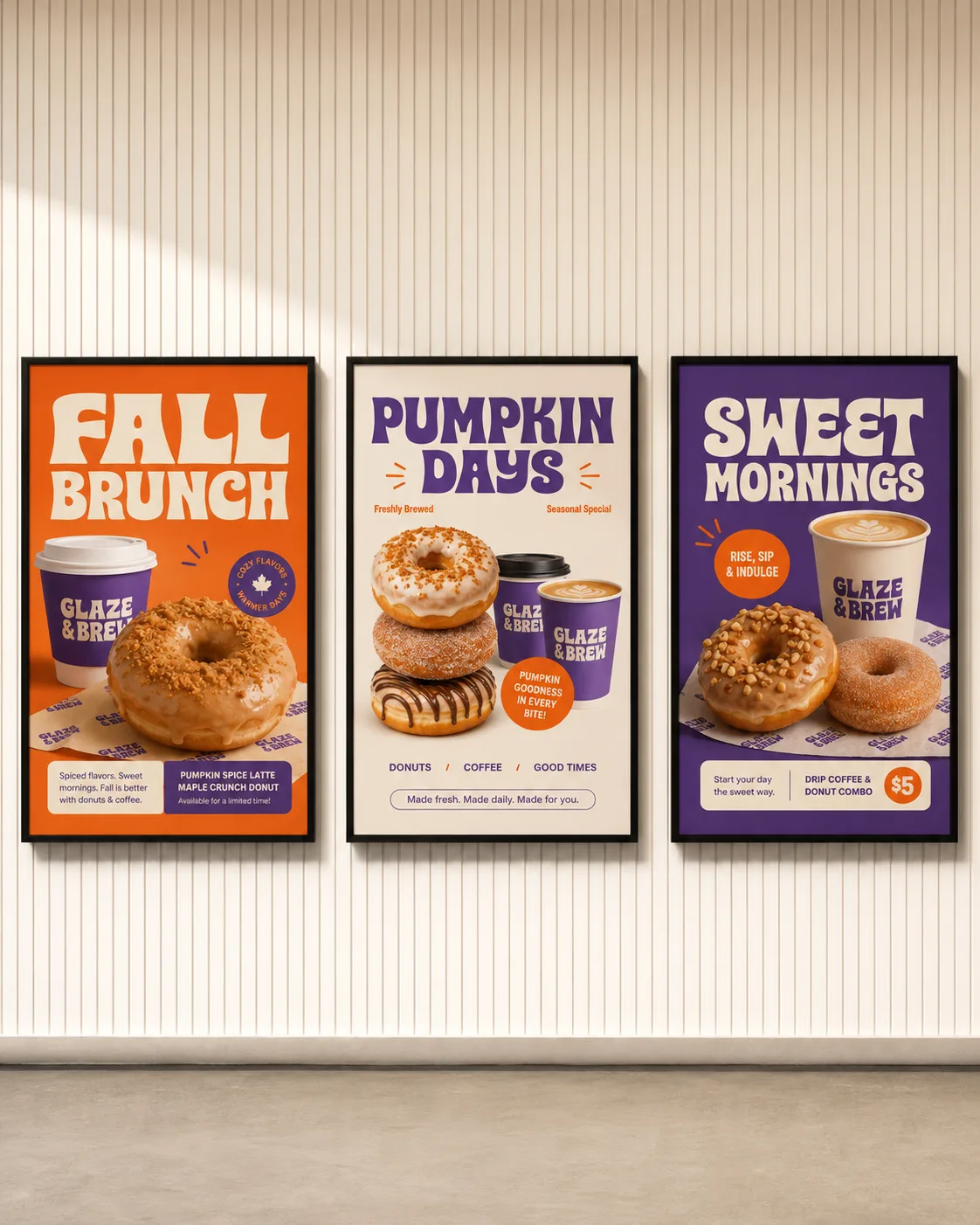
Start from a phone photo of your dish or product and get campaign, social, and ad photos in one consistent look, with the food looking the way you serve it. Then run the same setup again for every new item.
Why AgentDocks
Why Food & Restaurant Brands Choose AgentDocks.
AgentDocks turns that demand into one connected production system, bringing templates, virtual models, batch creation, design, and automation together in a single workflow.
Pro visuals, no photoshoot
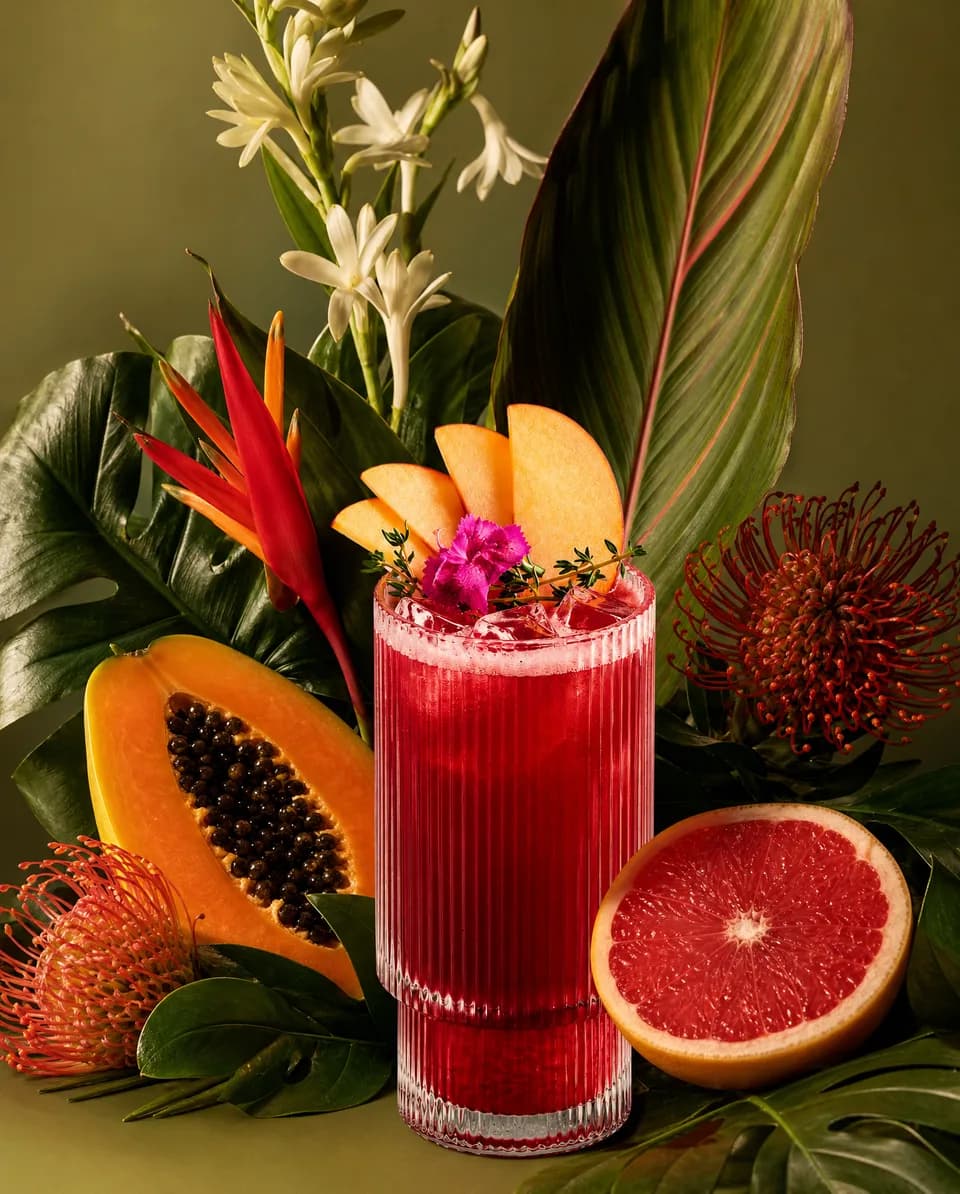
Templates and virtual models turn one dish photo into campaign-ready content.
Move at menu speed
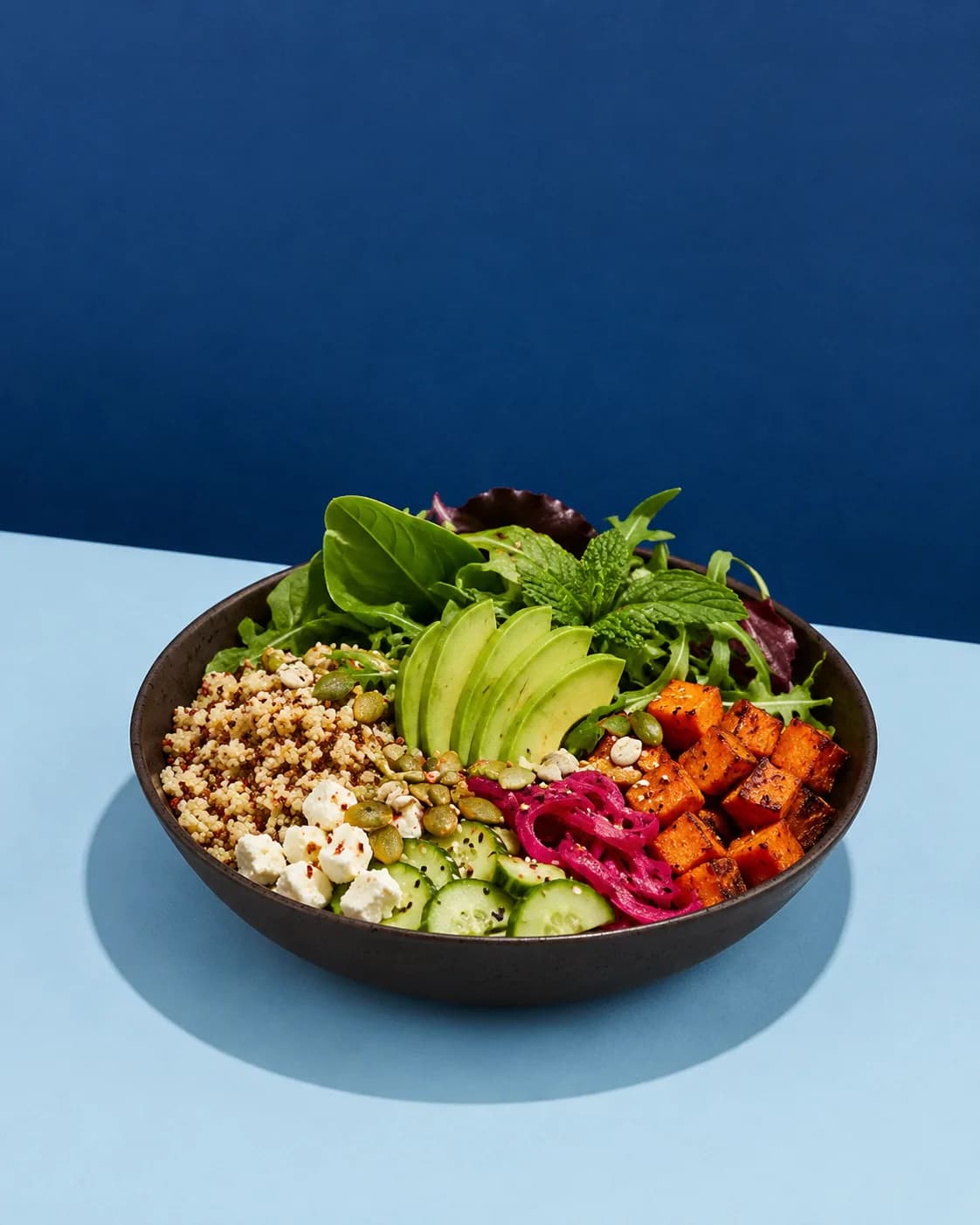
Content that keeps pace with every new dish, offer, and season, without a bigger team.
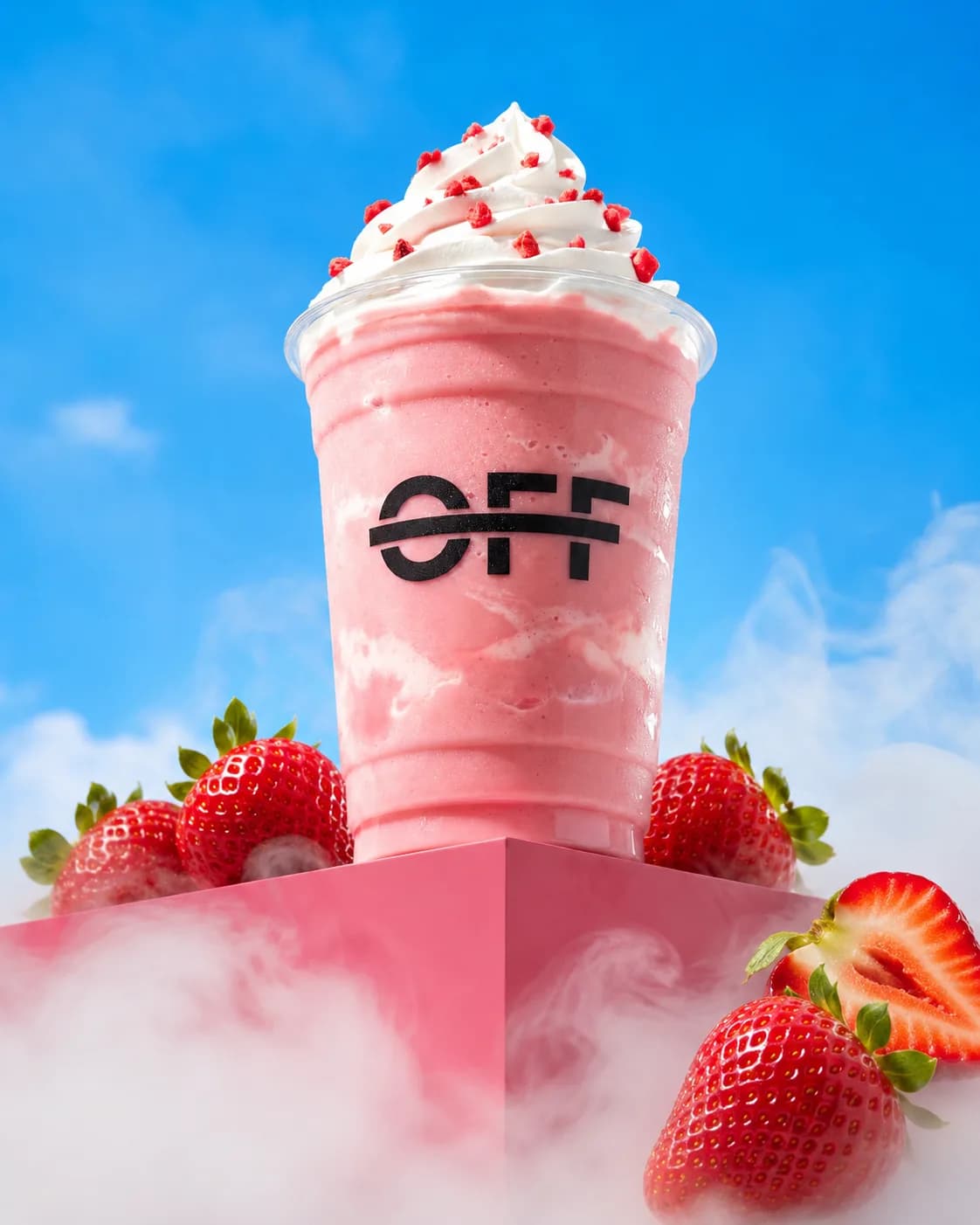
One look, every location
The same visual direction holds across menus, channels, and locations.
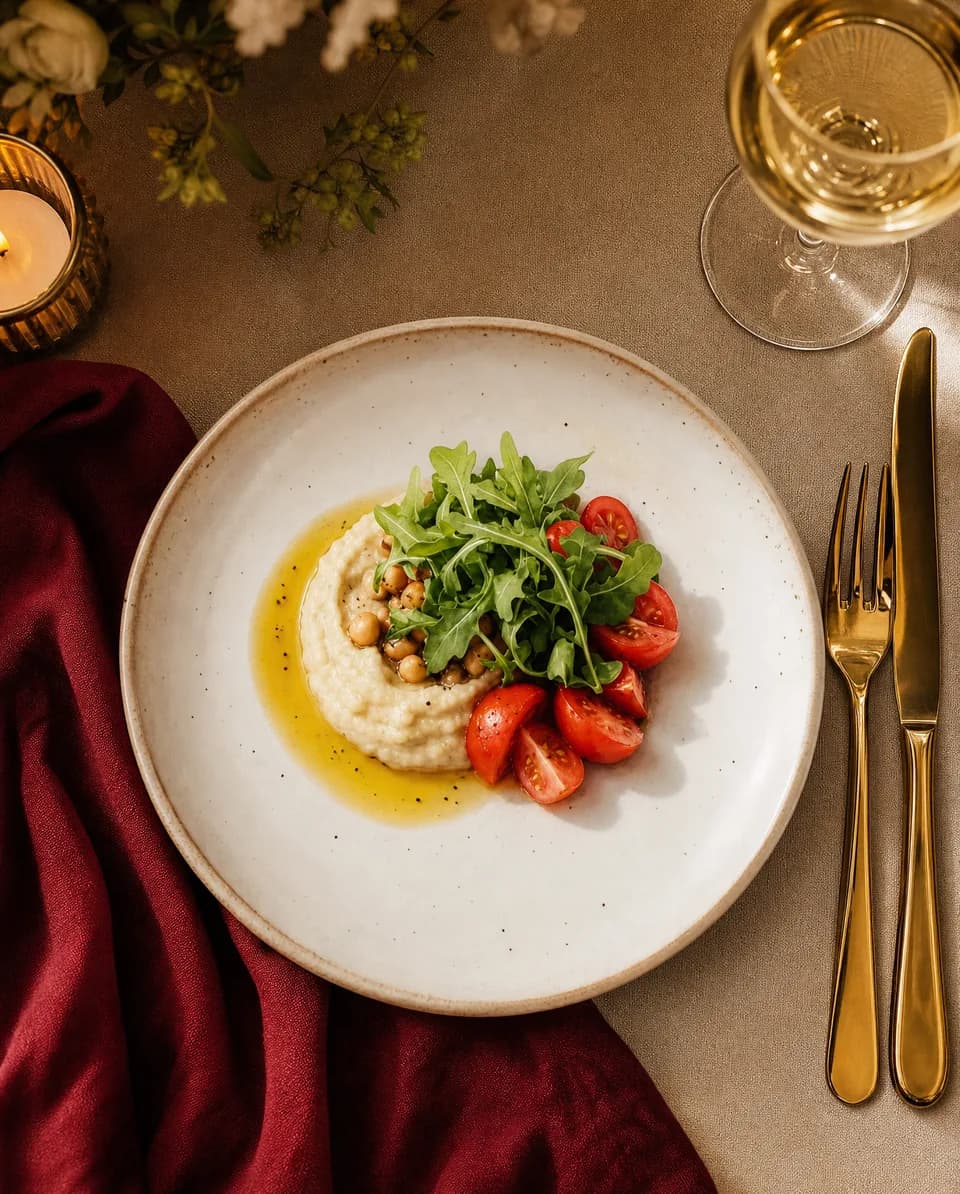
One system, start to finish
Creation, design, and automation run as one connected workflow, never as separate tools.
Templates
Food Photography Templates, Ready to Run.
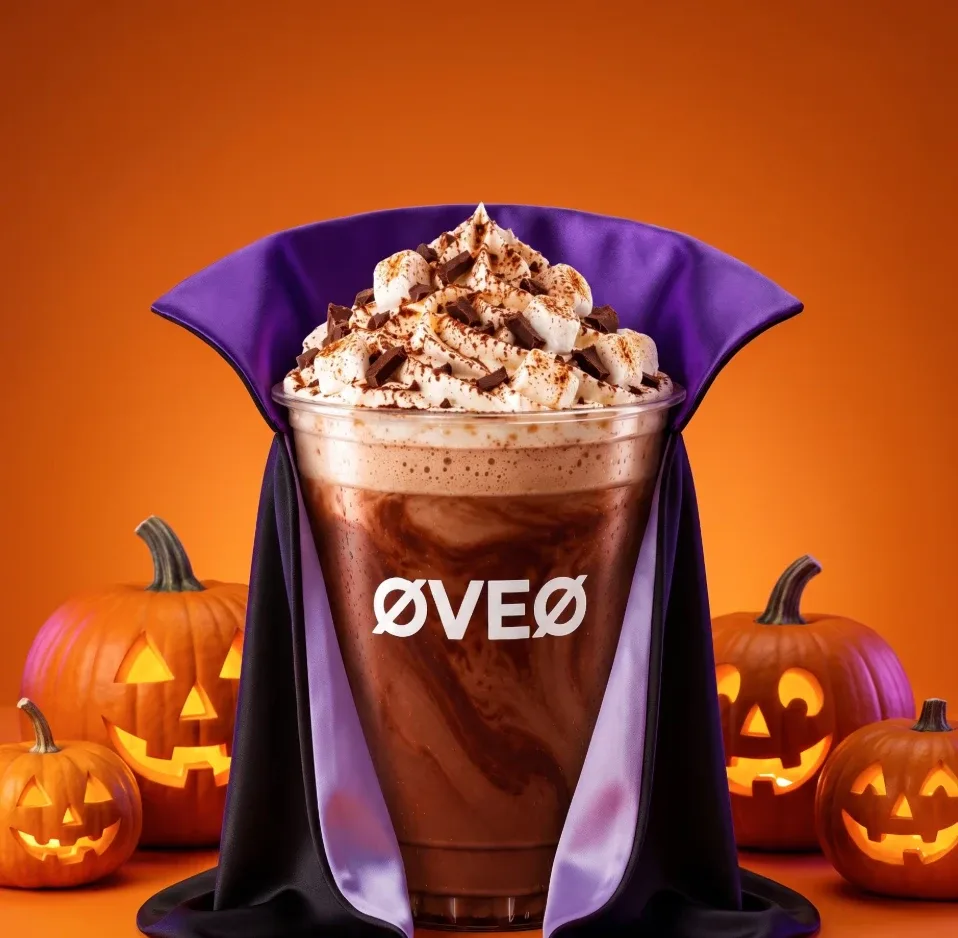
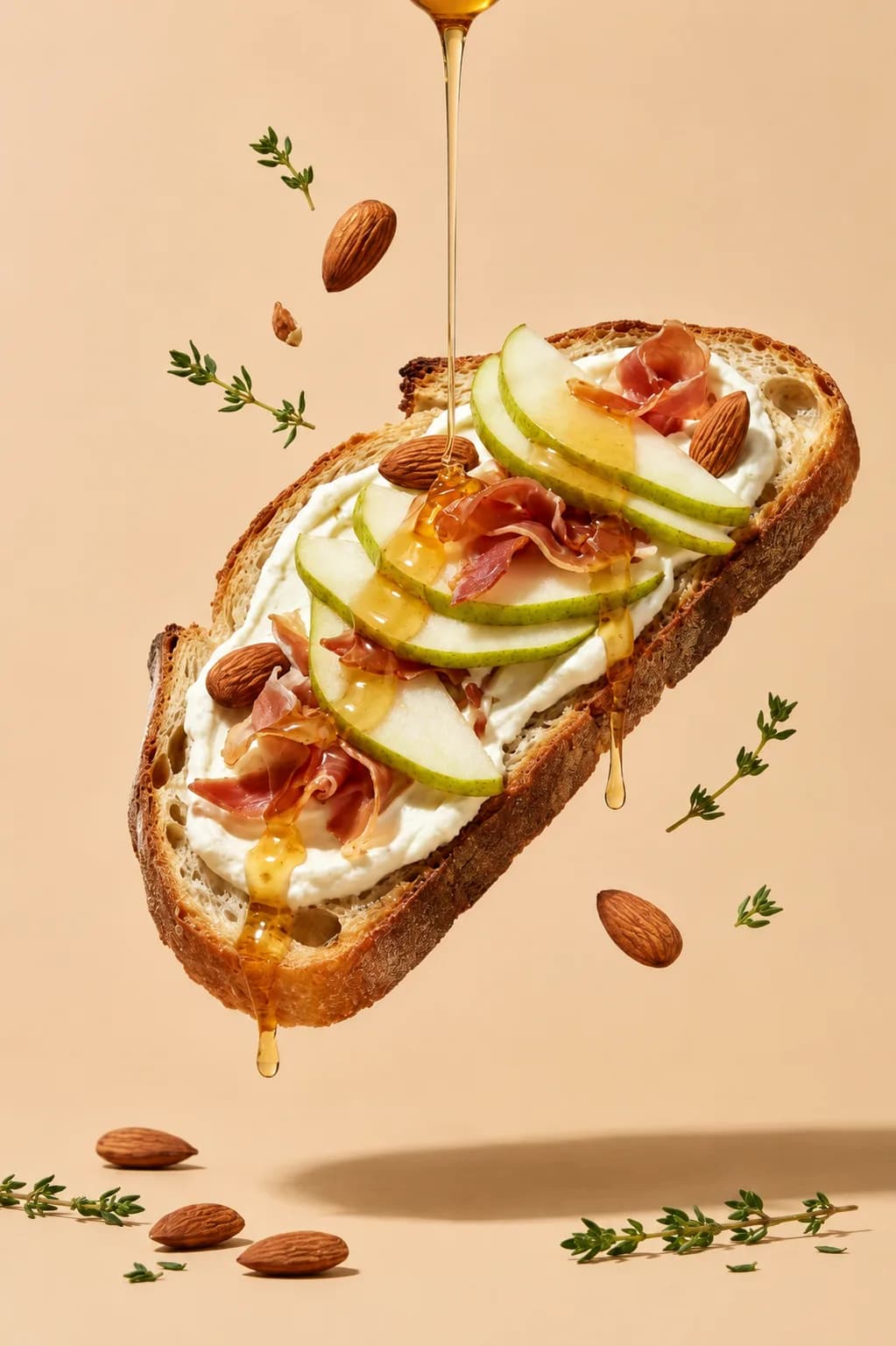
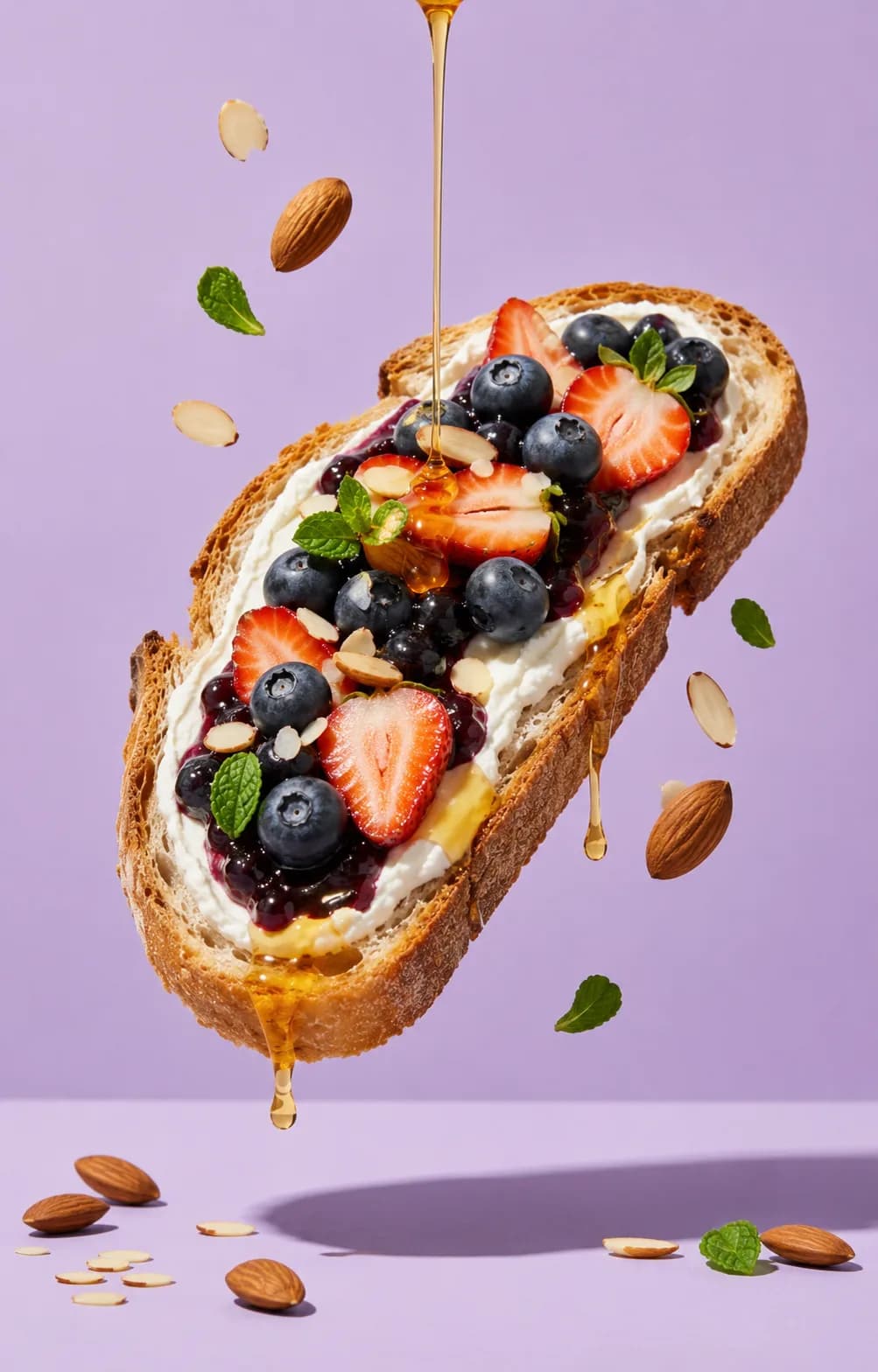
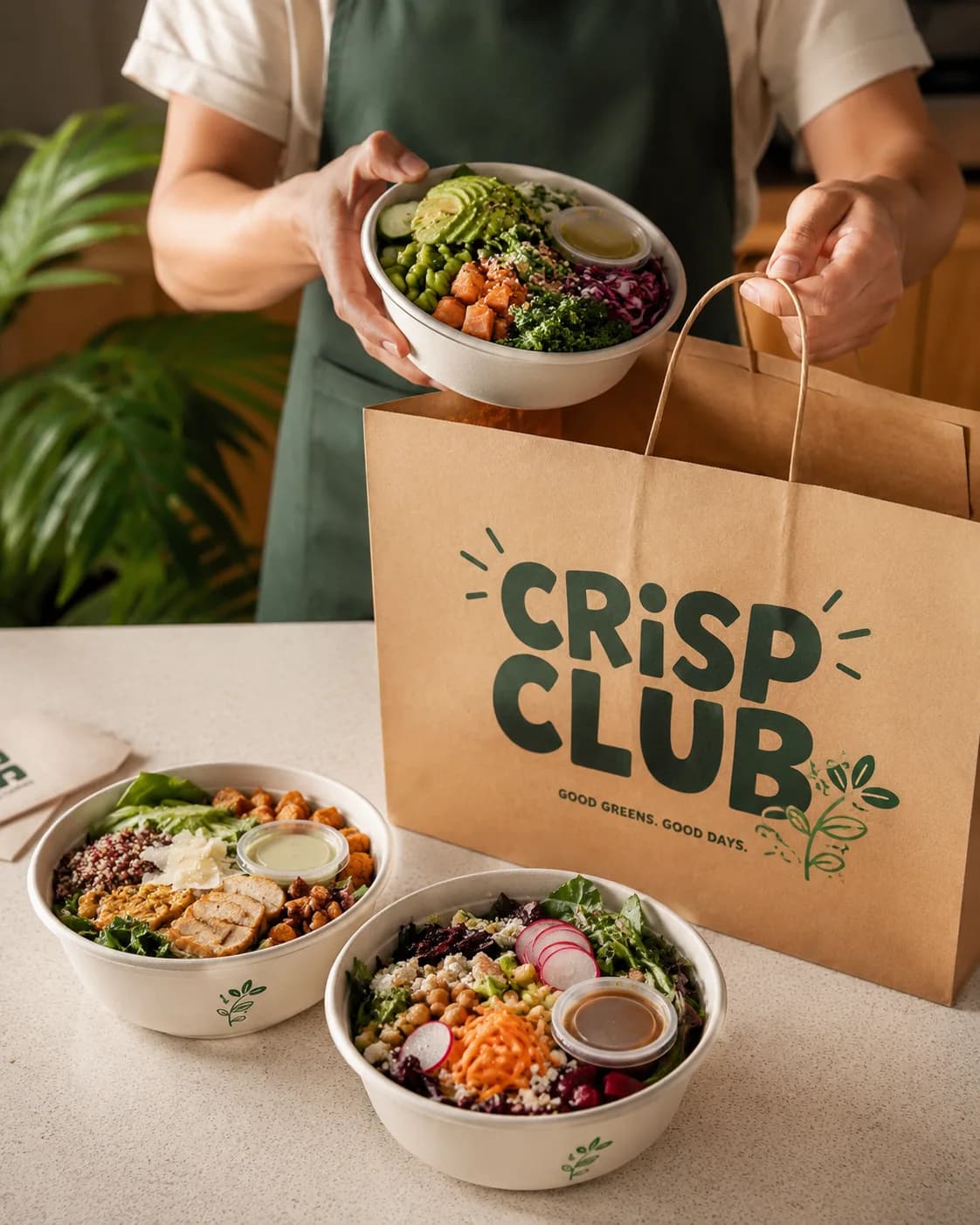
Explore Food TemplatesStart with a ready-made template for dishes, drinks, or packaged food. Pick a look, upload your own photo, and generate without writing a prompt or choosing a model.
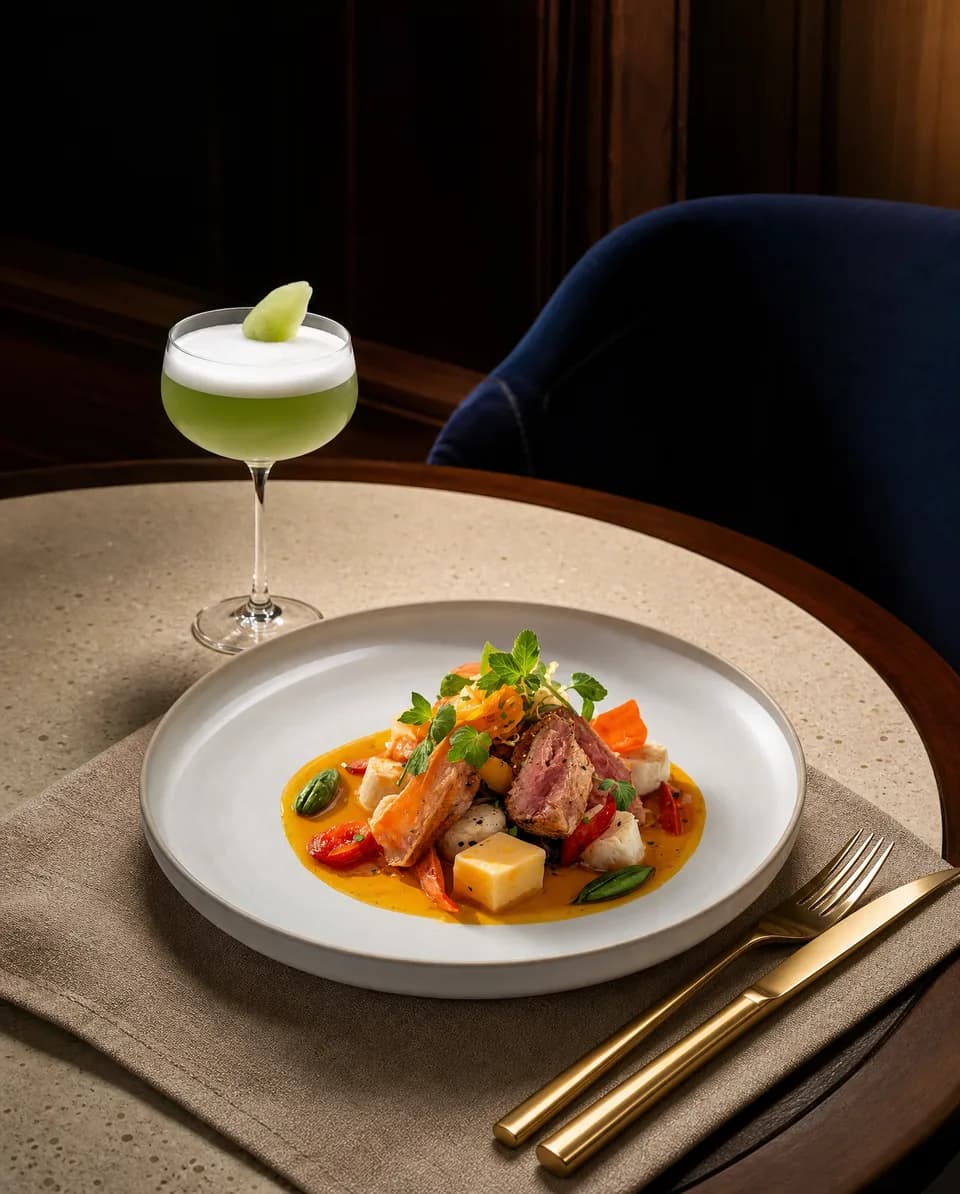
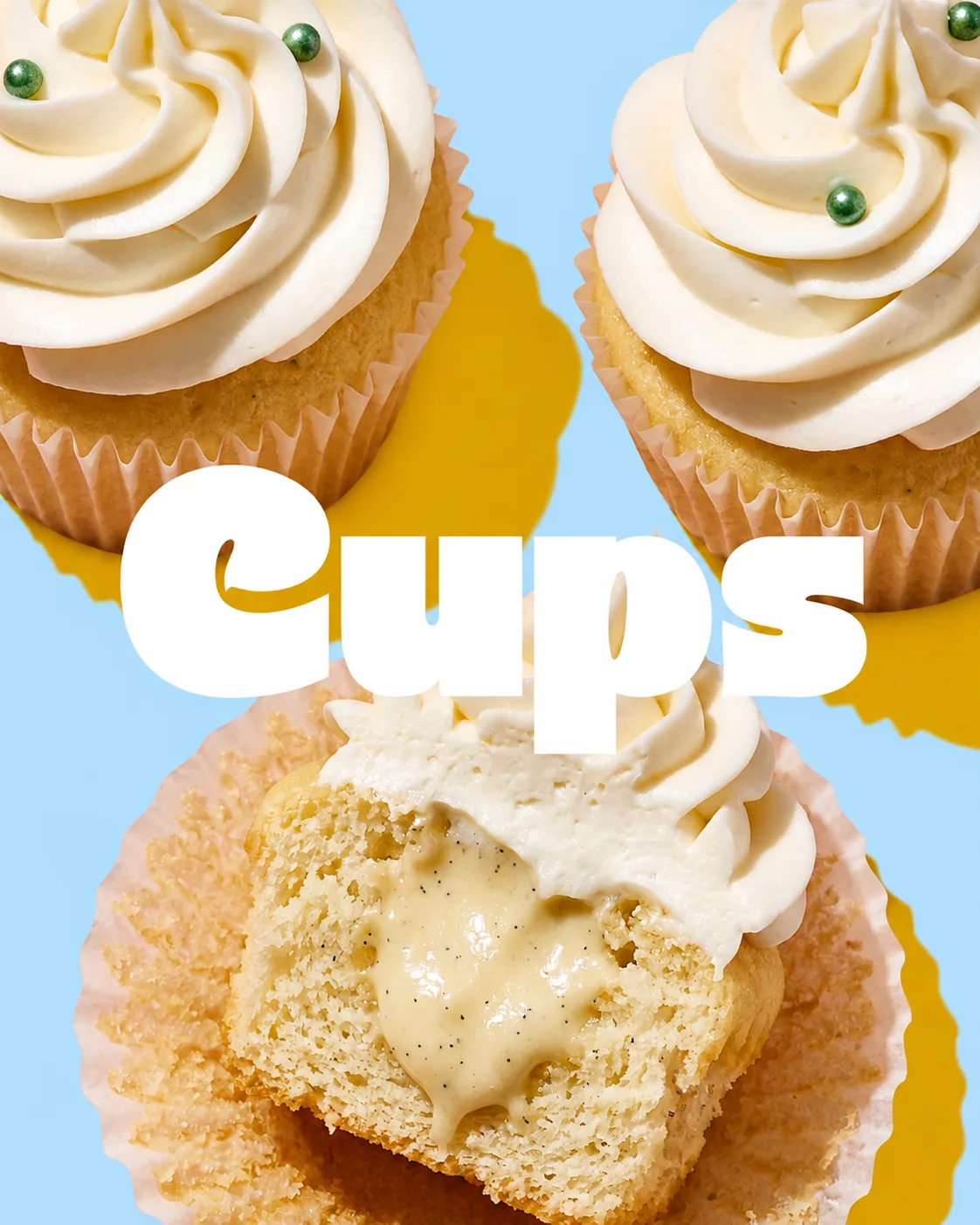
Create dish photography, social posts, product campaigns, ingredient visuals, offer ads, and seasonal content with consistent results across dishes and products.
Model Generator
The Right Face for Every Food Campaign.
Create AI models that match your brand, audience, and campaign direction.
Generate models for restaurant lifestyle scenes, food and beverage campaigns, product demonstrations, delivery concepts, hospitality content, and social ads without organizing a full photoshoot.
No photoshoot required.
Read More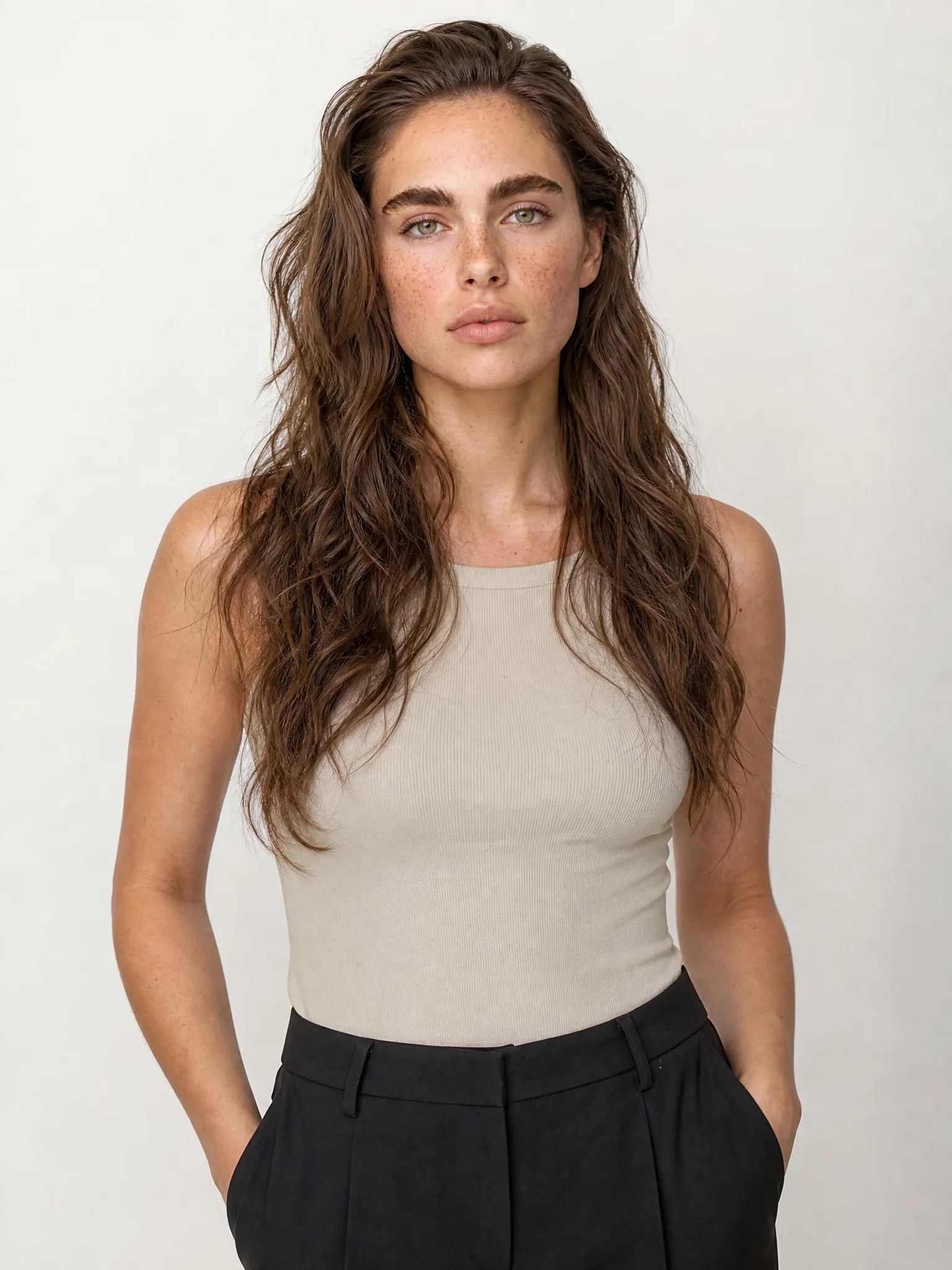
Batch Run
Generate Your Entire Menu in Just One Run.
Creating content one dish or product at a time slows down every launch and update.
With Batch Run, generate consistent content across a large collection of images or product variants in one process.
Read More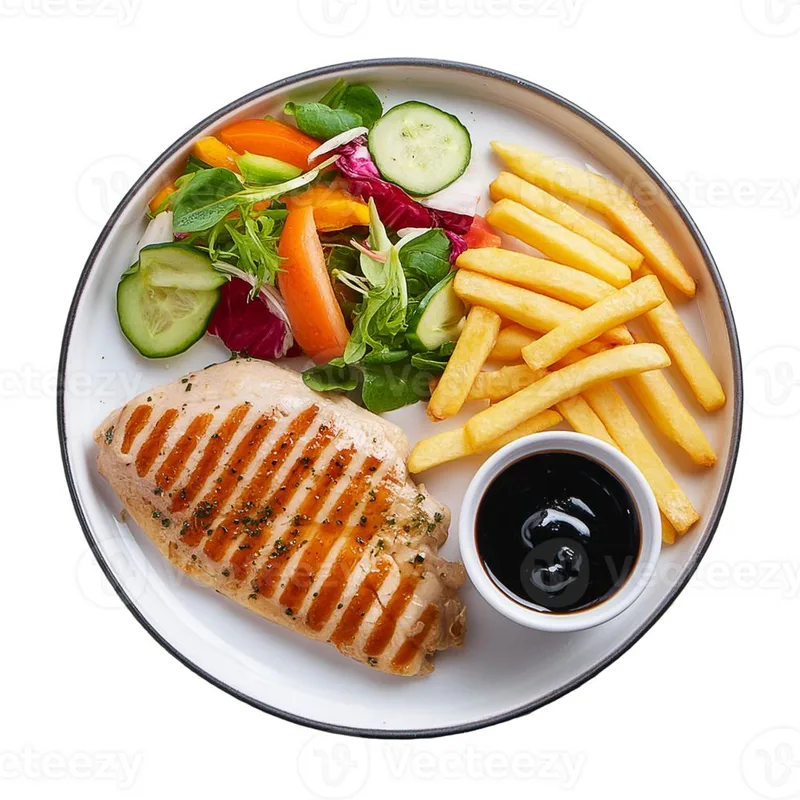 1
1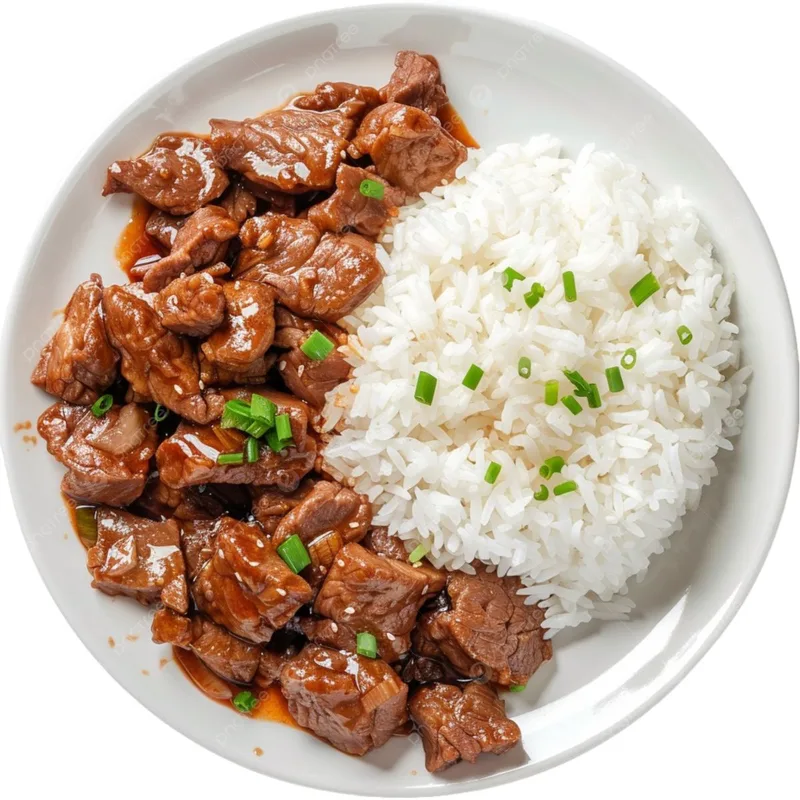 2
2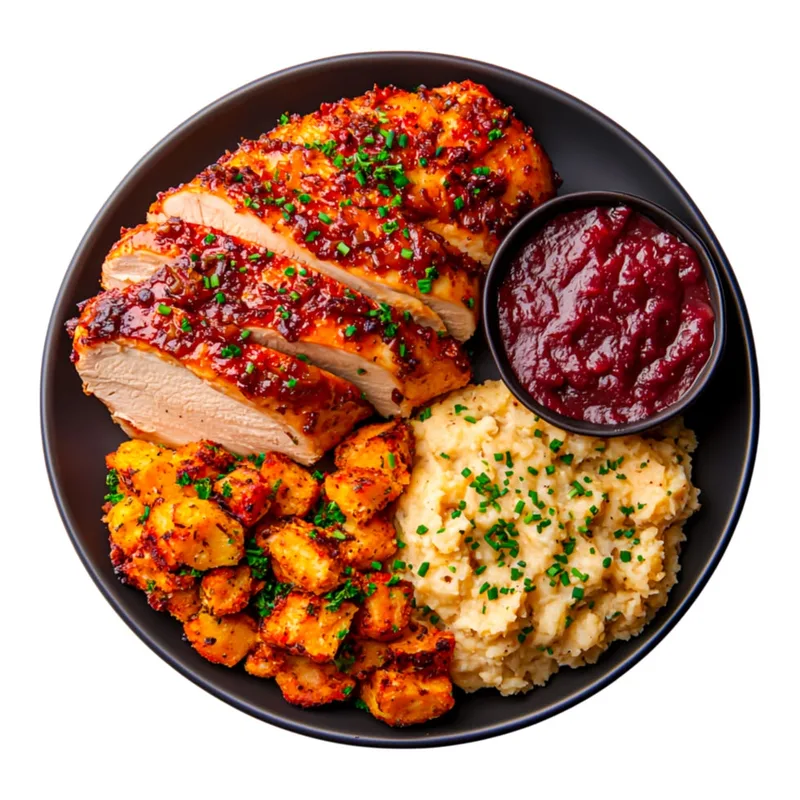 3
3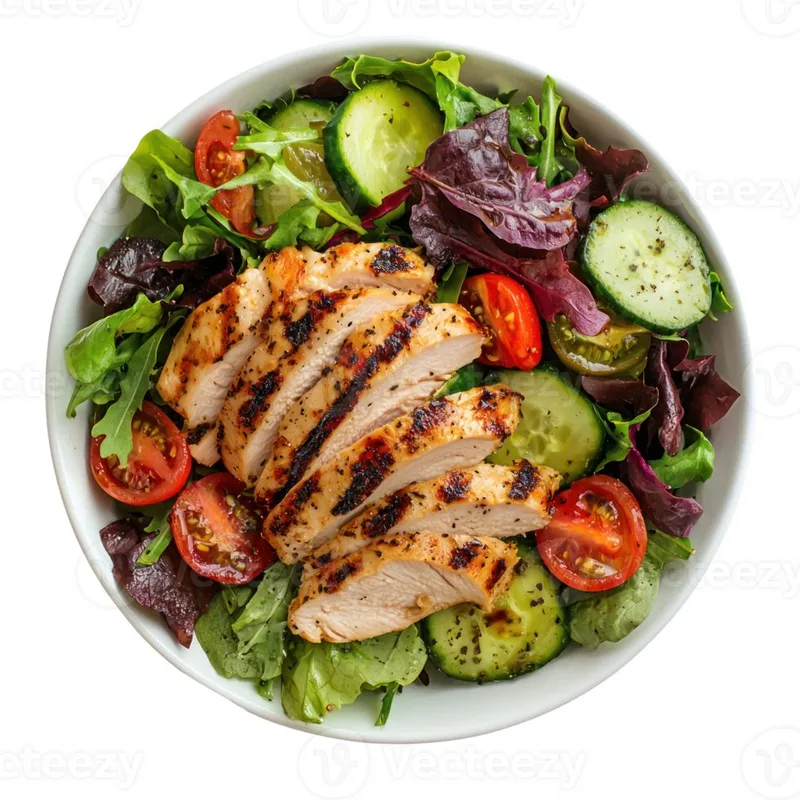 4
4Items
4 images
 Nano Banana 2
Create a premium commercial product hero image using the uploaded image as the exact packaging.
Place the uploaded package standing upright and centered as the main hero product, viewed mostly straight-on with a very slight
3153/8000Best with: up to 10 objects · 4 characters · 3 style refs
Image 1
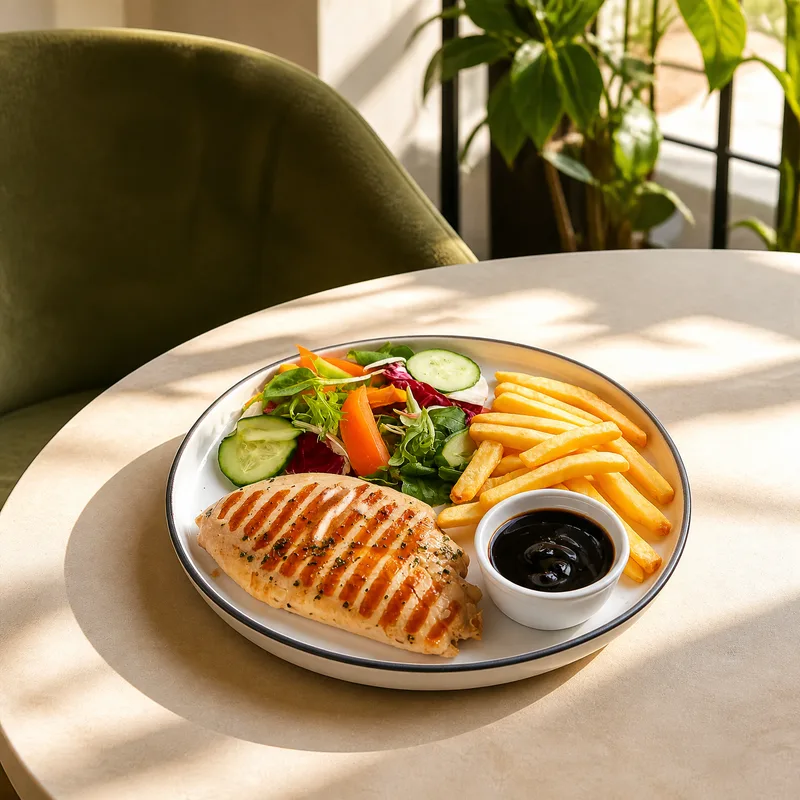 1
1Image 2
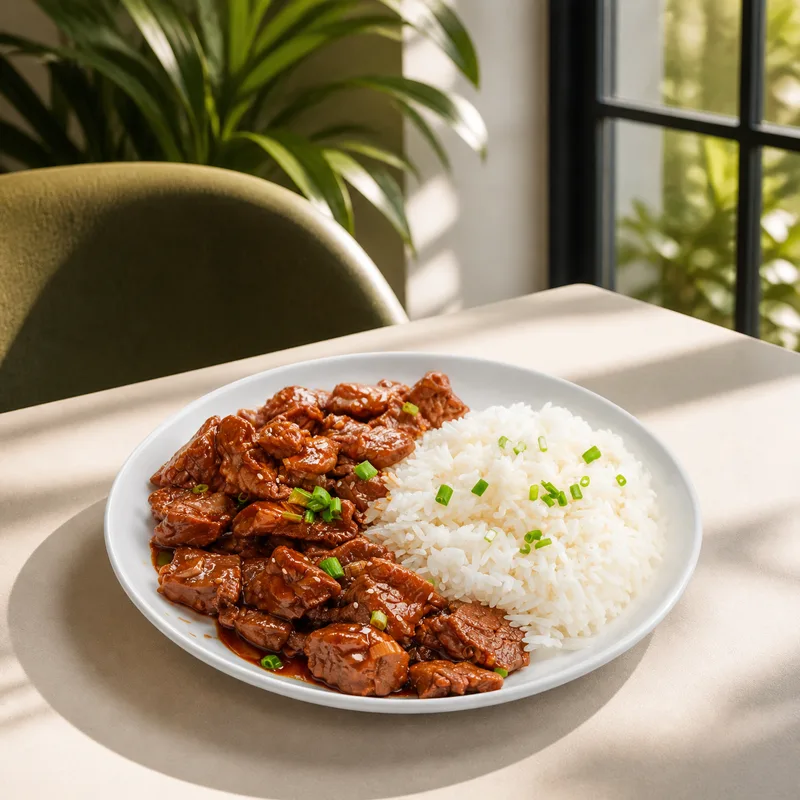 2
2Image 3
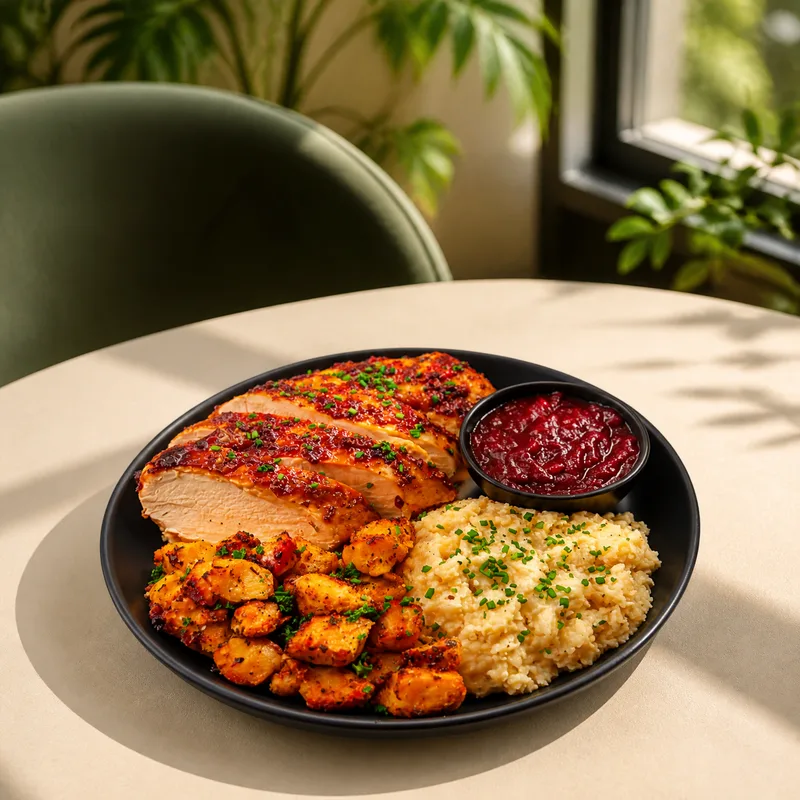 3
3Image 4
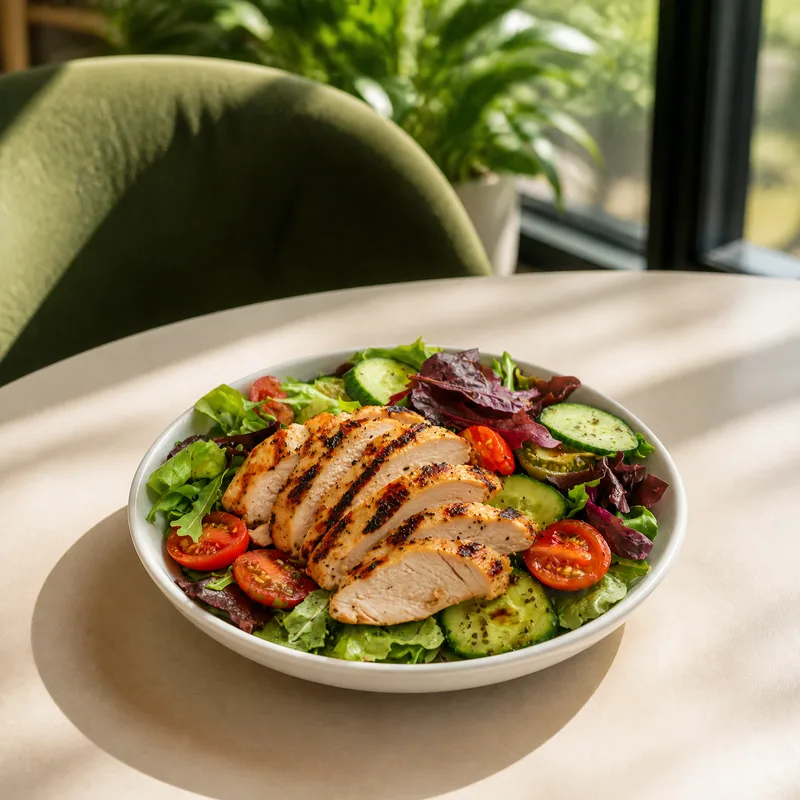 4
4Telegram Integration
Run Your Content Workflow from Telegram.
Content production does not have to start on a desktop.
Send a food or product image through Telegram to trigger a complete AgentDocks workflow from your phone. Generate and receive final outputs without reopening the platform or rebuilding the setup.
Once set up, restaurant teams and managers can reuse the workflow anytime, from anywhere.
Read More

Design Studio
From Food Image to Finished Campaign.
Open any output directly in Design Studio to add logos, prices, offers, menu details, headlines, campaign messaging, adjust layouts and brand elements, and prepare final social, menu, and marketing assets, all in one connected platform.
Text
Shapes
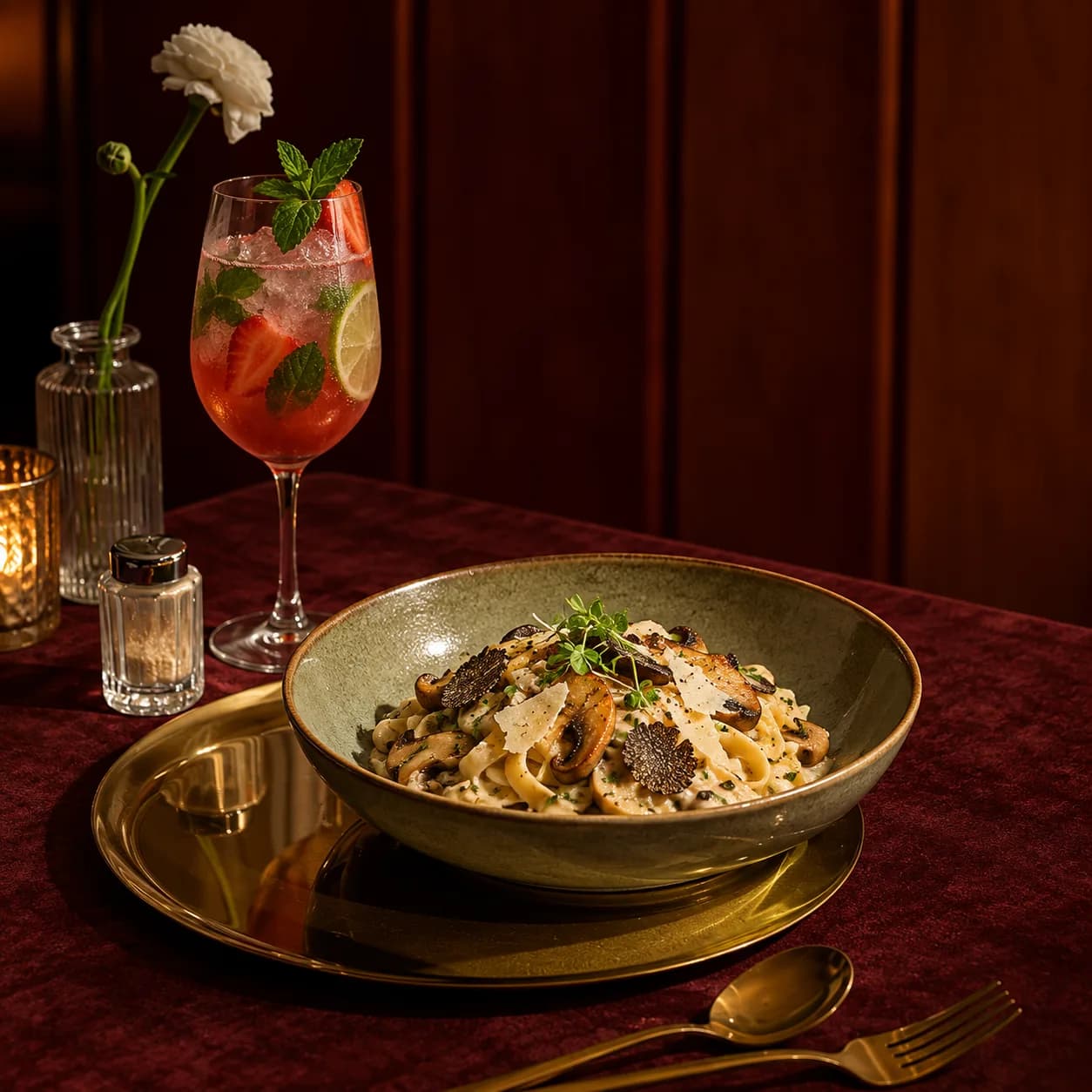

Canvas
1254 × 1254
Size
ChangeBackground
Export
Connected Workflow
One Upload In. A Complete Content System Out.
Less Repetition. More Content. Better Control.
A single food or product image can become much more than one visual. What once required separate tools, repeated manual work, and multiple production steps can become one reusable workflow.
AgentDocks helps food and restaurant businesses reduce the time, cost, and complexity behind visual content production.
Create without advanced skills.
Templates / Model GeneratorScale without producing every item separately.
Batch RunAutomate without losing control.
Telegram / WorkflowsDesign without switching platforms.
Design StudioPublish without slowing down your team.
Website / Ordering Platform / DownloadBuilt for Every Scale
From Home Kitchens to Global Food Brands.
 01 — Home Kitchens
 02 — Food Trucks
 03 — Cafés
 04 — Cloud Kitchens
 05 — Fine Dining & Restaurants
 06 — Bakeries & Dessert Shops
 07 — Beverage Brands
 08 — Agencies & Creative Teams
 09 — Fast Food
 10 — Global Food Brands01 — Home Kitchens02 — Food Trucks03 — Cafés04 — Cloud Kitchens05 — Fine Dining & Restaurants06 — Bakeries & Dessert Shops07 — Beverage Brands08 — Agencies & Creative Teams09 — Fast Food10 — Global Food Brands01 — Home Kitchens02 — Food Trucks03 — Cafés04 — Cloud Kitchens05 — Fine Dining & Restaurants06 — Bakeries & Dessert Shops07 — Beverage Brands08 — Agencies & Creative Teams09 — Fast Food10 — Global Food Brands01 — Home Kitchens02 — Food Trucks03 — Cafés04 — Cloud Kitchens05 — Fine Dining & Restaurants06 — Bakeries & Dessert Shops07 — Beverage Brands08 — Agencies & Creative Teams09 — Fast Food10 — Global Food Brands01 — Home Kitchens02 — Food Trucks03 — Cafés04 — Cloud Kitchens05 — Fine Dining & Restaurants06 — Bakeries & Dessert Shops07 — Beverage Brands08 — Agencies & Creative Teams09 — Fast Food10 — Global Food Brands01 — Home Kitchens02 — Food Trucks03 — Cafés04 — Cloud Kitchens05 — Fine Dining & Restaurants06 — Bakeries & Dessert Shops07 — Beverage Brands08 — Agencies & Creative Teams09 — Fast Food10 — Global Food Brands
Questions
AI Food Photography, Answered.
AI food photography uses an image model to create or restyle photos of food. On AgentDocks you start from a photo of your own dish, drink, or product, pick a template, and the model places it in a new scene with new light, props, and background, ready for ads, social posts, and campaigns.
Yes. Food templates are built around your upload: you add a phone photo of the dish, drink, or package, and the template keeps it as the subject while it changes the setting. Starting from the real dish is also the honest way to do it, because the food in the photo is the food customers get.
It depends on the app. Deliveroo and Wolt say AI-generated images are not allowed on their listings. DoorDash asks for a real photo of the actual item at a realistic portion, and DoorDash and Uber Eats offer their own tools for improving real photos. Check each app's photo rules before you upload, and use AgentDocks for your ads, social posts, and campaigns.
Only if the photo shows the dish customers actually get. Advertising rules in the UK and the US judge food images by the impression they give, so showing extras that are not included or a bigger portion than you serve can mislead, and the UK regulator says an AI label rarely fixes that. Start from a photo of the real dish and only change the setting around it.
Each image costs credits depending on the model and settings, and the cost is shown before you run it. For example, one Nano Banana Pro image at 2K is 15 credits, about $0.29 on the Basic plan or $0.18 on Pro. Each food template shows its own credit cost, and new accounts get 40 free credits to try it.
Most food photo templates run on Nano Banana Pro, GPT Image 2, or GPT Image 2.5, and the food video templates use Seedance 2.5. The model is named on each template page, and in Create Studio you can try the same dish on a different model and compare.
Yes. On the Pro plan and above, Batch Run takes a set of photos, for example every product in a range, and runs the same template setup on each one, so the whole set comes out in one consistent look.