Features / Creative Intelligence
The Professional Setup,
Built into the Node.
Creative Intelligence is a set of smart nodes with built-in studio expertise. You choose the direction, and the node builds the prompt for you behind the scenes.
Model Generator
Create One Model. Keep the Look Consistent.
Build a photoreal human model by choosing the features, styling, pose, scene, and lighting you want, without writing a prompt.
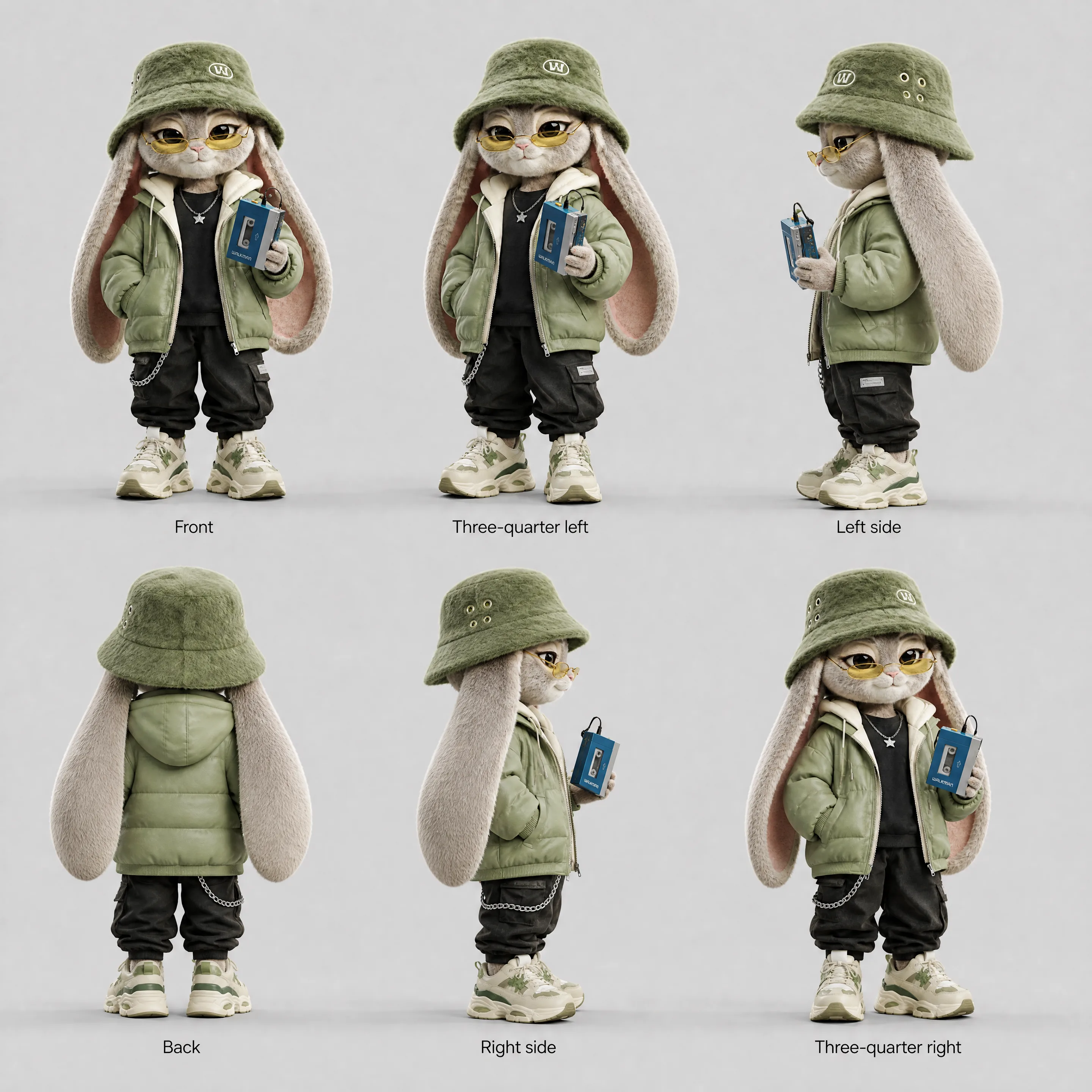
Generate up to six angles from the same model, keeping the face and overall look consistent across every shot.
You can also use your own reference images to guide details like wardrobe, hair, styling, or lighting.
You set

Camera Angle
Change the View. Keep the Scene.
Upload an image and choose a new camera position using presets or manual 3D controls for orbit, height, and zoom.
The scene stays consistent while the viewpoint changes, and the output keeps the original aspect ratio.
Presets
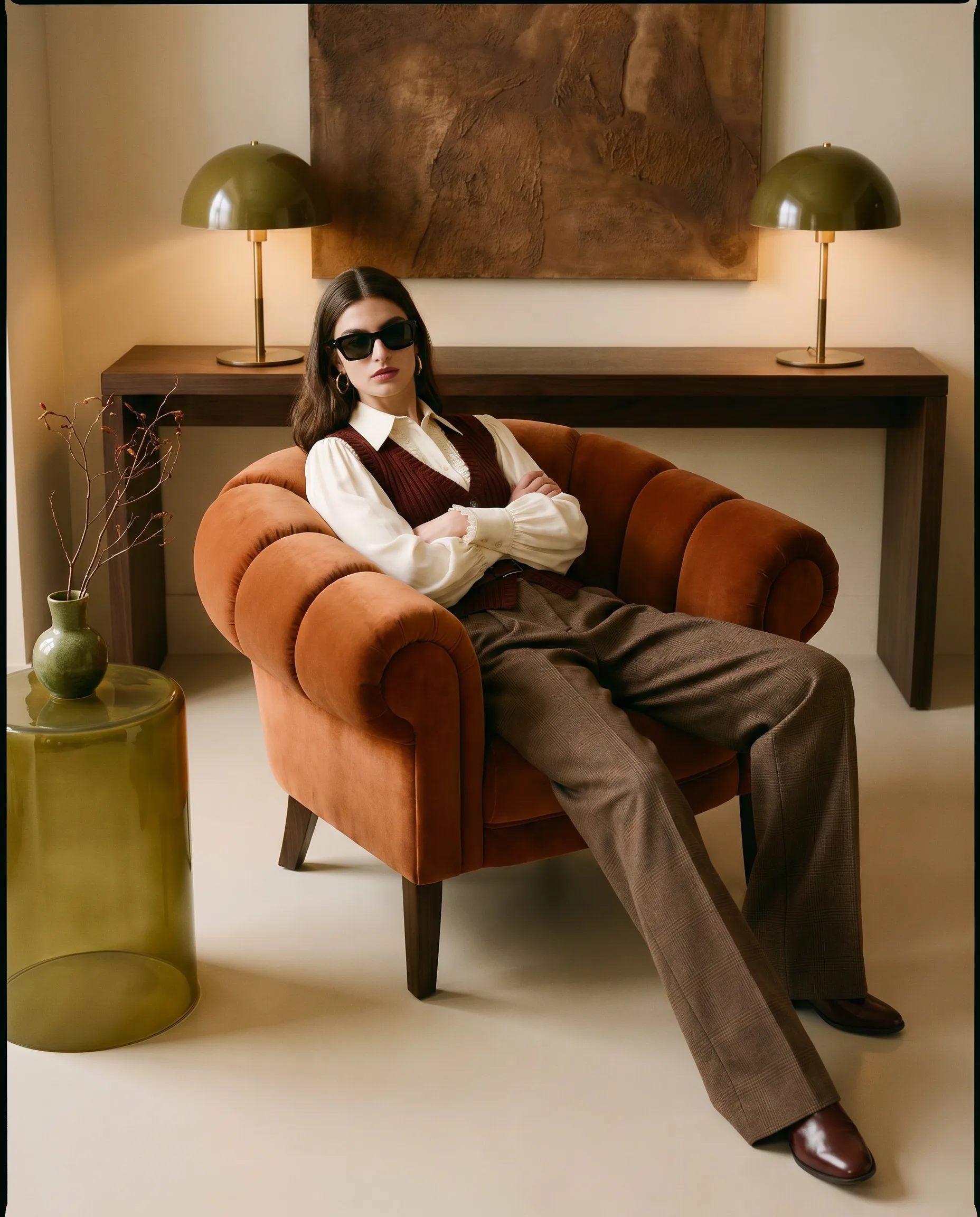

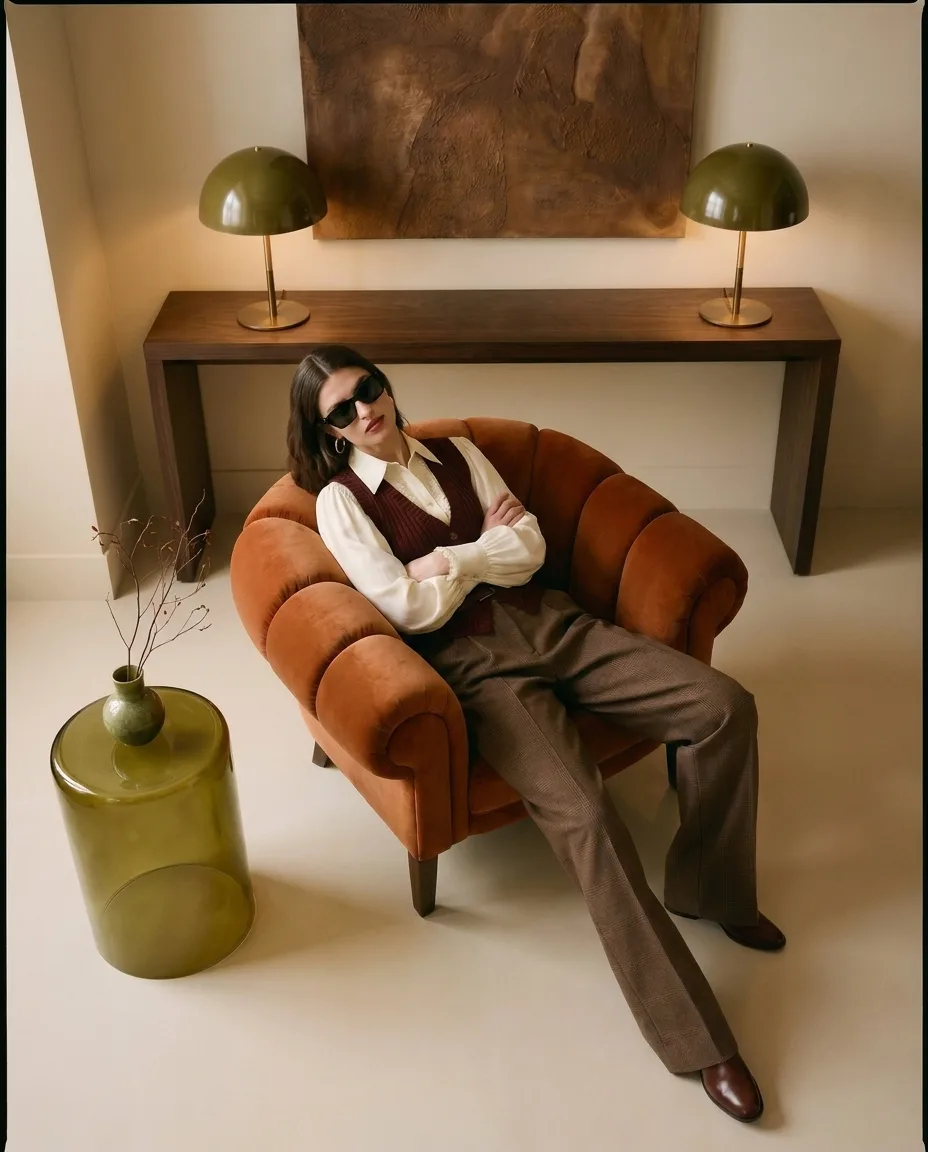
Image to Prompt
Turn Any Reference into a Ready-to-Run Prompt.
Upload an image and let the node turn its composition, styling, lighting, and visual direction into a complete generation prompt.
Create one prompt or a series of variations, and send them straight into an image generation node.
With Product Mode, the reference guides the look while your own product stays at the center of the result.
You set
Character Sheet
One Character, One Reference Sheet.
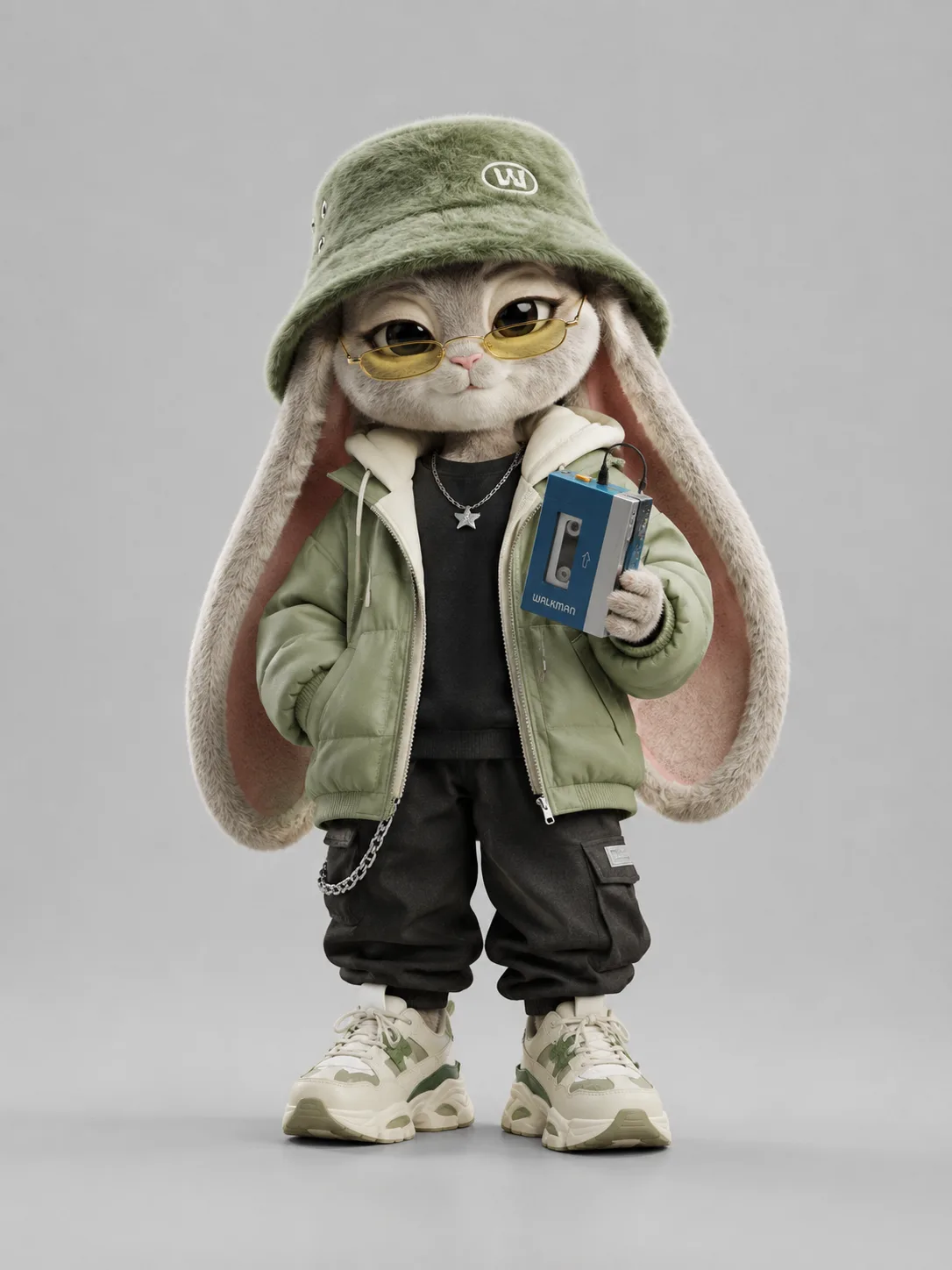
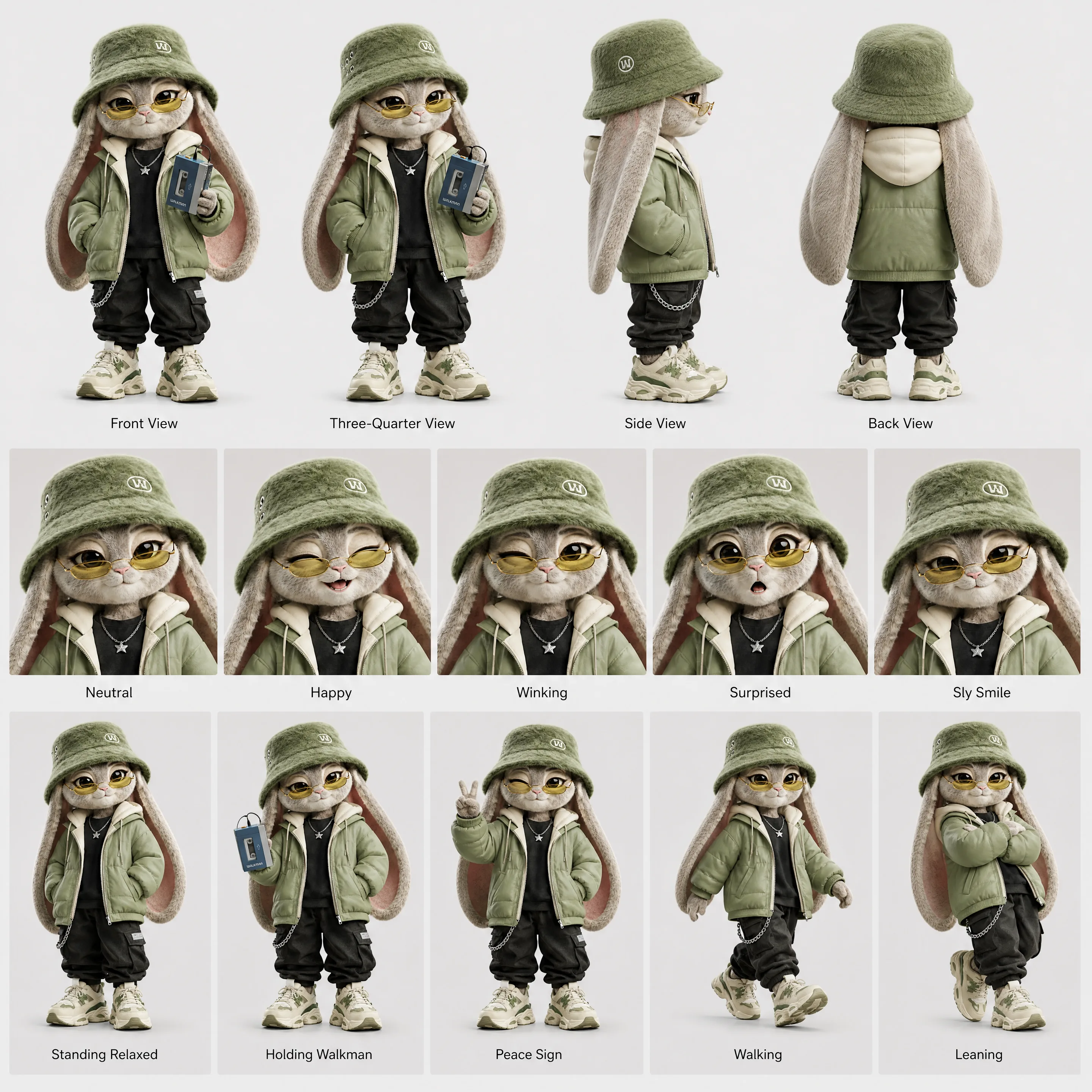
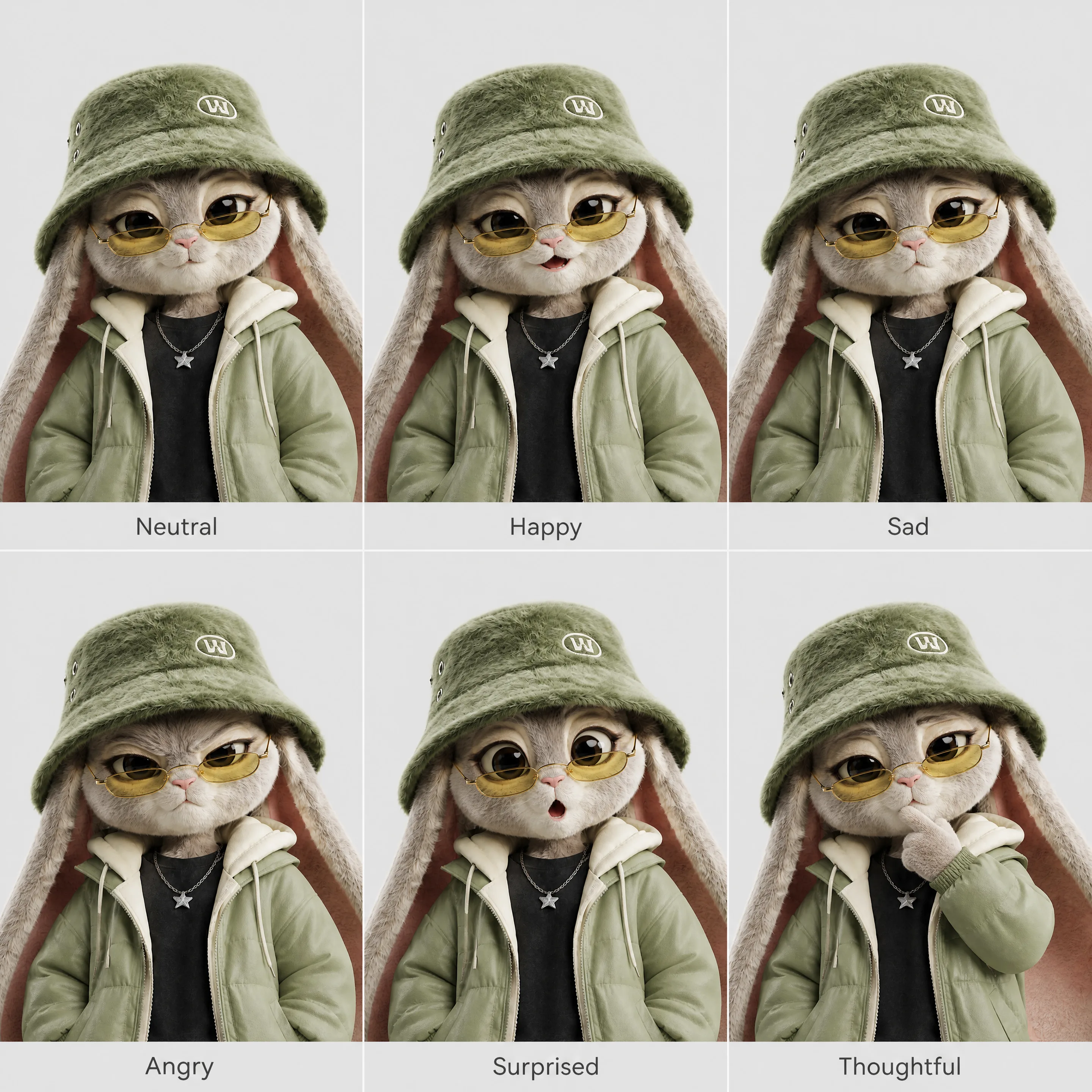
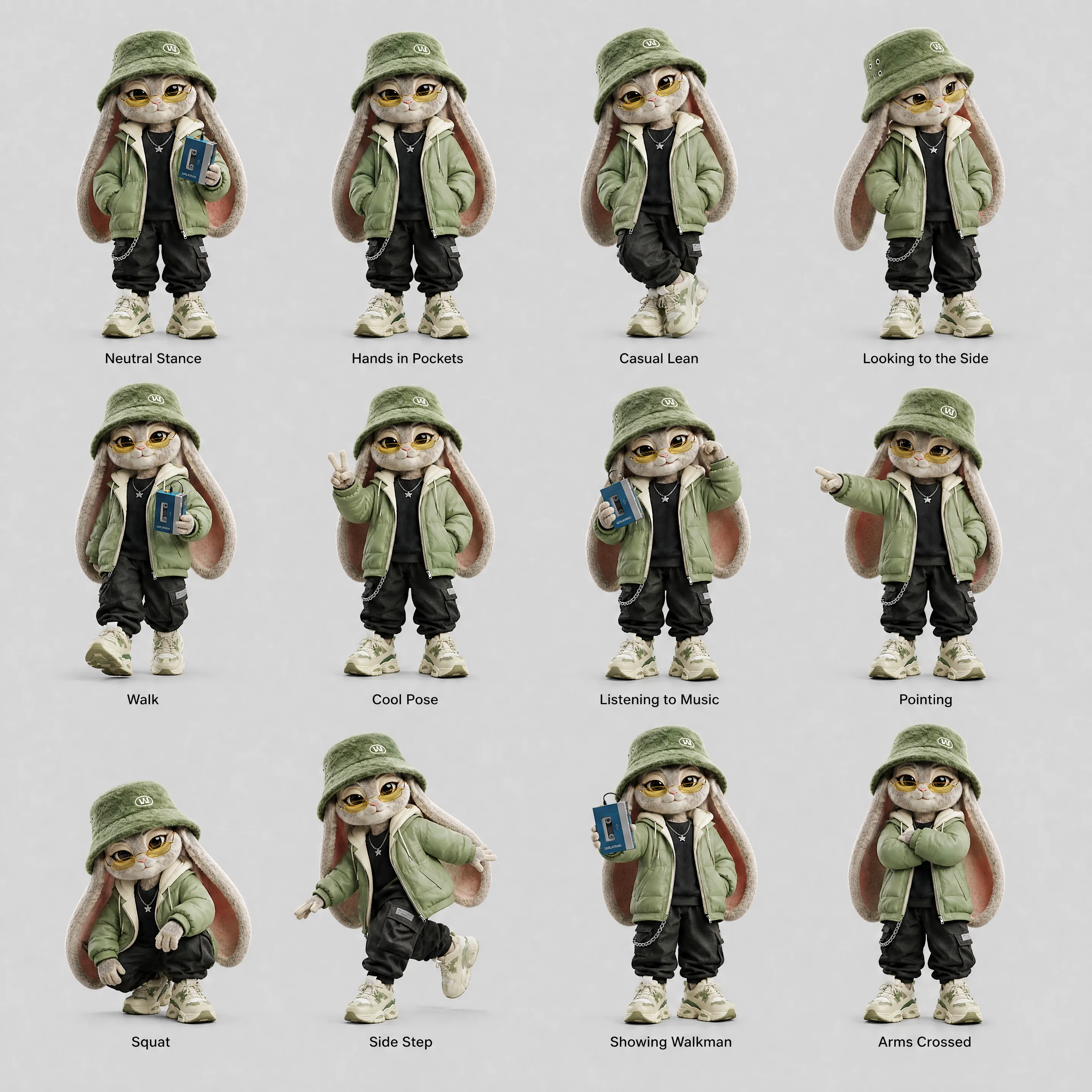
Upload a person, mascot, or illustrated character and generate a complete reference sheet with turnarounds, expressions, or poses.
Every view stays aligned in scale and identity, giving you one reliable reference for consistent character generation across future scenes.
Sheet types
What You Get With Creative Intelligence.
Smart Setup
Choose the direction and let each node handle the complex setup behind the scenes.
Consistent Results
Keep models, characters, angles, and visual direction aligned across every output.
Reference Control
Turn images, characters, and creative direction into structured inputs you can use immediately.
Connected Workflows
Use Creative Intelligence nodes together inside larger workflows, Batch Runs, and automated production systems.