
Create Studio
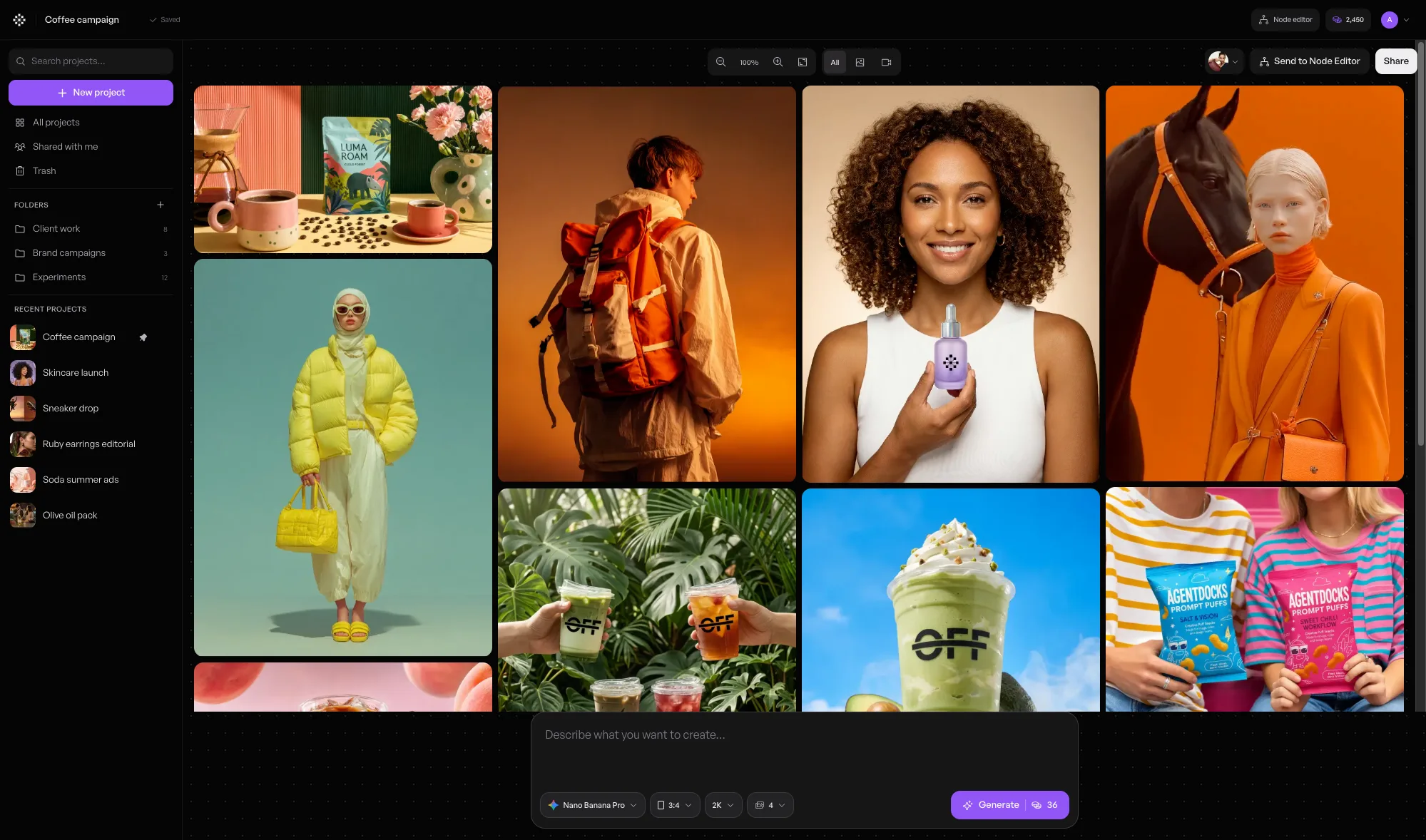
Create images and videos directly. Write a prompt, add a reference, choose a model, and work with each result in a familiar project feed.
AgentDocks documentation
AgentDocks is an AI visual production platform for creating images and videos. Work directly in Create Studio, or build a connected process in the Node Editor when you need more control.
The platform
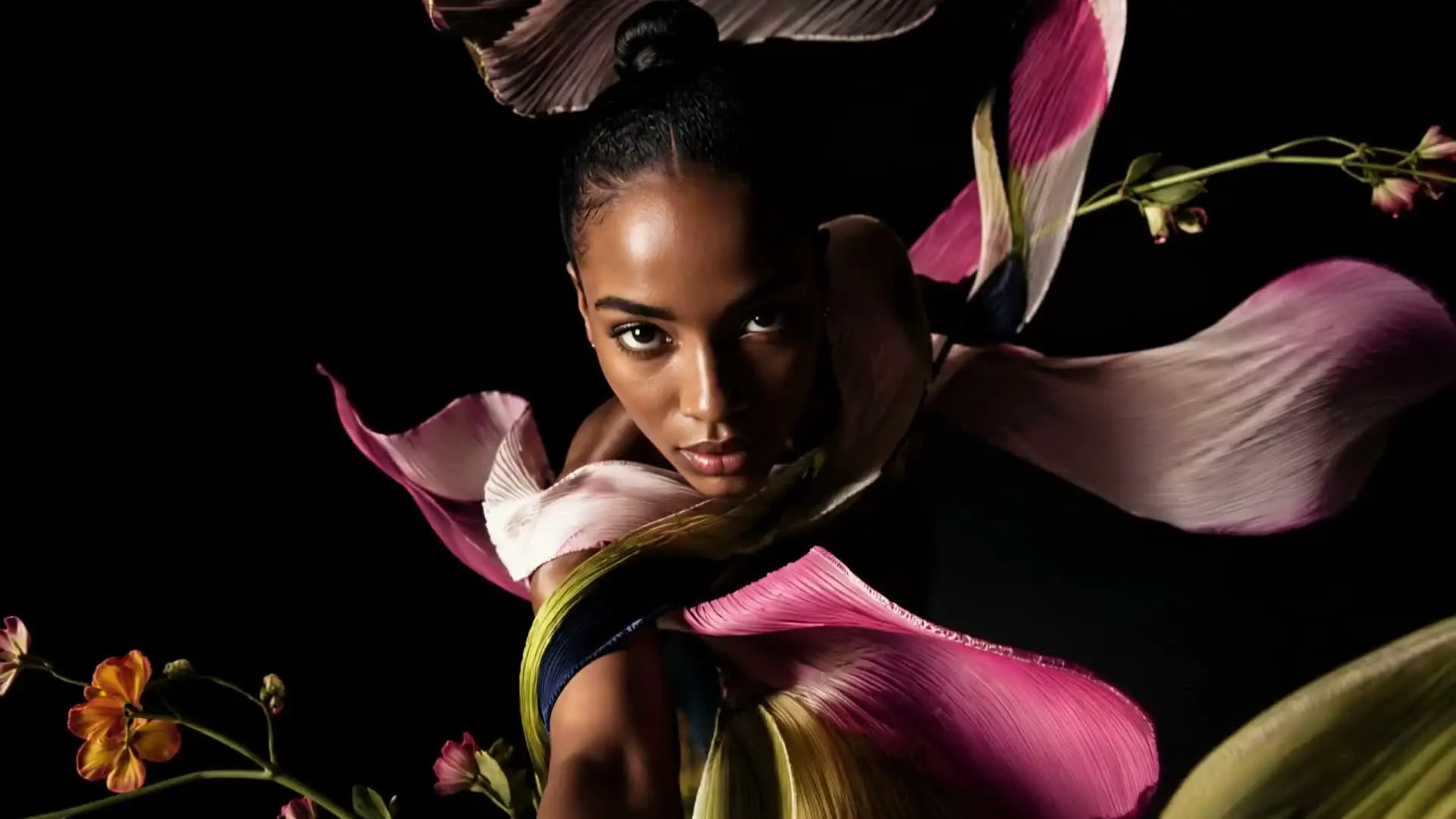
A single generation is often only the first step. AgentDocks keeps the inputs, creative decisions, tools, and results together so you can continue the project instead of starting again each time.
01
Describe what you want to make, upload something to work from, or begin with a prepared template.
02
Your prompts, inputs, settings, and results stay together while you create and make changes.
03
Move into a workflow when you want to see the steps, change the logic, or run the process again.
Two ways to work
Create Studio and the Node Editor use the same production environment. Neither one is a beginner or professional edition of the other.
Create images and videos directly. Write a prompt, add a reference, choose a model, and work with each result in a familiar project feed.
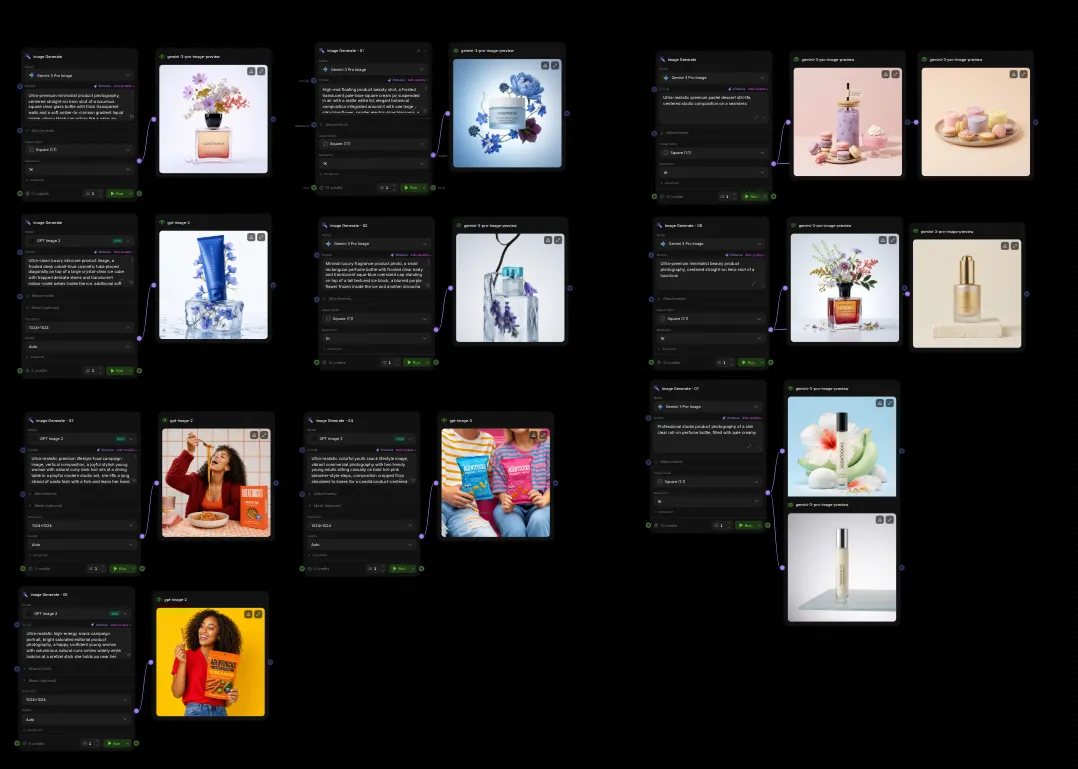
Build the process as connected steps. Use it when you want to see how information moves, branch a direction, or run the same setup with new inputs.
Templates help you start ahead.
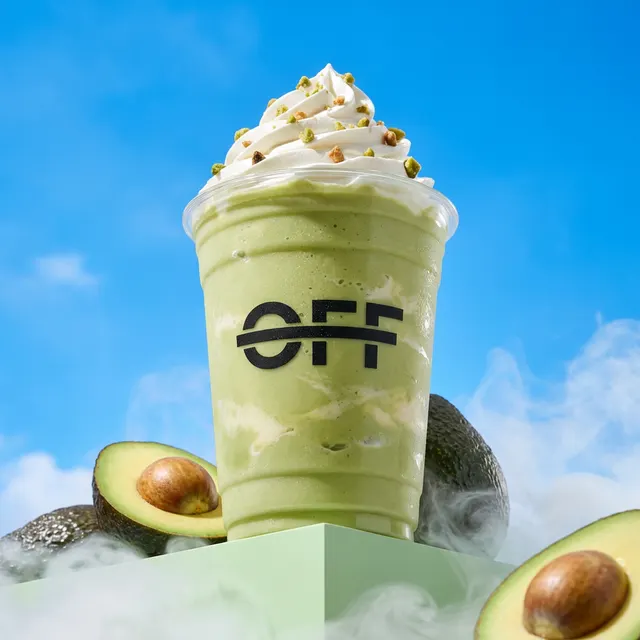
A template gives you a prepared starting point. Add your own inputs, run it, and change the underlying process when you need something more specific.



Keep learning
Follow the guides in order, or open the exact page that matches what you see on screen.
Start with something real
Cookies
We use cookies needed to run AgentDocks, and, only if you agree, cookies that help us understand how the site is used. Cookie policy