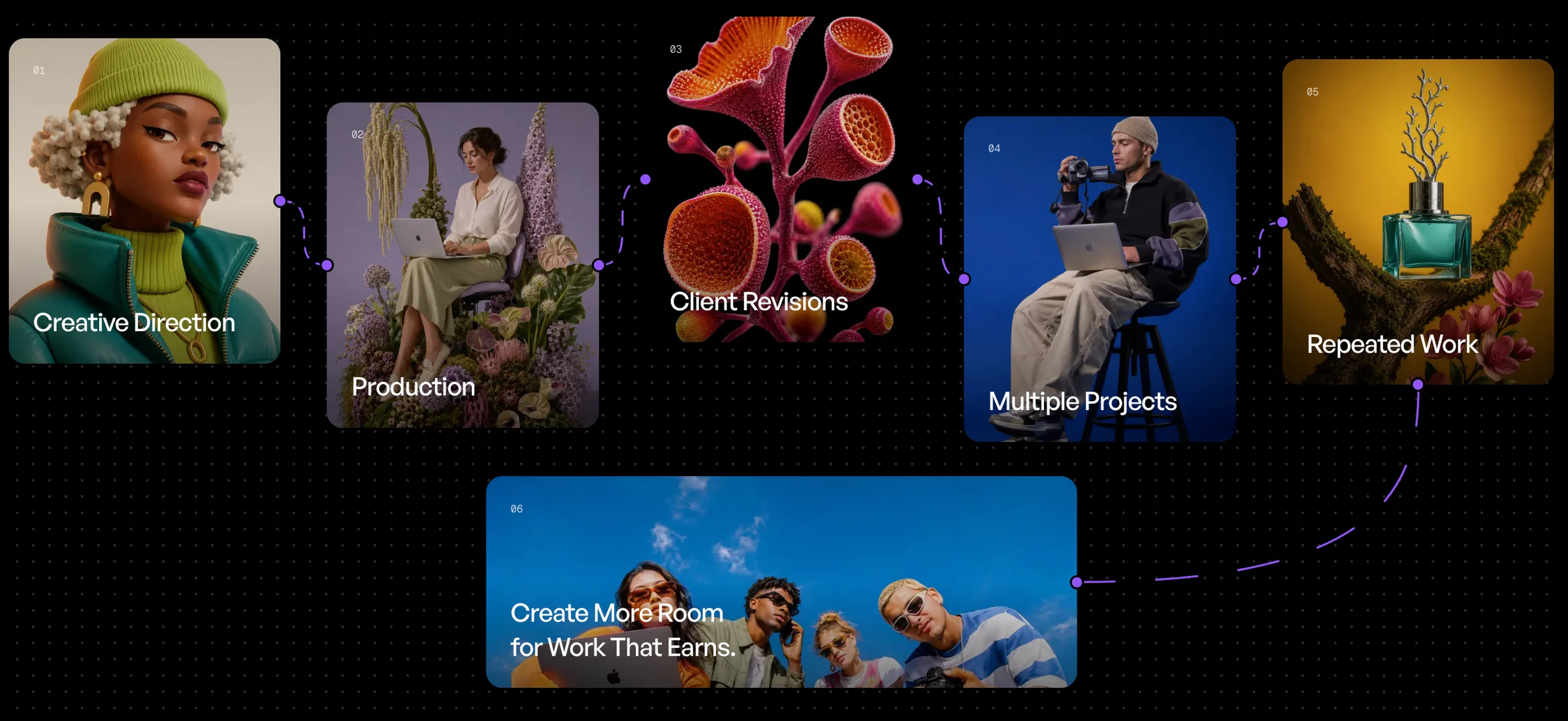

Creating one strong image is easy to understand.
Creating the same level of content across 20, 50, or hundreds of products is where production starts to become difficult.
Every product needs the same creative direction. The same quality. The same formatting. The same campaign logic.
And doing that one product at a time quickly becomes repetitive.
That is exactly what Batch Run is designed to solve.
Instead of rebuilding the same workflow for every item, AgentDocks lets you run one connected process across an entire catalog.
One Workflow. Many Products.
A Batch Run starts with a workflow you already trust.
That workflow might include:
- Product image input
- Prompt or campaign direction
- Image generation
- Camera Angle
- Color Match
- Upscaling
- Background removal
- Resizing
- Final output
Once the workflow is ready, Batch Run can process multiple inputs through that same structure. Each product moves through the same production logic.
The setup stays consistent.
The inputs change.
Why Batch Production Matters
The challenge with large catalogs is not just volume. It is consistency.
If every item is generated manually, small differences start to appear:
- Different prompts
- Different settings
- Different image models
- Different aspect ratios
- Different color treatments
- Different finishing steps
That creates more work later.
Batch Run reduces that variation by keeping the production system consistent across every item.
One workflow becomes the rule for the whole catalog.
From One Product to an Entire Range
Imagine a skincare brand launching a new collection. Or a fashion brand updating an ecommerce catalog. Or an FMCG company preparing campaign visuals for multiple flavors and pack variants.
Without batch production, every product becomes another manual task. With Batch Run, the same workflow can be applied across the full range.
The process becomes:
- Upload the products
- Run the workflow
- Review the outputs
Instead of:
- Upload one product
- Configure
- Generate
- Finish
- Repeat
The difference becomes significant as the catalog grows.
Keep the Creative Direction Consistent
Batch Run is not only about speed. It is also about keeping a campaign visually connected.
If one workflow contains the same:
- References
- Prompt structure
- Image model
- Camera direction
- Color treatment
- Output settings
then every product can follow the same creative system.
That is useful for:
- Product catalogs
- Collection launches
- Retail campaigns
- Ecommerce updates
- Seasonal promotions
- Marketplace assets
- Social campaign variations
The individual products can change while the visual language stays consistent.
Image Bulk Makes the Input Easier
AgentDocks also includes Image Bulk for workflows that begin with multiple images.
You can bring many product images into the canvas as one input and decide how they should move through the workflow.
For some workflows, those images can be used together as references. For Batch Run, they can be processed one by one.
This makes the workflow easier to build because you do not need a separate input node for every product in the catalog.
One bulk input can feed the batch process.
The Workflow Can Do More Than Generate
Batch Run becomes especially useful because it can sit inside a larger production workflow. The batch does not have to stop after image generation.
Each result can continue through additional nodes for:
- Color correction: Keep tones consistent across the full set.
- Color Match: Match every output to the same campaign reference.
- Upscaling: Prepare final images at a higher resolution.
- Crop & Resize: Produce consistent dimensions or aspect ratios.
- Background Removal: Prepare clean product assets.
- Bulk Output: Review the results together, grouped by their source.
That means Batch Run is not simply “generate many images.”
It is run the same production process many times automatically.
A Better Way to Handle Variations
Catalog production often includes more than different products.
The same item may need:
- Multiple concepts
- Different aspect ratios
- Different campaign formats
- Different visual directions
- Multiple output variations
Batch production helps turn those repeated requirements into a process rather than a checklist of manual tasks.
The more repetitive the work becomes, the more valuable the workflow becomes.
Built for Recurring Client Work
For freelancers and agencies, Batch Run can also change how recurring client work is handled.
A client may need the same type of campaign every month, but with new products. Once the workflow has been created and approved, the creative process does not need to be rebuilt every time. New inputs can move through the same system.
That makes repeat work easier to manage and helps reduce the production time behind larger deliverables.
Instead of selling only individual outputs, creators can build reusable production systems around the work they deliver repeatedly.
Review Everything in Bulk
High-volume generation is only useful if the results are easy to review.
AgentDocks includes Bulk Output, which displays Batch Run results together and groups them by source.
That gives teams a clearer way to compare outputs across the catalog instead of opening each generation separately. For larger jobs, this becomes an important part of the production process.
Generate in batch.
Review in batch.
Then move the strongest outputs forward.
Scale the Process, Not the Manual Work
The point of Batch Run is not simply to produce more. It is to separate scale from repetition.
A bigger catalog should not automatically mean rebuilding the same process more times. Once the creative system is defined, the workflow should be able to carry the repetitive part of the production.
That is the idea behind Batch Run.
One workflow.
Many inputs.
Consistent production across the entire catalog.
Turn Repetition Into a System
The most valuable workflows are often the ones you would otherwise repeat manually.
Build the production process once, connect your product inputs, and let Batch Run apply it across the work that follows the same creative logic.
AgentDocks is built to help creators and teams move from generating individual assets to building repeatable content production systems.