Features / Automation & Triggers
Workflows That Run
on Their Own.
Build a workflow once, then run it on demand, on a schedule, through Telegram, or across multiple images at once.
One Click Runs the Whole Chain.
Add a Run node to turn the workflow into one-click execution, so you do not have to trigger large workflows node by node. See the total credit cost upfront, then run every connected step in order with your preferred preview mode.
Work That Happens on a Clock.
Schedule workflows to run automatically at the time or frequency you choose. The trigger follows your timezone, tracks upcoming and past runs, and pauses after repeated failures to prevent wasted credits. Keep work moving without having to open AgentDocks and run it manually each time.
Run it from Your Phone.
Turn a paired Telegram chat into a remote control for your workflow.
Connect your bot to the Telegram Trigger, pair the chat, and send text or images straight into the workflow. A trigger command starts the run, and the connected inputs fill automatically from the conversation.
Add a Telegram Send node to return the results to the same chat, with progress updates along the way. The workflow can run end to end without anyone opening the editor.
Give yourself or your team a simple way to run repeatable workflows from anywhere, without touching the canvas.


Batch Your Entire Production in One Run.
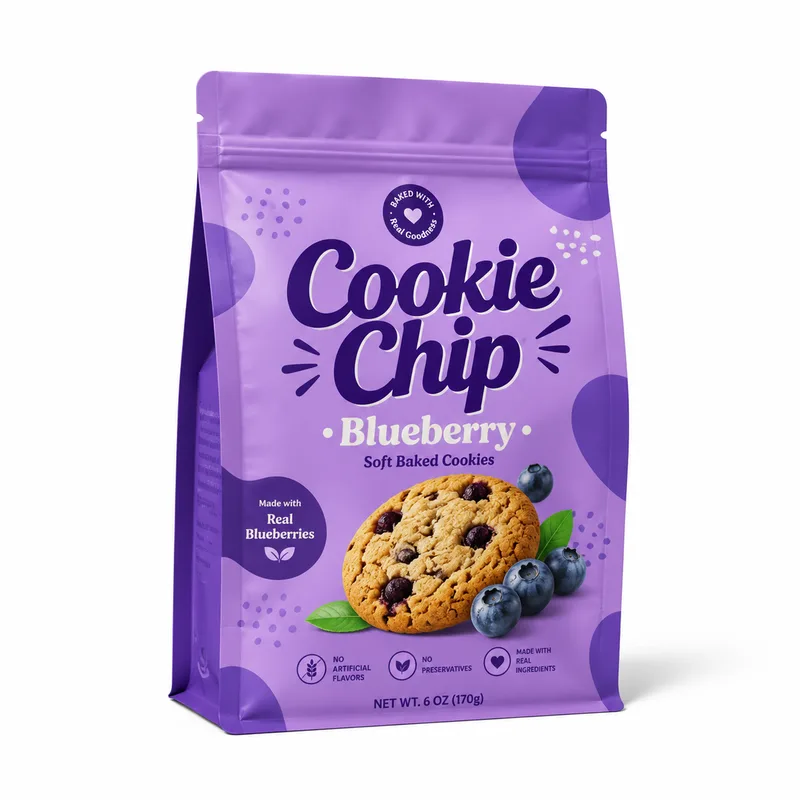
Run the same workflow across a full set of images automatically.
Batch Run applies the same workflow across every image in a set. Connect Image Bulk and process up to 50 images through the same workflow, with live progress as each result completes.
Scale a proven workflow across a full set without repeating the same process image by image. You can stop safely mid-run without losing finished work.
 1
1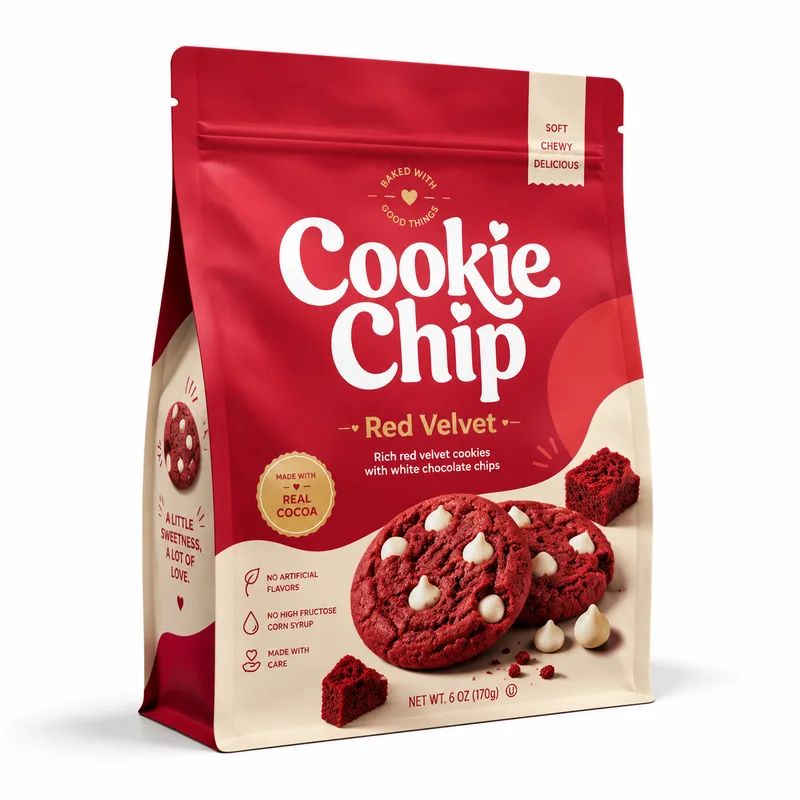 2
2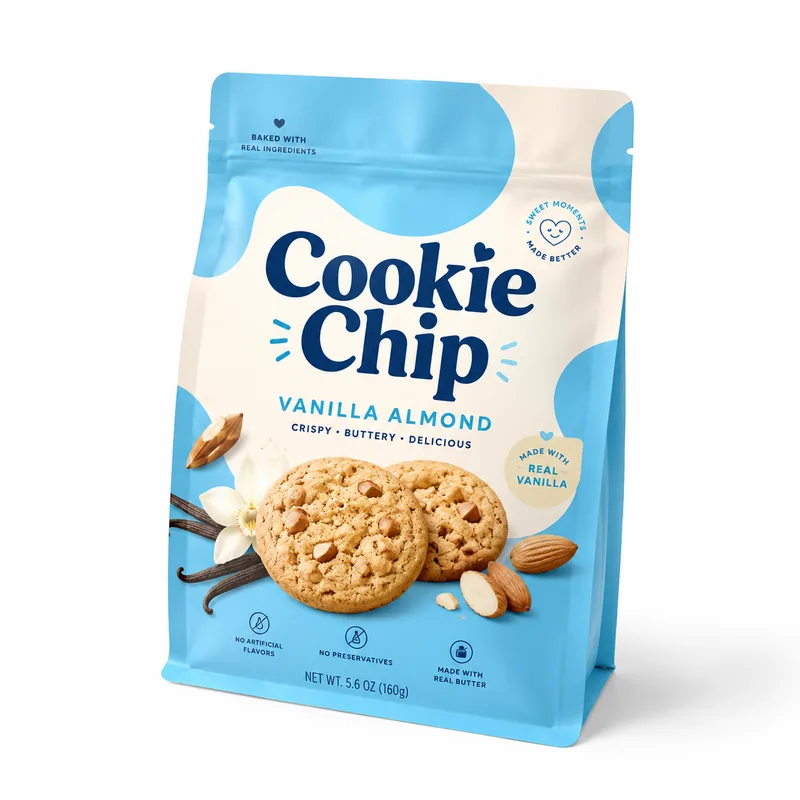 3
3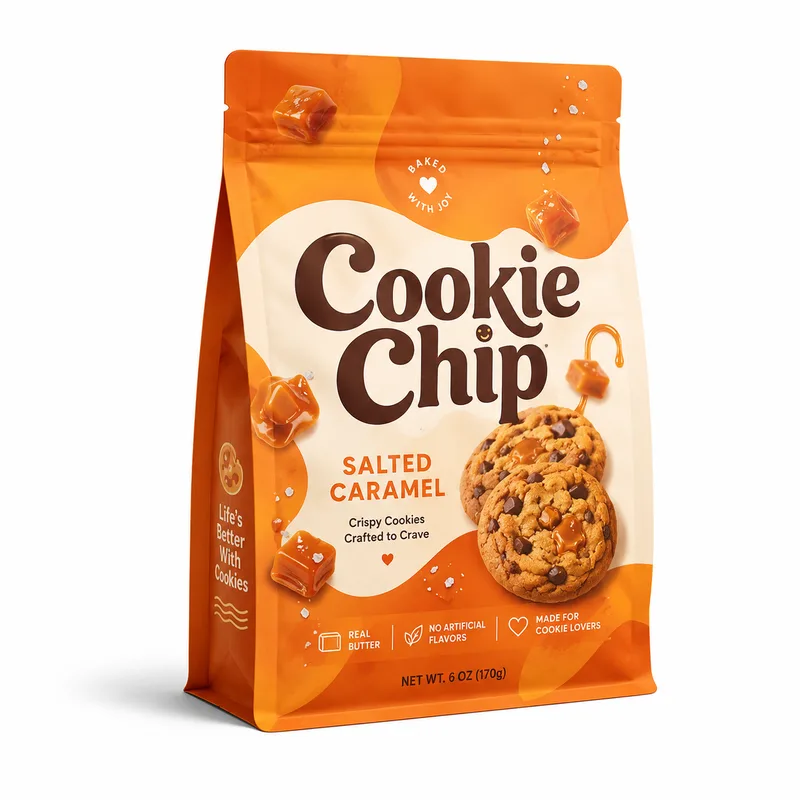 4
4Items
4 images
 Nano Banana 2
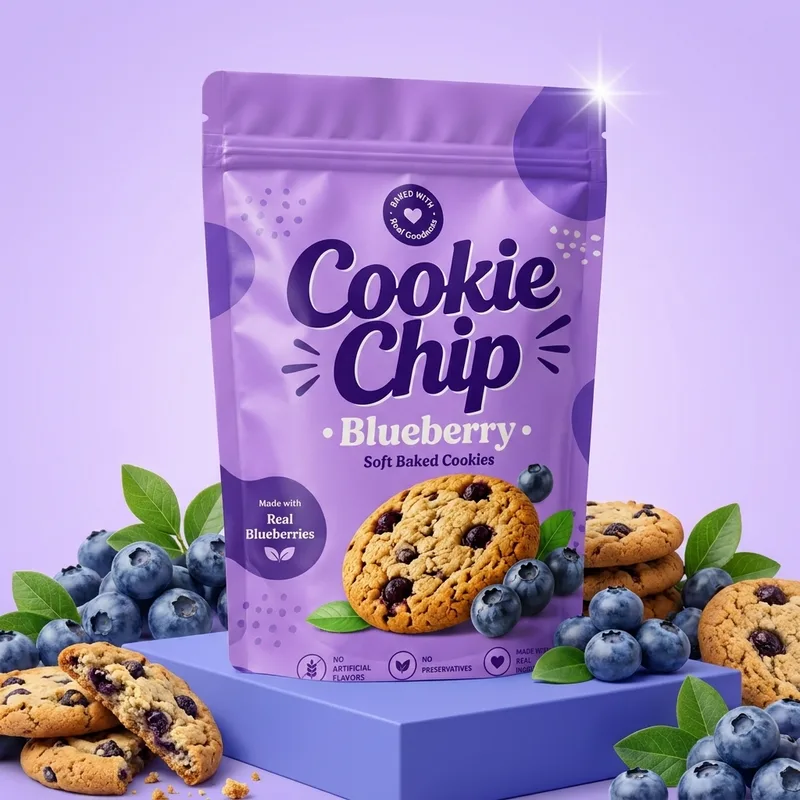
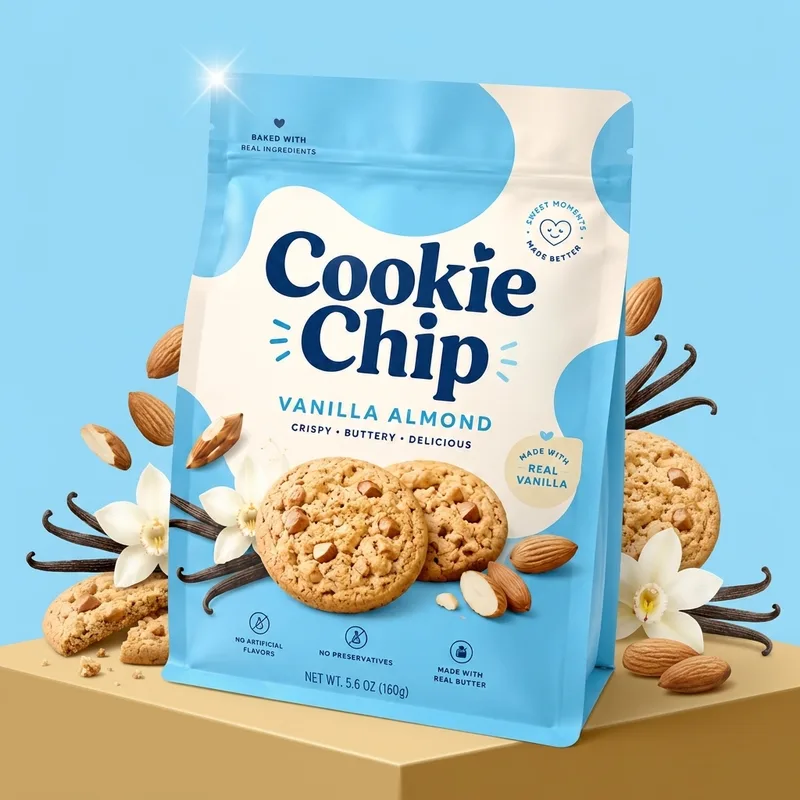
Create a premium commercial product hero image using the uploaded image as the exact packaging.
Place the uploaded package standing upright and centered as the main hero product, viewed mostly straight-on with a very slight
3153/8000Best with: up to 10 objects · 4 characters · 3 style refs
Image 1
 1
1Image 2
 2
2Image 3
 3
3Image 4
 4
4