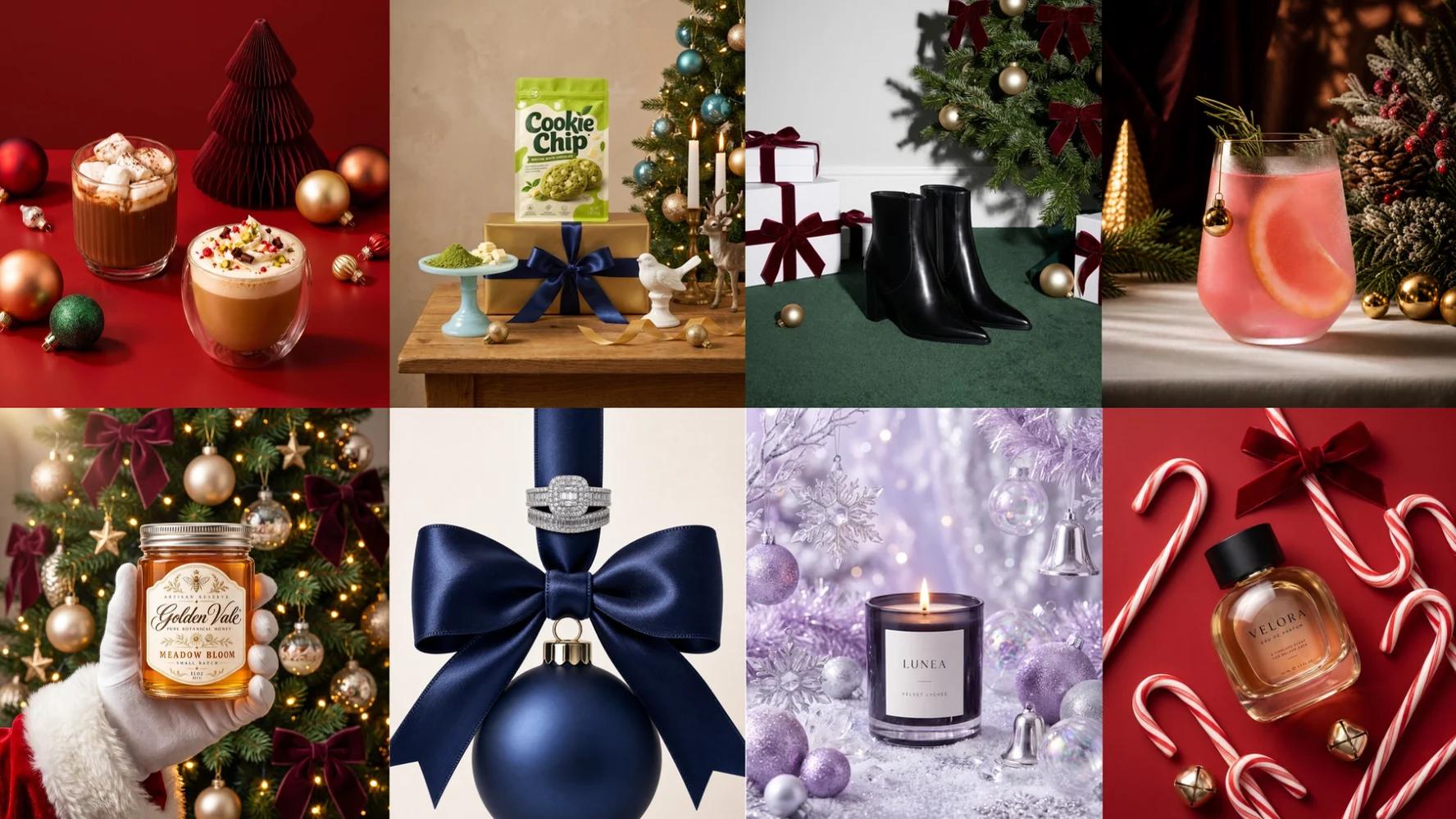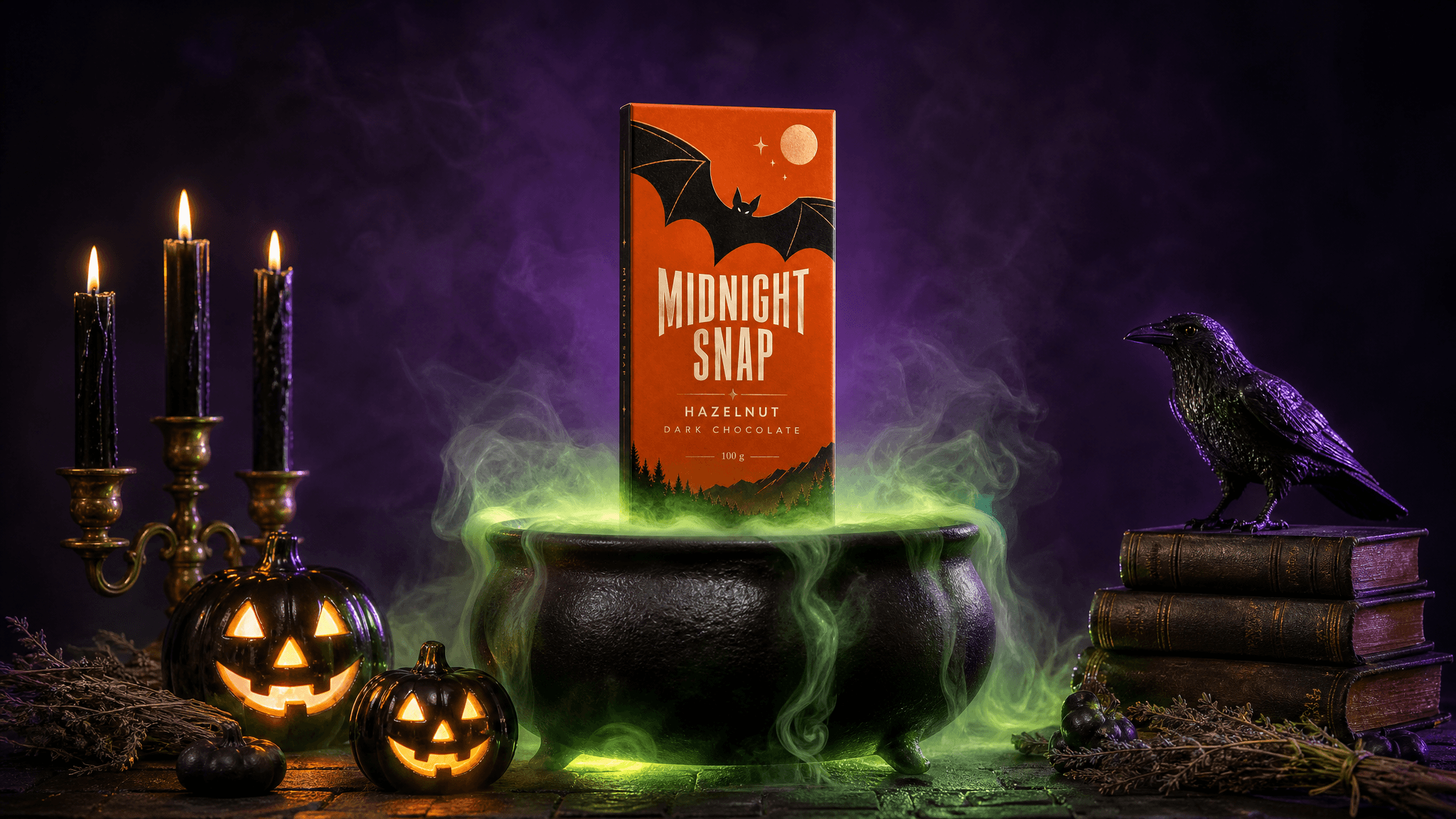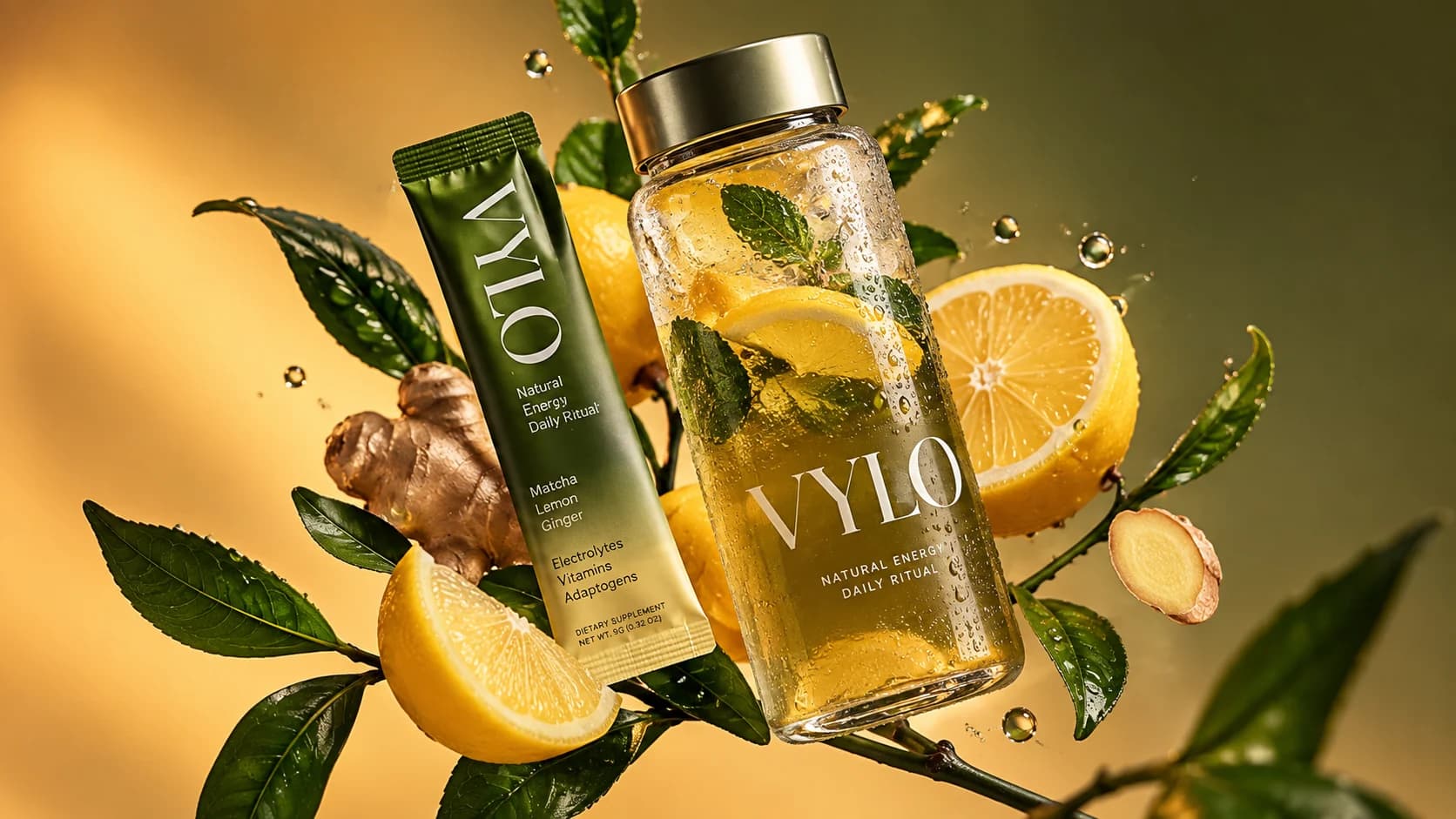
Seedream 5.5 is the best image model we have tested for work that goes through many revisions.
We changed one product photo 20 times in a row, and the label on the bottle still read correctly at the end. It is not perfect. It added a mark to an Arabic word that should not be there, it drew a solid bottle where we expected see-through glass, and twice the result looked like a famous brand we never named.
AgentDocks sells access to Seedream 5.5, and we made it our default image model on 13 November 2026. So read this as a review from people with a reason to like it. To keep it fair, every number below comes from our own runs, every failure we saw is in here, and where other testers got a different result we link to them.
The short version
| Test | Result |
|---|---|
| 20 edits in a row on one image | 20 of 20 worked. The label text was exact at the end. |
| Small text in English | Exact, down to three lines of small print |
| Small text in Chinese | Exact, every character |
| Small text in Arabic | Readable and correctly joined, but one word gained a hamza |
| Transparent background | Real transparency, clean hair edges. Glass came out solid. |
| Three reference images into one photo | Kept the face, the coat and the product |
| Results that looked like a brand we never named | 2 of 48 images |
| Time for a 2K image | 16 to 33 seconds, 22 on average |
| Images that failed to generate | 0 of 48 |
How we tested
We generated 48 images on 16 November 2026, three days after an earlier round of timing tests. All of them ran at 2K through the same request AgentDocks sends when you press Generate, on our own ByteDance account. We did not use ByteDance's launch demos, and nothing here was retouched.
The prompts started from our own templates, the ones brands already run for product ads, fashion and food. We changed the sets, the colors and the products, and we invented every brand name so no real label could help the model.
The tests follow the three things ByteDance says it improved in its announcement: editing that leaves the rest of the image alone, transparent backgrounds, and more realistic images with clearer small text.
Test 1: 20 edits in a row on one image
This is the claim that matters most to anyone who works with a client. You get an image approved, the client asks for one small change, and the model hands back a different picture.
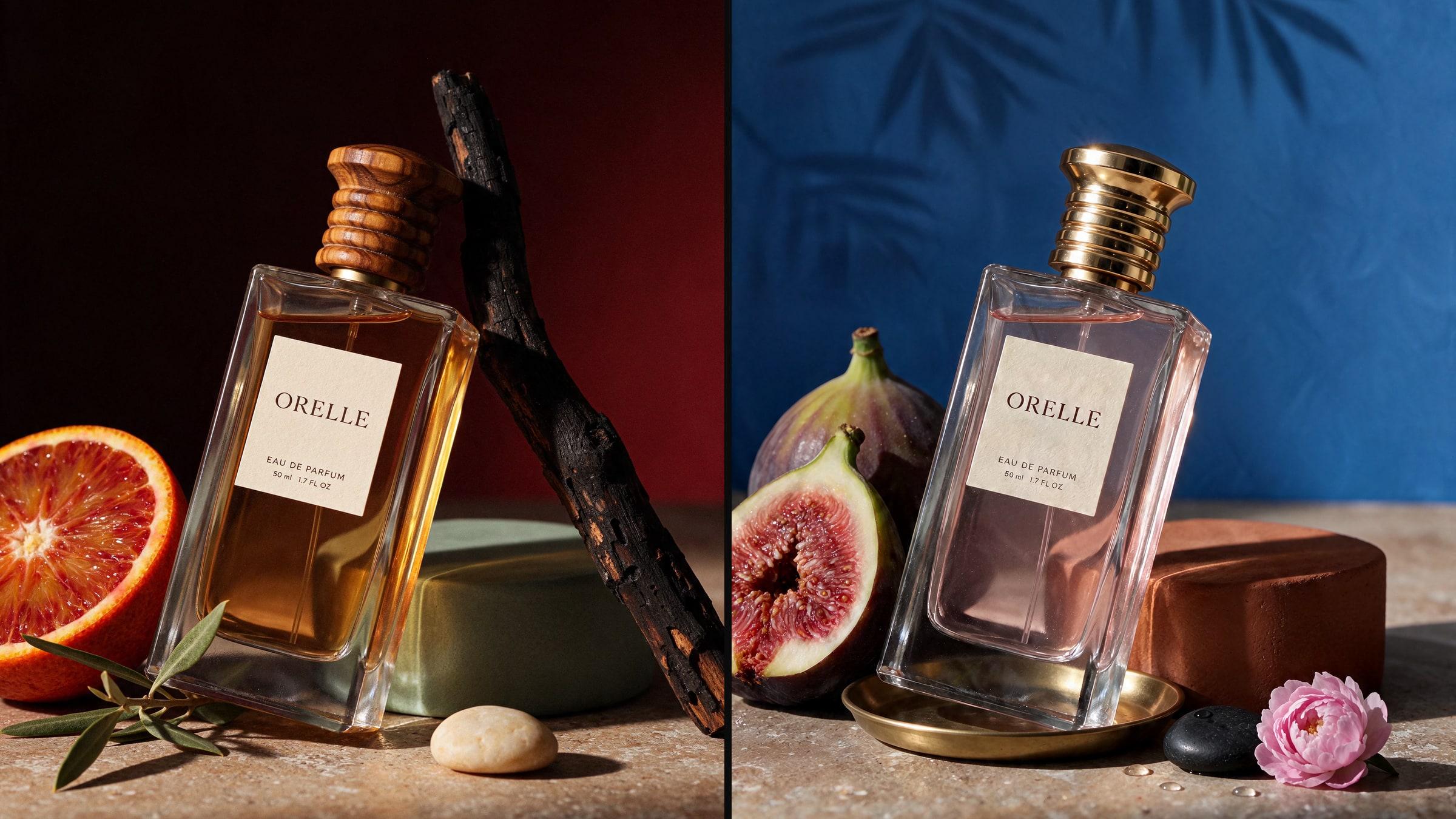
ByteDance showed 100 edits in a row on one portrait. We wanted to see it on a product, where a label has to stay exactly right. We started with a perfume bottle for an invented brand, ORELLE, with three lines of text on its label. Then we asked for one change at a time, 20 times, and fed each result back in as the only reference for the next one.
The changes were the kind a real job produces. We changed the wall from dark red to green, then to lilac, then to blue. We swapped a blood orange for a fig, changed the wooden cap to gold, replaced a charred branch with driftwood, changed the liquid from amber to pink, and moved the light to the other side.
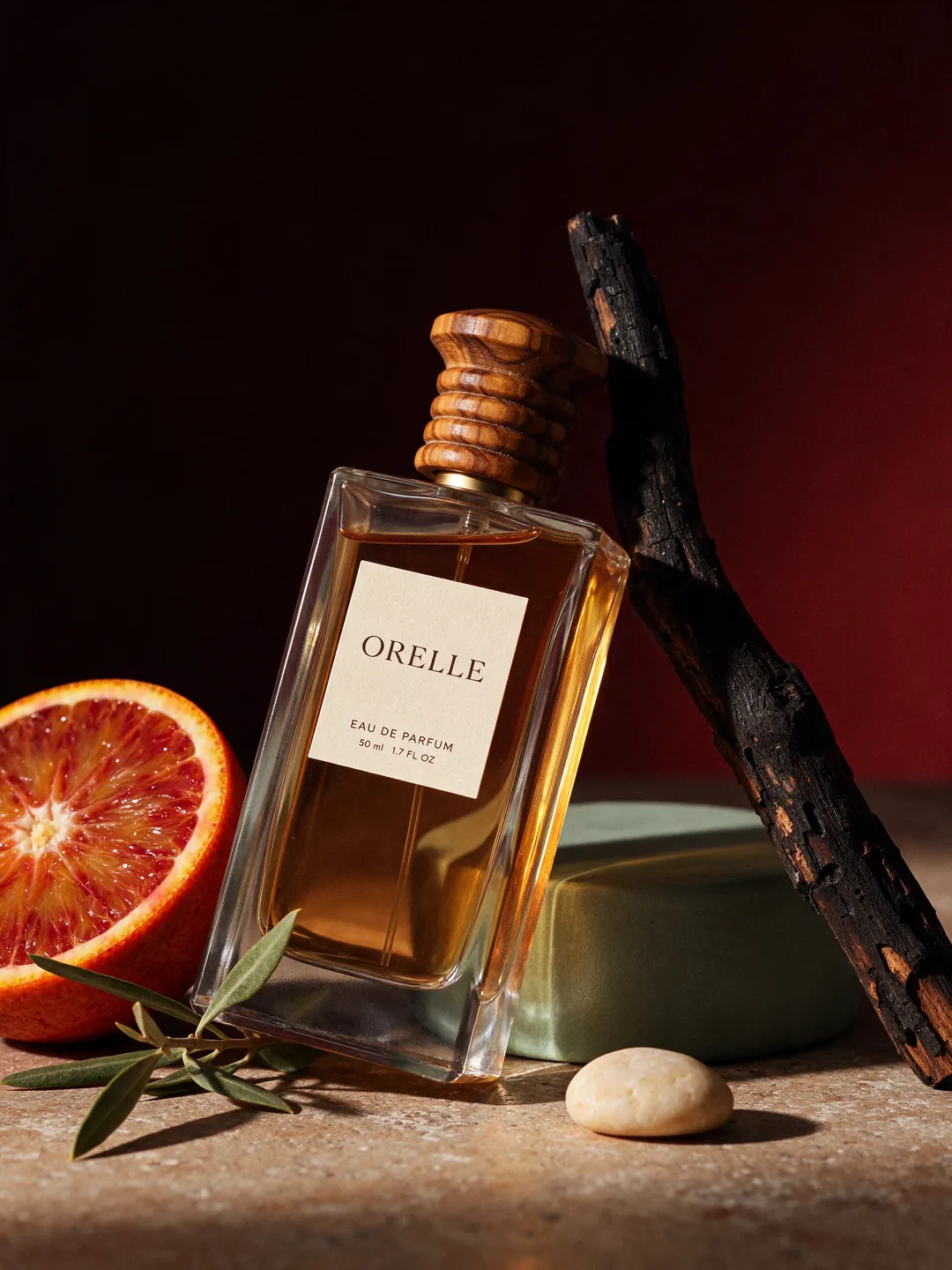
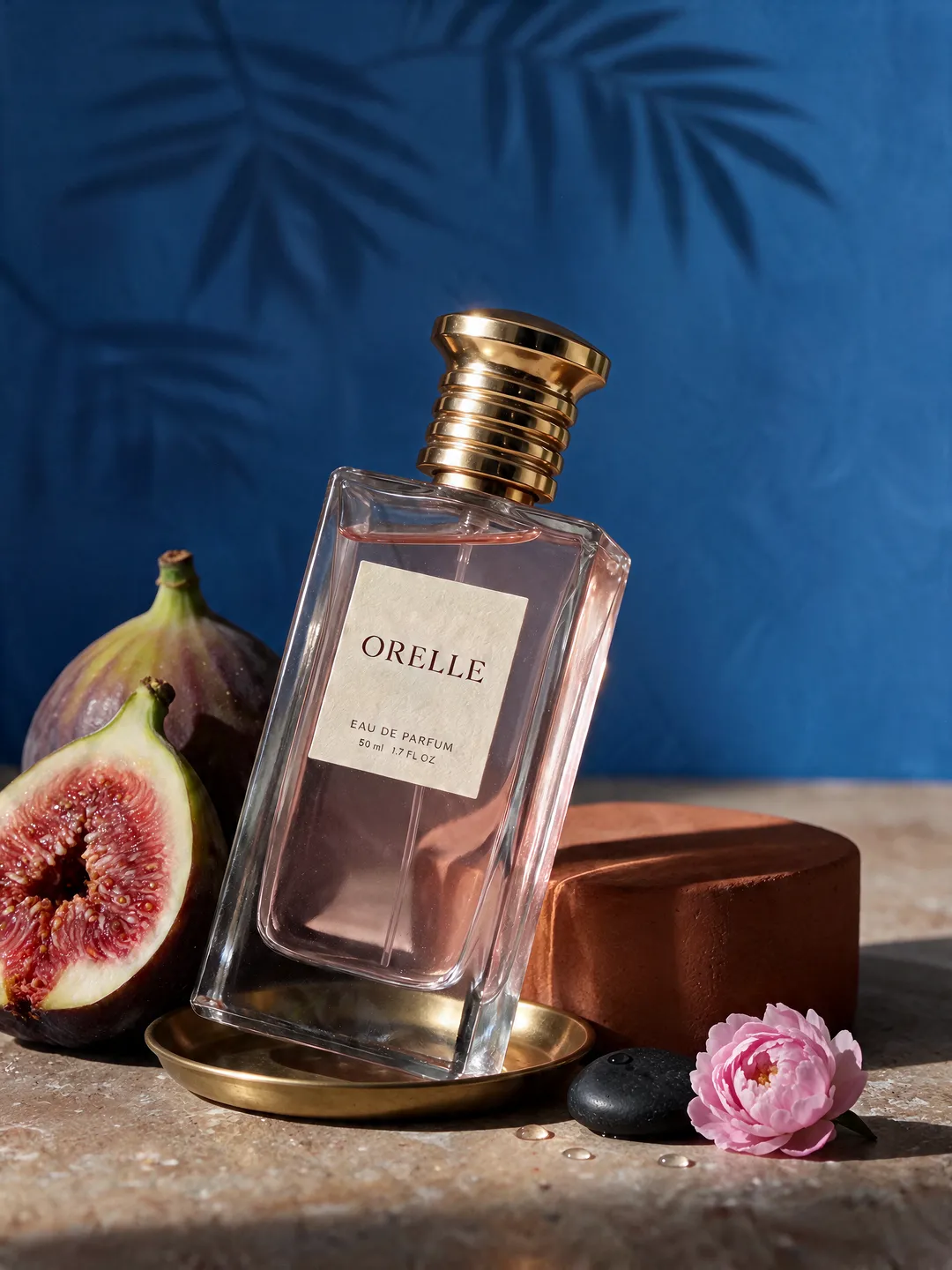
What held. All 20 edits did what we asked. After the last one, the label still read ORELLE, EAU DE PARFUM and 50 ml 1.7 FL OZ, in the same place and the same typeface. In the edits that changed one object, between 88% and 99% of the image stayed unchanged from the round before. We counted a pixel as unchanged when none of its colors moved by more than 4 steps out of 255.
What drifted. The label paper slowly picked up a rougher texture. It started smooth and ended looking like handmade paper. You only see it when you zoom in and compare the first round with the last, but it is there. Bigger changes also touched more of the picture. When we changed the wall color or the direction of the light, almost every pixel shifted a little, which makes sense because the light on the whole scene changed.
What others saw. JXP ran five edits in a row and found that recoloring a bottle also changed its label lettering. We did not see that in 20 rounds, but we never asked for the bottle itself to change color, only its cap and its liquid. If your edit touches the labelled object directly, check the label.
Each round took 18 to 26 seconds.
Test 2: small text in English, Chinese and Arabic
We made three posters, each with a headline, a date line and a line of small print, and wrote the exact words into the prompt in quotes.
English: exact. The Citrus Supper Club poster carried a headline, a date and time, a ticket price in a badge, and three lines of small print with an address and seat count. Every word and number came out as written. So did the labels on our product shots, including twelve separate lines across three spice jars.

Chinese: exact. A tea shop poster with a shop name, a headline, a date line and a line of small print. Every character matched the prompt.
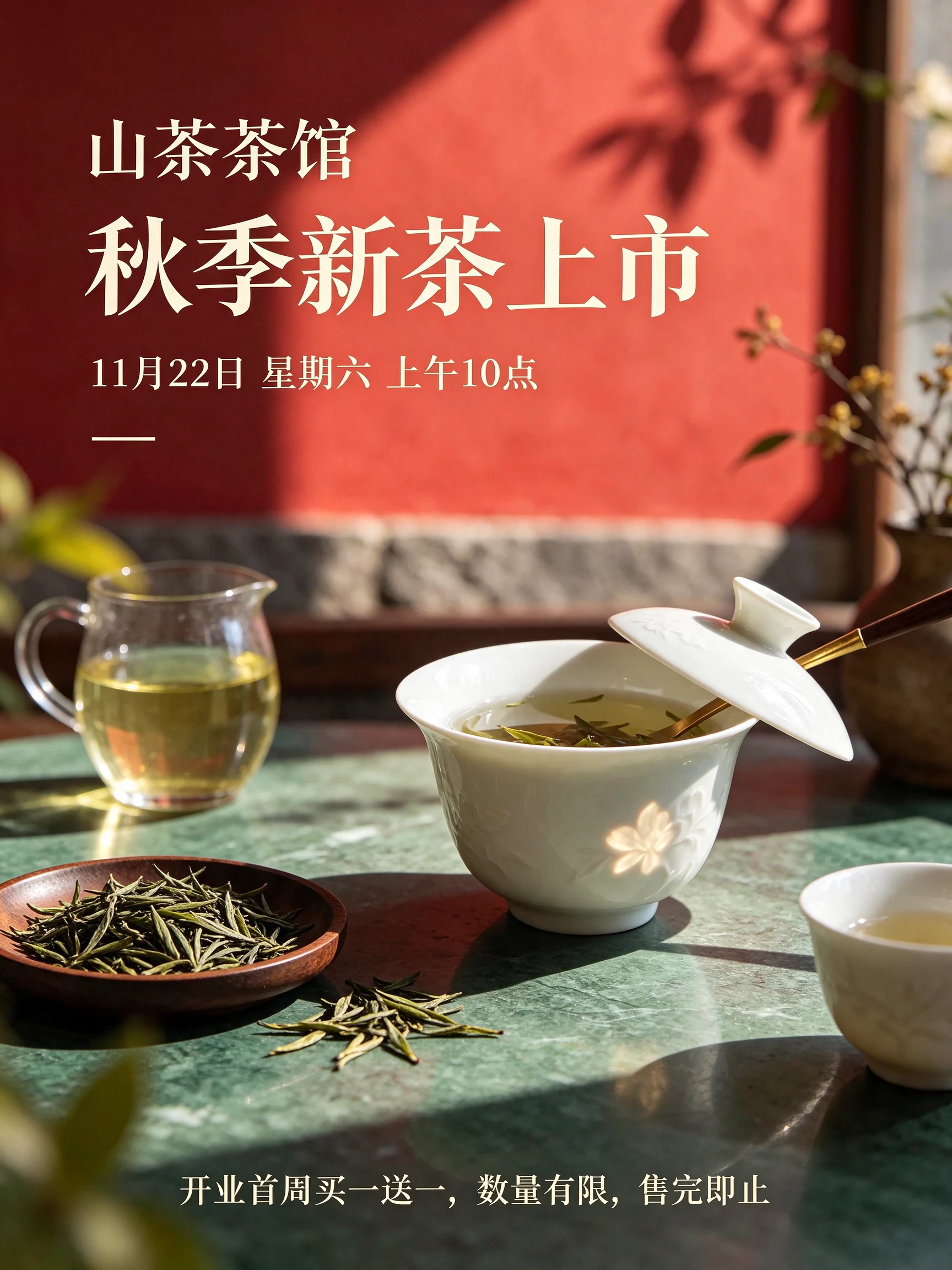
Arabic: close, with one mistake. This is the test we could not find anywhere else. The letters joined correctly, the text ran right to left, and the date line was exact. But the word الافتتاح came out with a hamza it should not have. We ran the same prompt again and it happened again, with the hamza in a different position. An Arabic reader would understand the poster, and many would not notice. A brand would still not want to print it.

So for Arabic, use Seedream 5.5 and have someone who reads Arabic check every word before it goes out. That advice is good for English too. ByteDance says it tested text in English and Chinese, and our results match that.
Test 3: transparent backgrounds
Seedream 5.5 can return an image with no background, so you skip the background remover. We asked for two: a glass serum bottle, and a model walking in a red coat with loose curly hair.
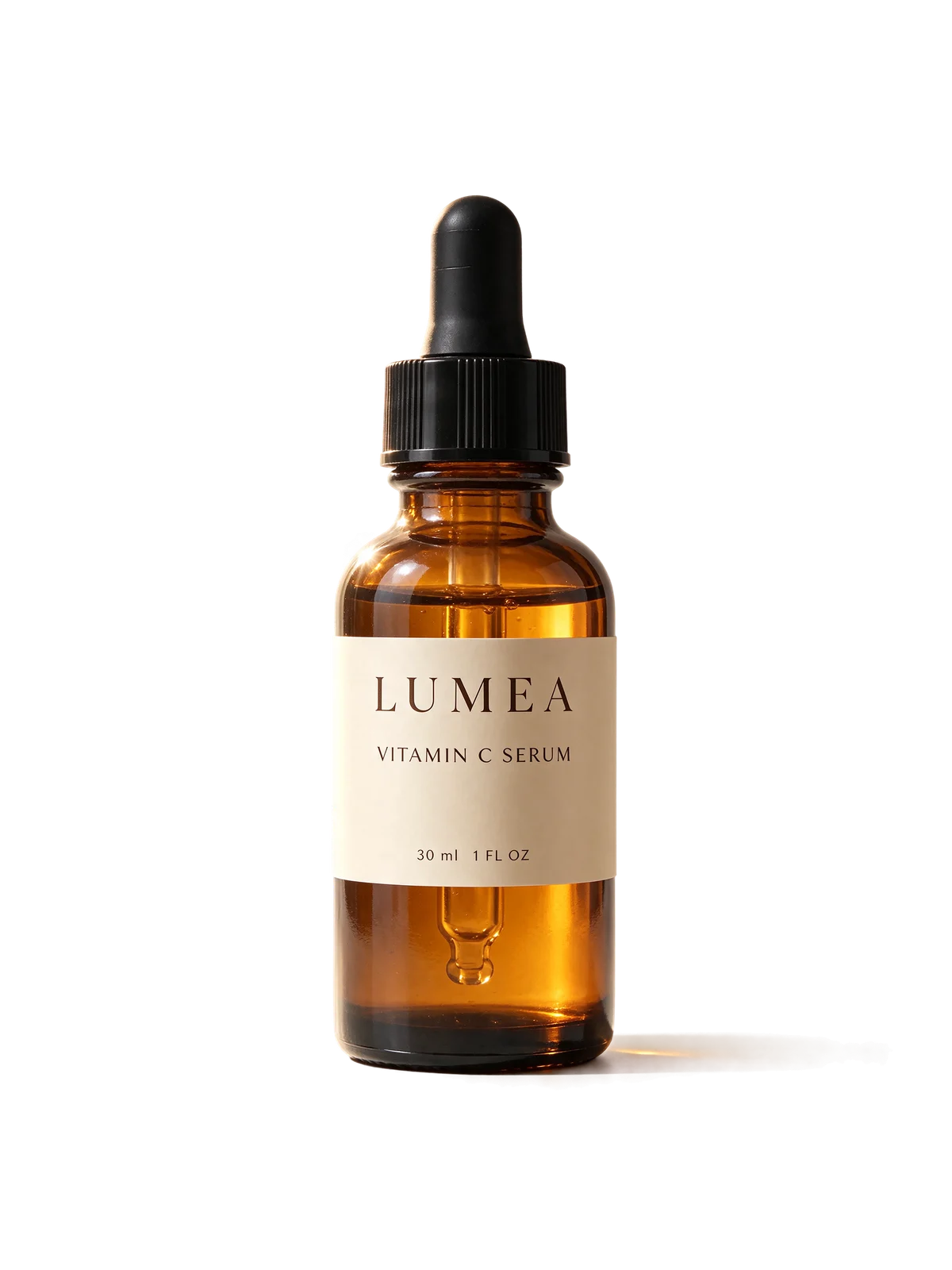
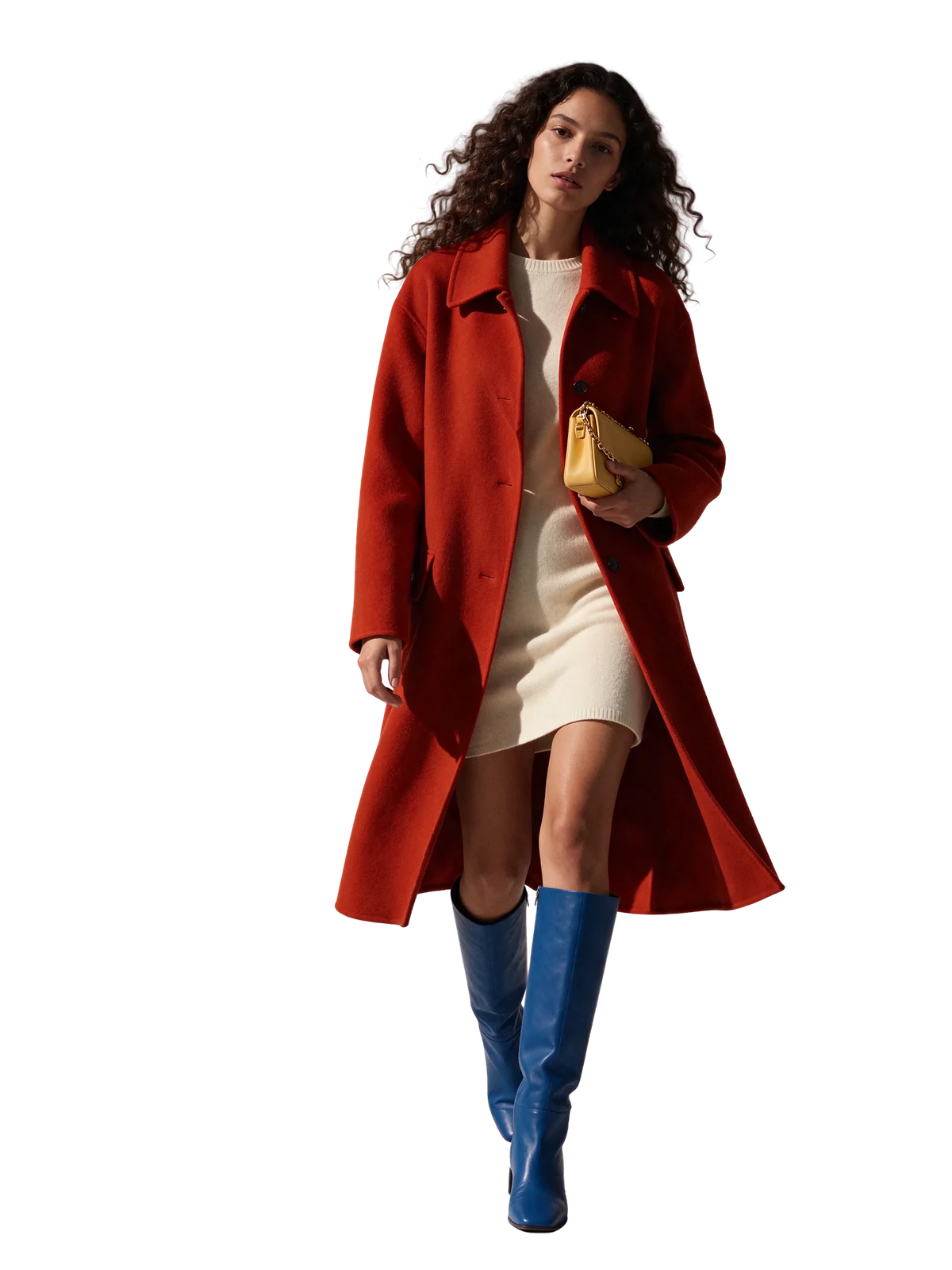
What held. Both files had real transparency, not a white or checkered fill. The soft shadow under the bottle was partly see-through, so it sits naturally on any color. The model's hair, which is where cutouts usually fail, had clean edges with no halo.
What did not. The glass itself came out solid. ByteDance says partly transparent areas are supported, and the shadow proves they are, but the body of our bottle was fully opaque. If you sell something see-through, plan for that.
What others saw. JXP reported that only one of its two transparency requests came back with real transparency. Both of ours did. The difference may be in how the request is made: AgentDocks sets the background option directly instead of leaving it to the prompt.
Test 4: three references into one photo
We gave Seedream 5.5 three images: the serum bottle, the model in the red coat, and an empty courtyard with a blue door and a lemon tree. We asked for one photo of her holding the bottle in that courtyard.
The result kept her face, her hair, her coat and the bottle, and placed her in the courtyard with the light falling the way it did in the reference. This is the job most of our users do every day, and it worked on the first try.
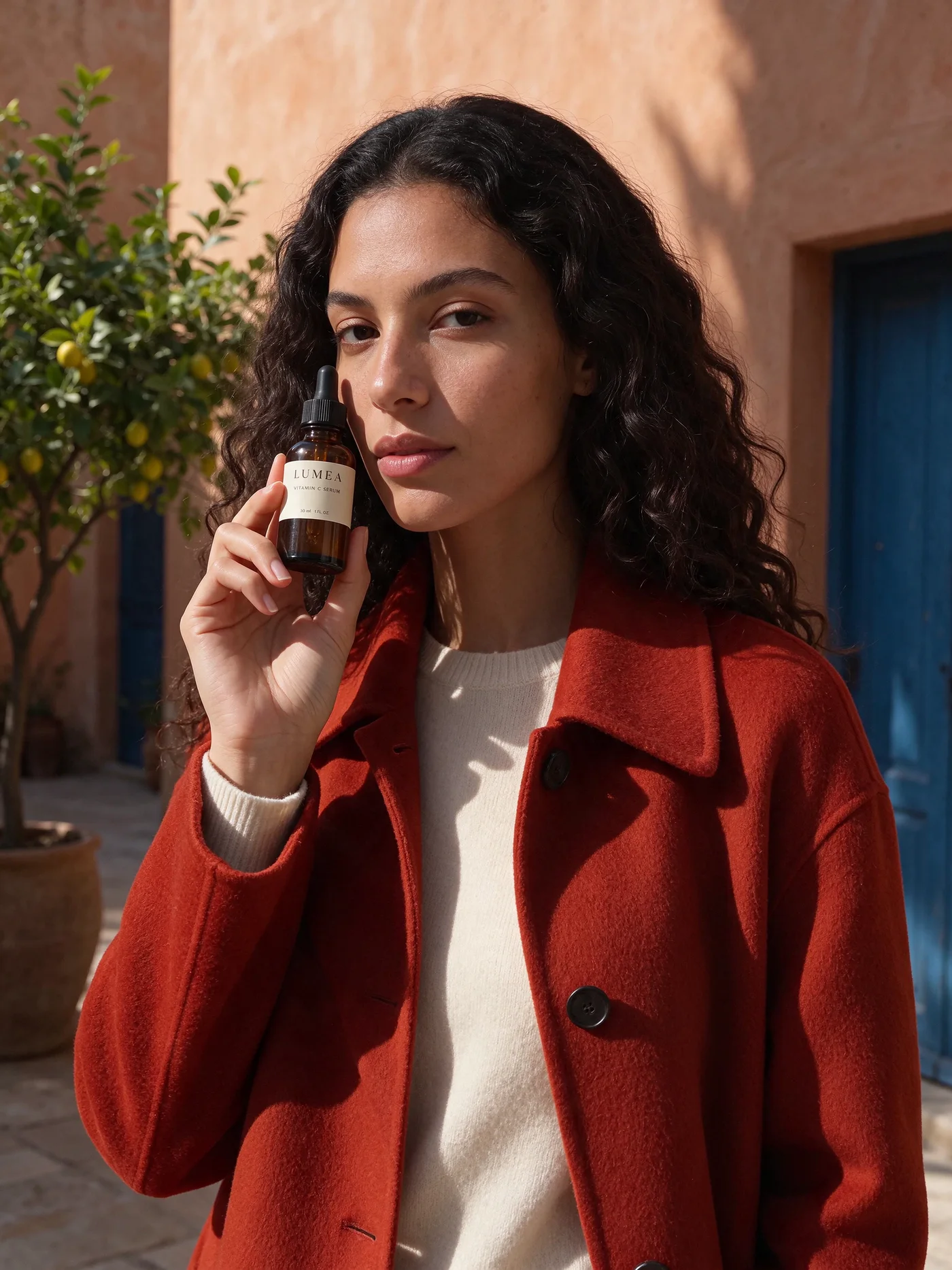
Seedream 5.5 takes up to ten reference images in one run.
The surprise: brand look-alikes
Twice in 48 images, the result looked like a famous brand we never named.
In a fashion shot, we asked for a track jacket with cream stripes on the sleeves and green and white sneakers. The model drew exactly three stripes, on the sleeves and on the shoes, in the style of a well-known sports brand. In another, we asked for a small green handbag and got a quilted flap bag with an interlocking gold clasp.
Neither had a real logo. Both were close enough that we would not publish them. The fix was easy in both cases. For the jacket, we asked for a plain one, added "nothing she wears has stripes, logos or brand marks" to the prompt, and ran it again. For the handbag, we used the model's own editing: one request to replace only the bag, which left 99.6% of the image unchanged.
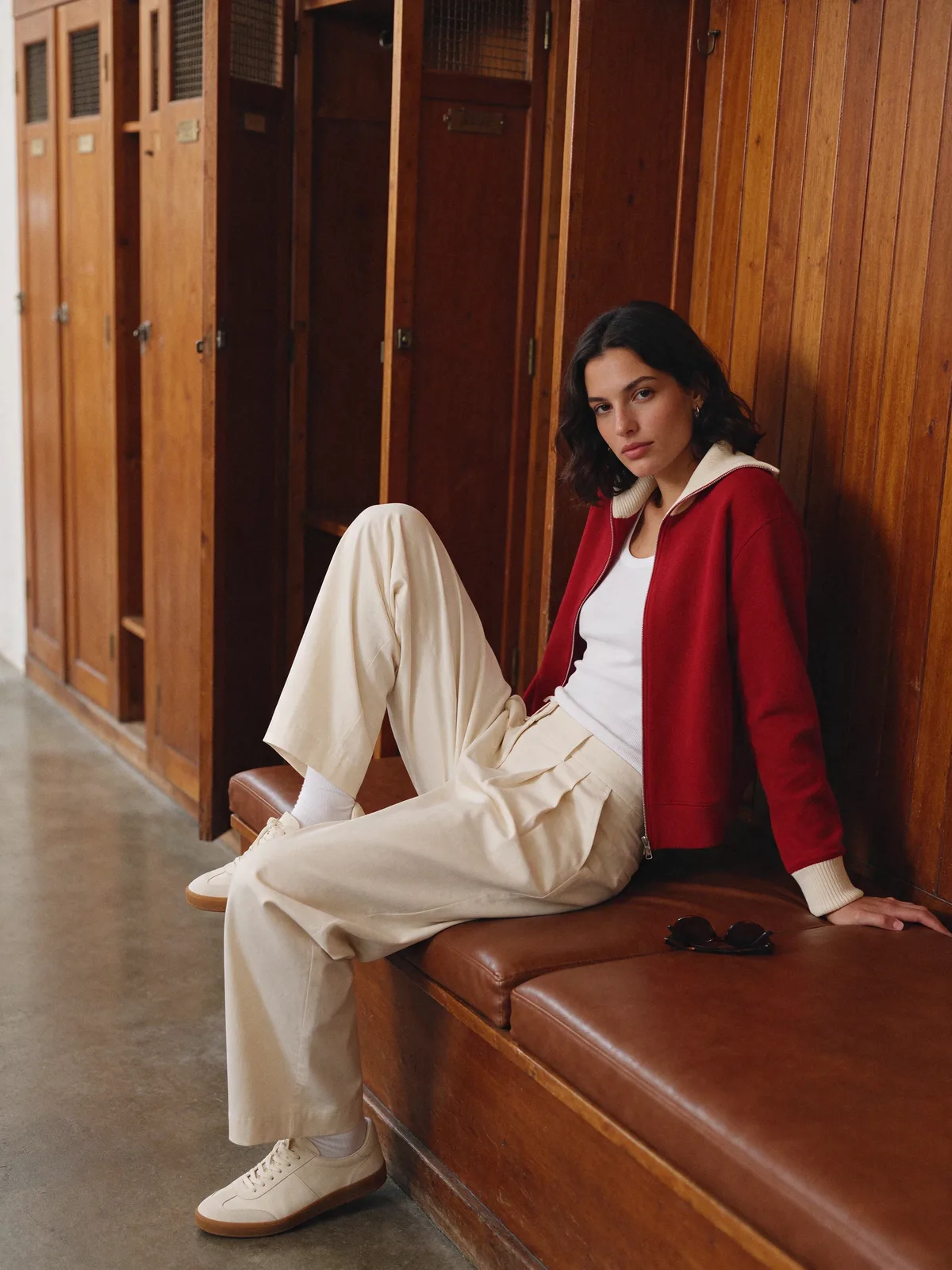
Two lessons for brands. Say what you do not want, and look closely at bags, shoes and stripes before you publish.
Speed and cost
| Measure | Result |
|---|---|
| Fastest 2K image | 16 seconds |
| Slowest 2K image | 33 seconds |
| Average over 48 images | 22 seconds |
| Failed generations | 0 of 48 |
| What 48 images cost at ByteDance's list price | About $1.88 |
On AgentDocks, a Seedream 5.5 image costs 4 credits at 1K or 1.5K and 6 credits at 2K. Reference images do not change the price. On the Pro plan that is about $0.05 and $0.07 an image. New accounts get 40 free credits, which covers 10 images at 1.5K.
What Seedream 5.5 does not do
- No 4K. It tops out at 2K, about 4.6 megapixels. For 4K, Seedream 4.5 and Seedream 5.0 Lite go higher, or you can upscale afterwards.
- No seed and no negative prompt. You cannot lock a random seed to repeat a result, and there is no separate box for things to avoid. Put them in the prompt.
- It has a content filter. ByteDance applies its own rules to prompts and reference images, and they cannot be switched off.
How it compares with other models
We have not run our own side-by-side test yet, so we will not claim a winner. Here is what others found.
ByteDance's own tests put Seedream 5.5 ahead of GPT Image 2.5 Sunburst and Nano Banana 2.1 on text. That is the maker grading its own work, so weigh it accordingly.
Atlas Cloud ran a blind five-round test against GPT Image 2.6. GPT Image 2.6 won three of the five single rounds, and Seedream 5.5 won the final review and the test overall. Atlas also found it faster and cheaper per image.
Our own view after 48 images: the reason to pick Seedream 5.5 is not a prettier first image. It is that the tenth revision still looks like the first.
Who should use it
Use it if you make product sets that go through client revisions, you need text on labels or posters to be right, you want cutouts without a background remover, or you make many images and price matters.
Look elsewhere if you need 4K straight from the model, or you need Arabic text that is correct with no proofreading.
How to try it
- Open Create Studio. Seedream 5.5 is already selected.
- Describe the image. Put any text you want in quotes, and attach up to ten reference images.
- Choose the ratio, the size and the background. The price shows on the button before you generate.
See every test on the Seedream 5.5 page
The Seedream 5.5 page has every image from these tests. You can drag the cutouts over different backgrounds, slide through all 20 edits, and zoom into the three posters.
Questions
Is Seedream 5.5 worth trying?
Yes, if your work involves revisions. Its strength is changing one thing and leaving the rest alone. In our test it kept a product label exact through 20 edits in a row.
Can Seedream 5.5 write Arabic text?
Yes, with a check. In our test the letters joined correctly and read right to left, but one word gained a hamza in both runs. Have an Arabic reader proofread before you publish.
Does Seedream 5.5 really make transparent backgrounds?
Yes. Both images we tested had real transparency, with clean edges around loose hair and a partly see-through shadow. A glass bottle came out solid, so see-through products need extra care.
How fast is Seedream 5.5?
A 2K image took 16 to 33 seconds in our 48 runs, 22 seconds on average.
How much does Seedream 5.5 cost?
On AgentDocks it costs 4 credits at 1K or 1.5K and 6 credits at 2K, about $0.05 and $0.07 on the Pro plan. Reference images are included.
When was Seedream 5.5 released?
ByteDance released it on 9 November 2026.