Most people who try a node-based canvas for the first time have the same moment. The canvas is open, the nodes are on the left, and you know roughly what you want to make. What you don't know is where to start.
Which model goes first? Where does the product photo connect? How do you get six shots that look like they belong to the same campaign, instead of six images that each went their own way?
We built workflow templates for that moment. Each one is a complete AgentDocks workflow, built for a real kind of campaign, that you can copy into your own account and run with your own product.
Why We Built Workflow Templates
When people shared their results with us, the first question from everyone else was almost always the same: "How did you make that?"
The answer was never just a prompt. It was a chain of decisions. Which image model created the hero shot, how a reference image kept the product looking right, how the same scene was pushed into new angles, and where the stills went into a video model. That chain is the valuable part, and it was the part people couldn't see.
We also noticed how much time went into wiring a good workflow from zero. Someone would spend an afternoon getting a perfume campaign to look right, and the next person with a similar product would spend the same afternoon solving the same problems.
Workflow templates fix both. The finished process becomes something you can open, read and reuse, so the next campaign starts from what already worked.
What a Workflow Template Actually Is
AgentDocks has two kinds of templates, and they do different jobs.
Templates are the quick route. You pick a style, upload your product and get finished images, with no prompt writing or model setup.
Workflow templates give you the whole machine. When you clone one, it becomes a new project in your account with every node, prompt, model choice and connection in place. Nothing is hidden. You can run it as it is, change any part of it, or take it apart to understand how it was built.
Before you clone anything, each workflow page shows you what you're getting. There's a gallery of results the workflow produced, a map of how the nodes connect, and a short list of what it's made of. You can look at all of it for free.

What Workflow Templates Help With
Starting a Real Campaign Without the Blank Canvas
The library is organized around the kind of work brands actually do: product photography, beauty and skincare, food and beverages, fashion, and FMCG. You'll find workflows like Perfume Brand Visual Campaign, Handbag Editorial Shots, Retro Fashion Set and Halloween Café Campaign.
Instead of planning a campaign structure from scratch, you open one that's close to what you need, swap in your product, and run it. The planning has already been done.

Keeping a Full Set Consistent
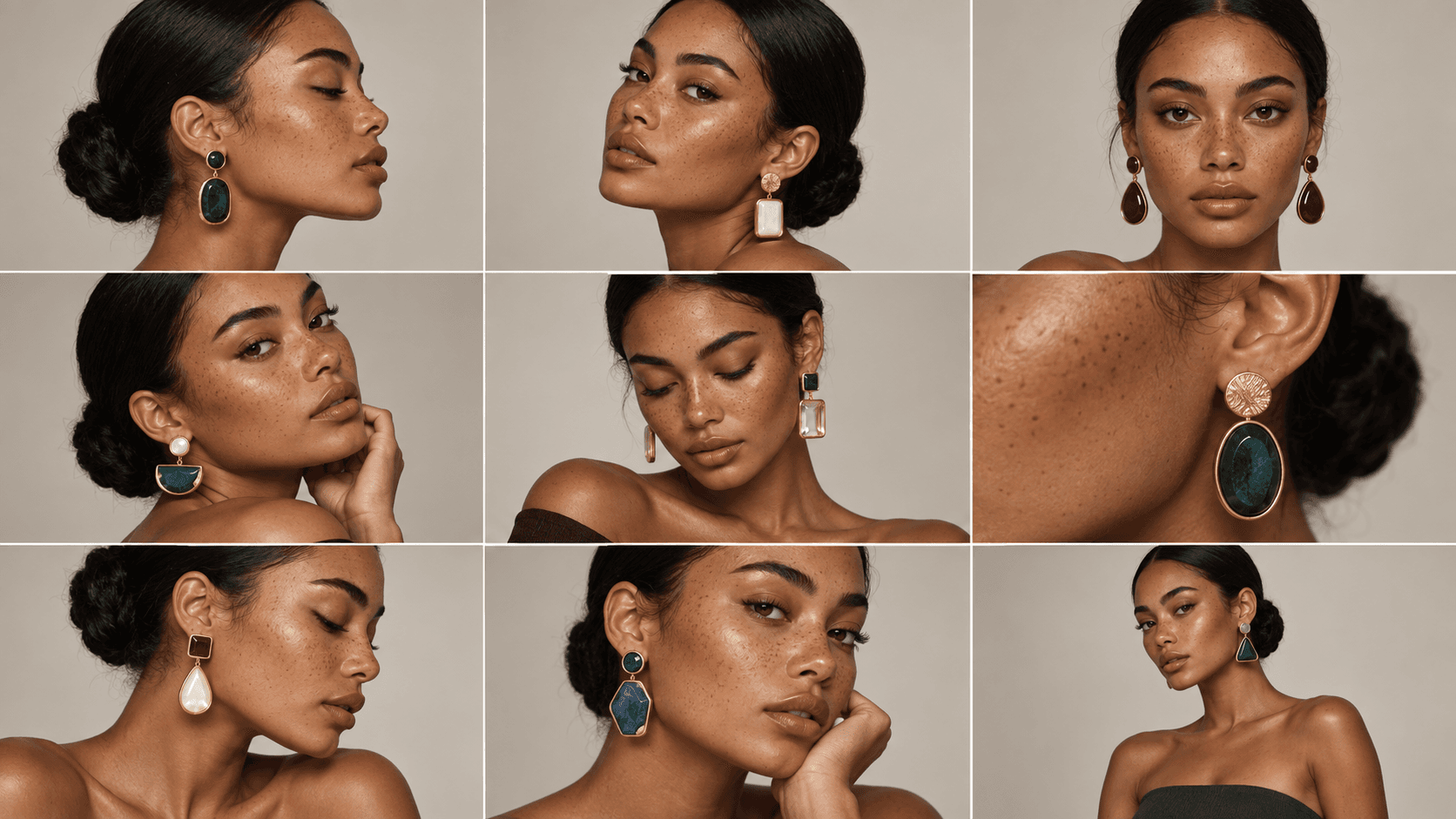
One good image is easy to get from AI. A set of ten that share the same light, styling and mood is much harder. That's usually where people lose time, generating again and again until things match.
Most of our workflow templates are built to solve exactly this. They start from one direction and expand it into a complete set, so the hero shot, the close-ups and the lifestyle scenes look like they came from the same shoot.

Learning How Good Workflows Are Built
A workflow template is also a good way to learn. You don't have to run it as it is.
Because everything is visible, you can follow how a 20-node campaign is put together, see why one image feeds three others, and borrow the parts that are useful for your own work. It's often a faster way to learn the Node Editor than starting with an empty canvas.
Running the Same Workflow for a Whole Catalog
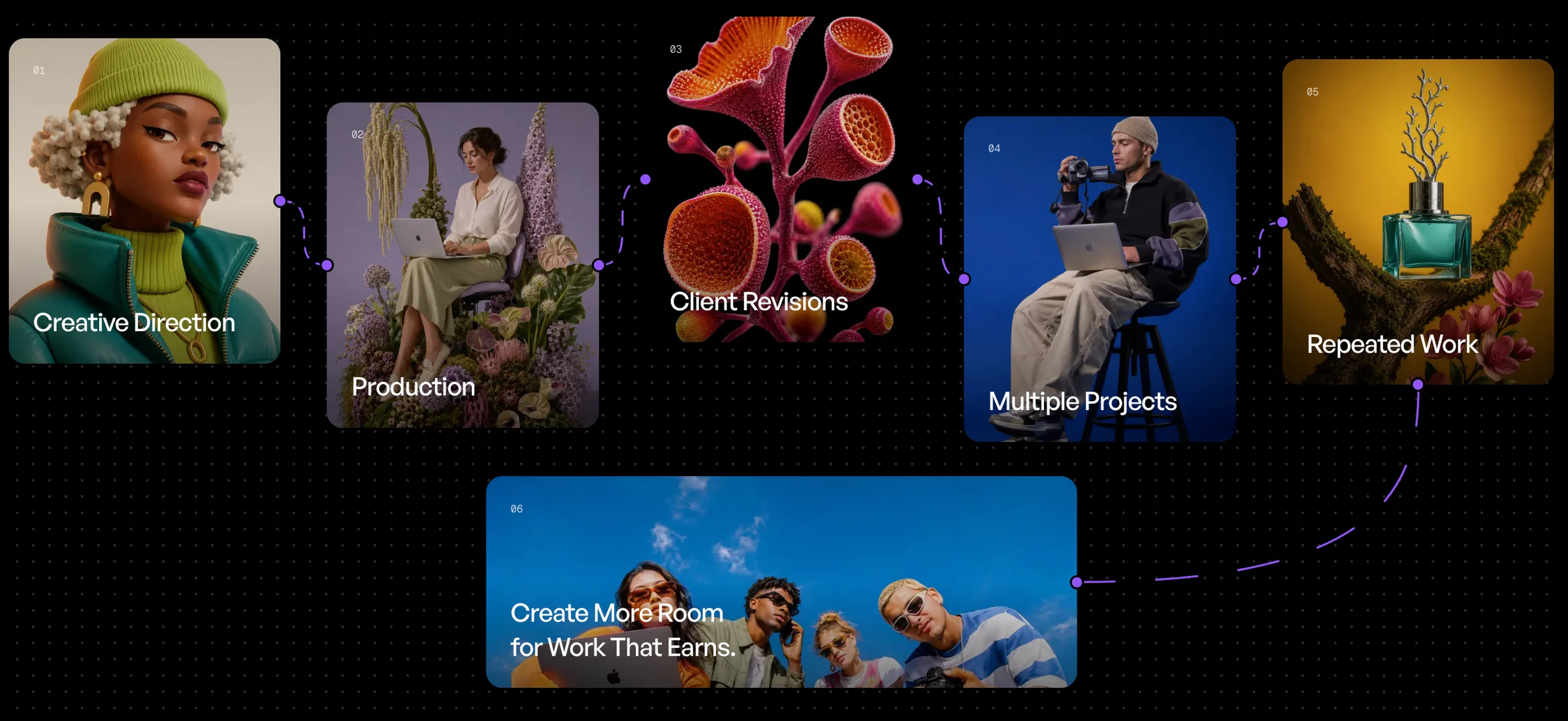
Once a workflow gives you the look you want, you can keep using it. Change the input product and run it again, or use the Batch Run node to push a full product range through the same workflow, so a whole catalog comes out in one consistent style.
This is what we mean by "Build once. Run forever." The work you put into getting a campaign right doesn't disappear when the campaign ends.
How to Use a Workflow Template
- Browse by category. Open the Workflow Templates page and filter by your industry, or sort by the most cloned workflows.
- Check the results and the map. Look through the gallery to make sure the style fits your brand, and look at the map to see how the workflow is built.
- Clone it. The workflow is copied into your account as a new project. The original stays as it is, so you can change anything.
- Add your product. Replace the input image with your own product photo or reference.
- Adjust what you need. Change a prompt, try a different image or video model, or add nodes. If a model in the workflow is no longer available, that node opens empty so you can pick a current one.
- Run it and keep it. Your version is saved in your projects, ready to run again for the next product or the next season.

Who Workflow Templates Are For
Brands that need regular campaign visuals for their products, and want them to look consistent every time.
Freelancers and creators who want to deliver complete campaign sets for clients without rebuilding their process for each job.
Agencies that run similar productions for many clients and want a proven starting point they can adapt to each brand.
Anyone learning AgentDocks who wants to see how a real production workflow is structured before building their own.
Start From Something That Works
Every workflow in the library started as someone figuring out how to get a campaign right. Now that work is there for you to open, change and run with your own product.
Browse the Workflow Templates, find one close to your next campaign, and make it yours.