
Getting started
Choose how you want to work
AgentDocks has two main production interfaces. Create Studio is built for direct creation. The Node Editor is built for work that needs a visible, connected process.
Last reviewed August 19, 2026
Two interfaces, one platform
You do not have to choose one interface forever. Use the interface that suits the work in front of you, then move into the other one when the project changes.
This is not a beginner and expert split. An experienced creative may use Create Studio for a fast concept. A small repeatable task may be easier to keep in the Node Editor.
Projects keep each piece of work together
Choose Create Studio for direct creation
Start here when you want to make something directly.
Write a prompt, add a reference if you have one, choose an image or video model, and generate. Each result appears in the project feed so you can review it and continue working.
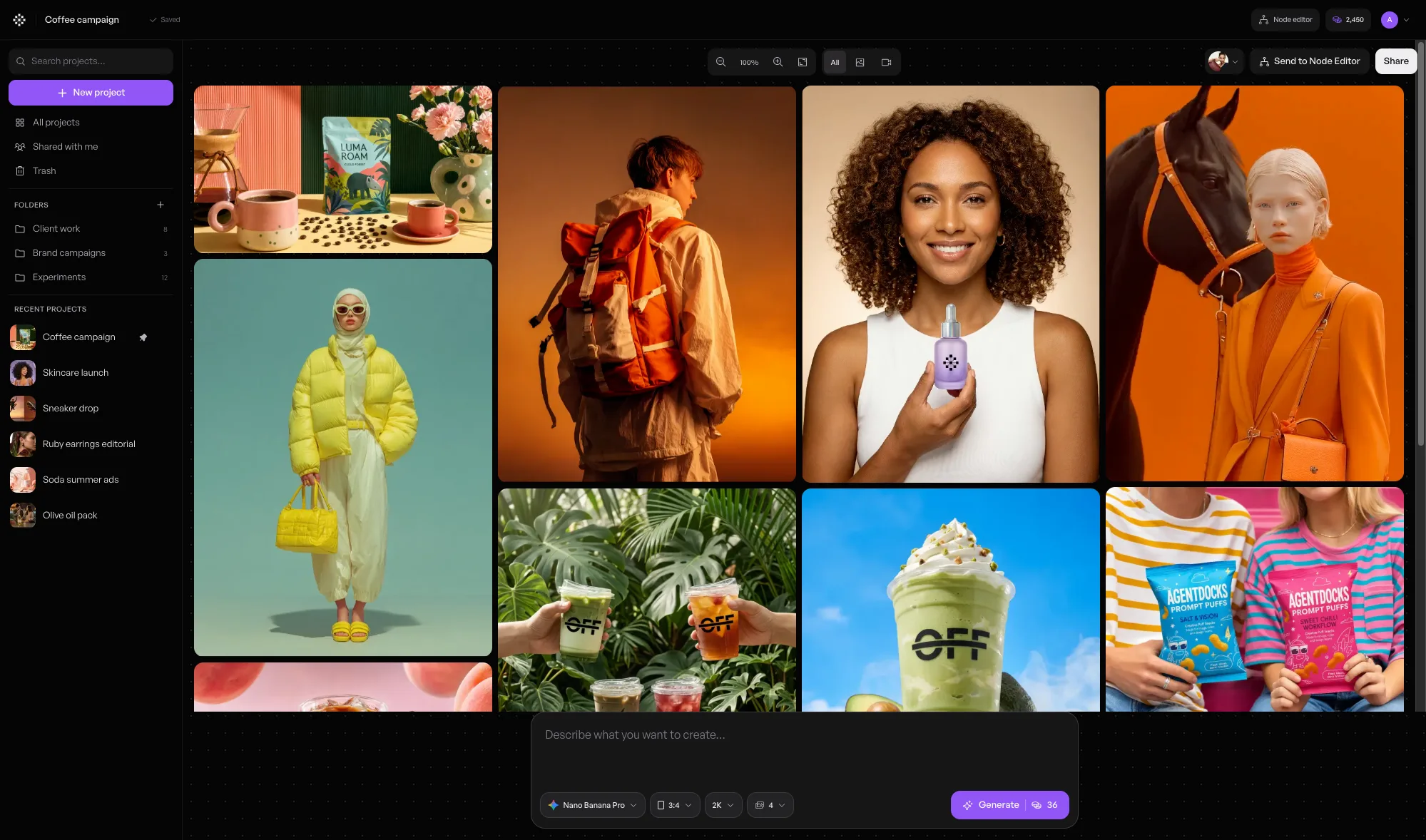
Create Studio is useful for testing a direction, answering a quick request, or exploring several versions without building the process first.
Choose the Node Editor when the process matters
Start here when you need to see or reuse the steps.
A node is one step in the process. One node may hold an image, another may generate a new image, and another may show the result. Wires explain how information moves between them.
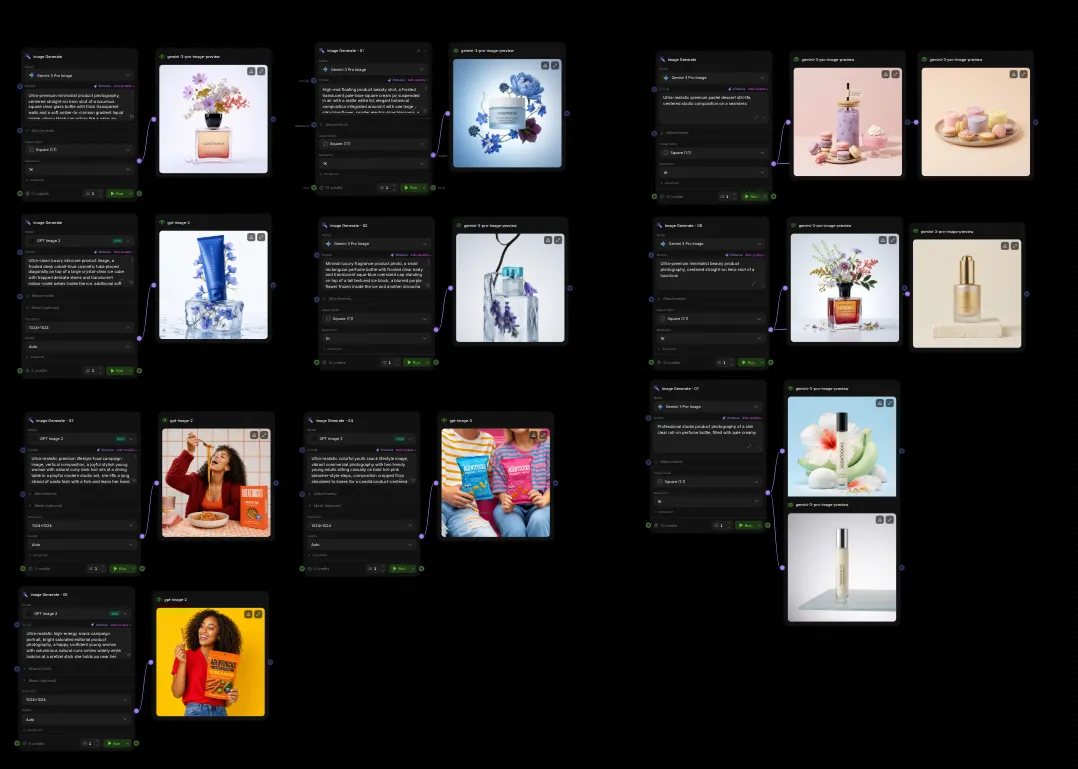
Templates are prepared starting points
Start with something that already has a direction and structure.
Replace the example inputs with your own, run the setup, and make changes when the result needs to become more specific to your project.
Templates do not replace Create Studio or the Node Editor. They help you enter either kind of work without beginning from a blank project.